AI model price and speed: cheap vs. expensive
Every model family has both sprinters and heavyweights - pick the one that fits the job
Cheap or expensive AI model - which one do you pick? We break down paying per token (input and output), why the answer costs more than the question, and how to split up tasks so your API bill drops by a wide margin.
Cheap model vs. expensive: the difference in plain words
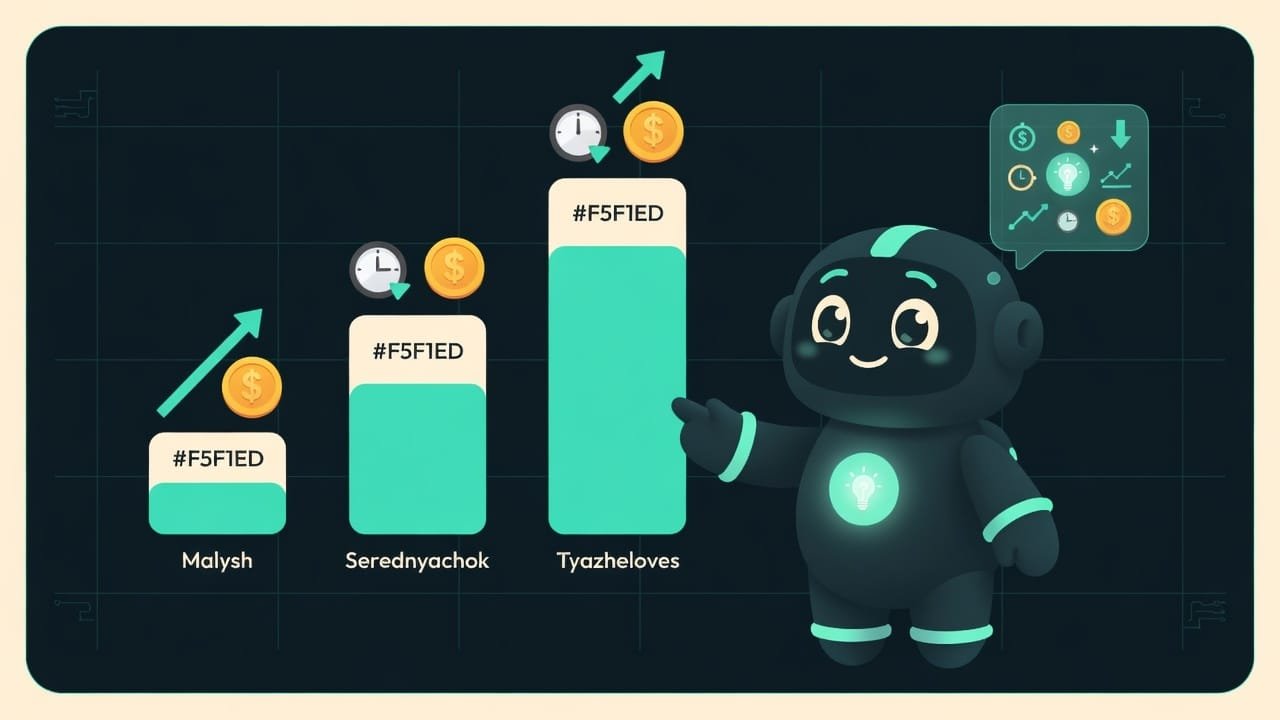
Picture a delivery service. Need a pizza dropped two blocks over? A courier on a scooter: cheap, fast, done. But you won’t haul a couch across town on a scooter - that calls for a truck with movers. Pricier, slower, but it carries anything.
It works exactly the same way with the AI model family. There are little ones: nimble, cheap, answering almost instantly. There are heavyweights: smarter, more reliable on hard problems, but pricier and a touch slower. And here’s the key - it’s not a “bad vs. good” model. It’s a scooter and a truck. For different cargo.
Why you even need to know about model pricing
In a chat app you usually don’t care: hit a button, get an answer, your subscription covers the limit. But the moment you wire a model into your app or script through the API, you pay for every little thing yourself. That’s where the gap between tiers turns into real money at the end of the month.
- You’ll understand why the bill balloons out of nowhere - and where to trim it.
- You’ll stop grabbing the priciest tier “just in case” where a little one would’ve done.
- You’ll get in the habit of asking yourself: “is this really a job for the truck?” - and save a pile of cash.
- When you get to automations, you’ll design cheap from the start instead of rebuilding later.
The classic beginner mistake is running the flagship on tasks like “sort emails into folders” or “pull the phone number out of this text.” That’s like shipping a single envelope by freight truck. It gets there. But you’re paying for a truck.
What you’re actually paying for: tokens, not requests
Get this one thing straight: you don’t pay for a “request” or a “minute.” You pay for tokens A token is a chunk of text the model works with. It’s not exactly a letter and not exactly a word: roughly 3-4 characters, or about three quarters of a word in English; in most other languages you get fewer words per token. Text is sliced into tokens both on the way in and on the way out. - tiny pieces of text.
And the bill comes from two parts:
- Input - everything you send the model: the question, the instruction, the attached document, the chat history. The longer the input, the bigger the bill.
- Output - everything the model writes back. This counts too, and usually at a higher rate.
Model tiers inside one family: little one, middleweight, heavyweight
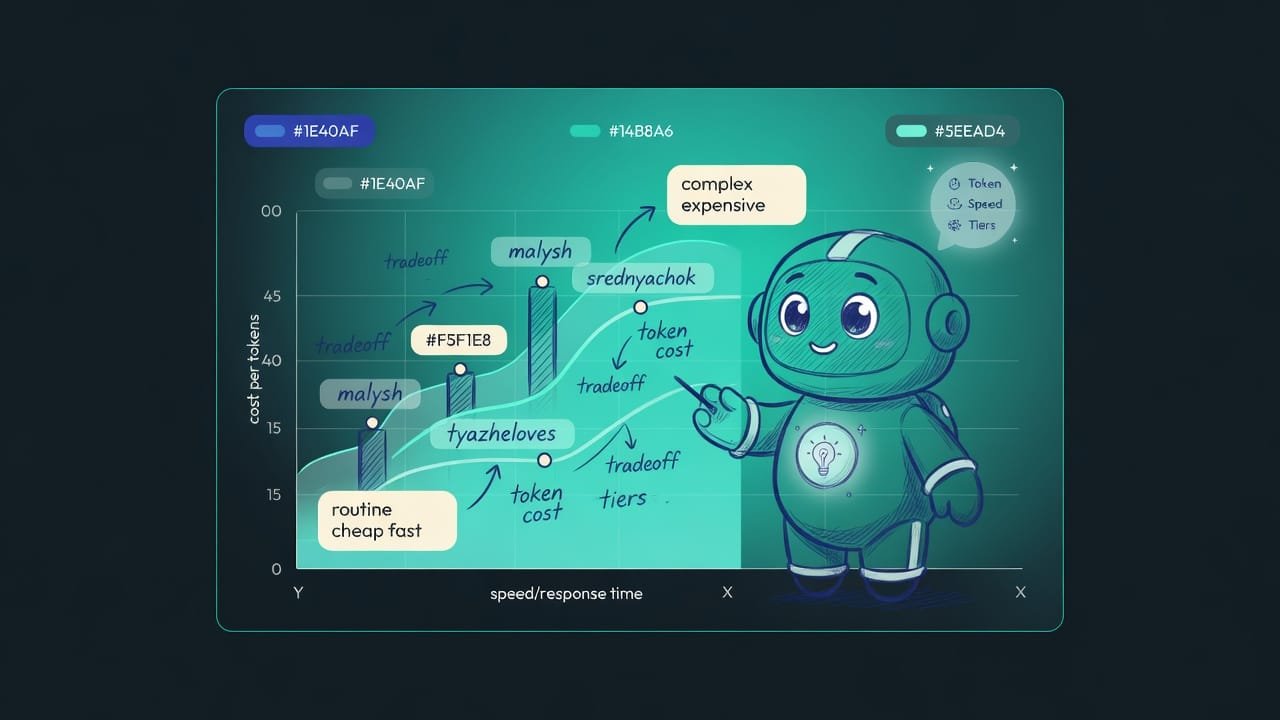
Every major maker builds its lineup in steps. Roughly three shelves: little one, middleweight, heavyweight. Here are the two ends of that ladder.
- Answers almost instantly - a lifesaver wherever speed matters.
- Costs pennies per token - you can run thousands of requests back to back.
- Handles routine beautifully: sorting, data extraction, short answers, moderation.
- Stumbles on long tricky reasoning and multi-step tasks.
- Holds up better on complex logic, long context, and subtle nuance.
- Costs noticeably more for the same tokens - sometimes several times over.
- Slower: each answer takes more time.
- Calling it for small stuff is overpaying with nothing to show for it.
In the middle you’ll usually find the middleweight - an everyday all-rounder: smarter than the little one, cheaper than the heavyweight. It’s the one most often recommended as the “default”: start there, and only move sideways when you hit a ceiling.
A real-world example: how to split tasks across model tiers
Say you’re building a small service that processes incoming email. Don’t dump it all on one model - spread it across tiers, the way a manager hands out tasks to a team.
To the little one (cheap, fast):
- detect the language of the email;
- decide whether it’s spam or not;
- pull the email address, phone number, and date out of the text;
- sort emails into folders (sales, support, other);
- write a one-line summary.
To the heavyweight (expensive, but smarter):
- write a thoughtful reply to a customer that accounts for the whole thread;
- untangle a knotty legal or technical paragraph;
- plan a multi-step action where it’s easy to go wrong;
- anything where the cost of a mistake is higher than the cost of tokens.
The logic is simple: almost everything is routine, and a cheap little one handles it easily. You save the expensive model for those rare cases where you genuinely need brains. Same result, and the bill drops by a wide margin.
How to estimate the cost of an AI request in a minute
Want the numbers to feel real? Ballpark the cost before you even launch. You’ll grab the exact rates from the provider’s site, but the formula is simple and hasn’t changed in years.
- Estimate the input length in words (the question plus attached files and history).
- Multiply the words by roughly 1.3 - that gives a rough input token count.
- Estimate the expected answer length the same way - those are output tokens.
- Grab the input price and the output price from the site (they’re quoted per thousand tokens).
- Cost = input tokens × input price + output tokens × output price.
- Multiply by the number of requests per day - and you’ll see what a month adds up to.
One napkin calculation like this sobers you up better than any article: you instantly see that a long chat history or a “write it out in detail” costs noticeably more than a short, businesslike request.
What else can shave down your API bill
Beyond picking the tier, there are a couple of levers worth at least knowing about (covered in detail in the optimization lessons):
- Caching identical input. Sending the same long chunk over and over - say, an instruction or a knowledge base? You can cache it, and repeat passes cost a lot less.
- Batch processing. When you don’t need the answer “right now” and can wait, many providers count those tasks as cheaper than regular ones.
- Not dragging extra weight in the context. Every attached file and the entire chat history are input tokens you pay for. Clean out whatever the model doesn’t need for the current answer.
Common mistakes when picking a model by price
- Grabbing the flagship “just in case.” The priciest tier for sorting emails is a freight truck for one envelope. Start with the little one, raise the bar only if it can’t cope.
- Thinking you pay for a “request.” You don’t - you pay for tokens, both input and output. A long document on the way in or a wall of text on the way out quietly pumps up the bill.
- Forgetting about the chat history. In a long chat, every new question drags the whole prior conversation along as input. That’s why long dialogues get pricier on their own.
- Memorizing specific prices. They change constantly. Keep the “cheap vs. expensive” principle in your head, and check the actual number in the price list before you launch.
- Chasing cheapness alone. If the little one spits out mush and you redo it three times, the savings are an illusion. Sometimes a heavyweight that gets it right the first time is cheaper than a little one on the fifth try.
TL;DR - если коротко
- Every model family has tiers: fast cheap little ones, slow expensive heavyweights, and an everyday middleweight sitting in between.
- You pay not for a “request” but for tokens - little chunks of text. Both your input and the model’s answer count toward the bill.
- The answer costs more than the question: the model builds it one chunk at a time, and every chunk drips onto your bill.
- The main lever: routine to the cheap model, the hard stuff to the expensive one. Don’t bring a sledgehammer to crack a nut.
- There are no exact numbers here on purpose: prices and model names change every month. Memorize the principle, check the rate at your provider.
- Tricks like caching and batch processing cut the bill even deeper - but that’s the next level.