ComfyUI
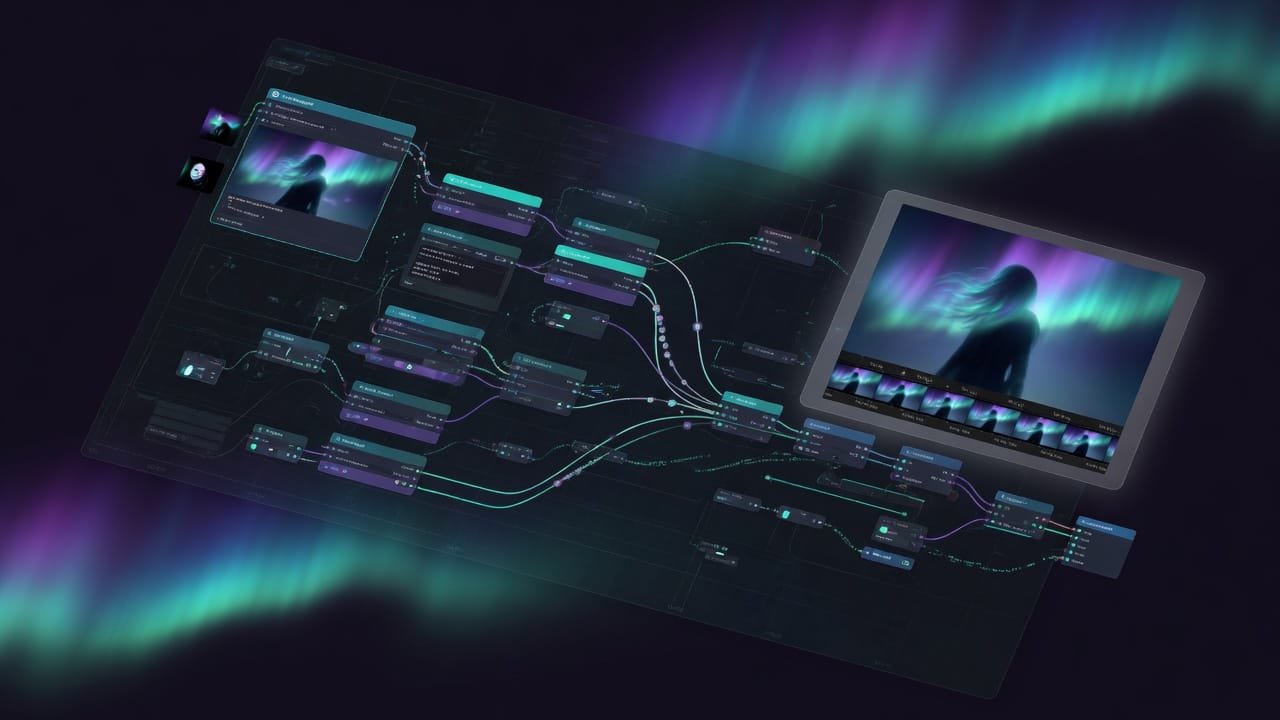
Generate images and video via nodes. From your very first workflow to massive custom pipelines.
1 ComfyUI basics
What Is ComfyUI: The Node Editor for Generating Images
ComfyUI in plain English: what nodes and wires are, how a node editor works for Stable Diffusion and Flux, how it differs from Automatic1111, and who actually needs it.
How to Install ComfyUI on Your PC: 3 Beginner Methods in 2026
Installing ComfyUI from scratch: desktop app, portable build, or manual install. We break down VRAM requirements, weak PCs, the cloud, and ComfyUI Manager.
ComfyUI Checkpoints and Models: How to Choose and Where to Put Them
What a ComfyUI checkpoint is, how models differ by style and weight, where to put files in models/checkpoints, how to choose a model for a task, and where to download them.
2 Your first generation
Your first ComfyUI workflow: text to image in 6 nodes
Your first ComfyUI text-to-image workflow, node by node: Load Checkpoint, CLIP Text Encode, Empty Latent Image, KSampler, VAE Decode, Save Image. What each one does and how to connect the wires.
Samplers, Steps and CFG in ComfyUI: KSampler Settings
KSampler in ComfyUI: what sampler, scheduler, steps, CFG, seed and denoise do. Which values a beginner should set, and why your image suddenly turns to mush or gets fried.
LoRA in ComfyUI: Styles and Characters Without Training a Model
LoRA in ComfyUI in plain words: how to wire up the Load LoRA node, what strength to set, what trigger words are, where to download LoRA on Civitai, and how to stack several of them.
ControlNet in ComfyUI: Pose, Depth, and Outlines
ControlNet in ComfyUI in plain English: pose, depth, canny, and scribble, why you need a preprocessor and the Apply ControlNet node, and how to keep pose and composition under control.
3 Going further
Video and animation in ComfyUI: how to bring a picture to life
How to make video in ComfyUI in plain words: what frames are, where motion comes from, why you need AnimateDiff and video models, and what hardware you actually need for animation.
Speeding Up ComfyUI and Ready-Made Workflows for Weak GPUs
How to speed up ComfyUI on a weak GPU, pull a ready-made workflow straight out of a PNG, find node graphs in communities, and install missing nodes with one button using ComfyUI Manager.
4 Current models (2026)
Model Map 2026: Picking the Right One for the Job
An overview of the relevant open-source models for images and video in 2026: FLUX.2, Qwen-Image, Wan, HunyuanImage, Z-Image, SD 3.5. What sets them apart, which one to pick for photos, text, video, or weak hardware, and where the line falls between open-source and closed APIs like Ideogram.
Qwen-Image: Finally, Readable Text on Images
What Qwen-Image and Qwen-Image-Edit are, why open models struggled with text on images for years and how Qwen fixed it. When to reach for Qwen instead of FLUX, how it differs from the closed Ideogram, how to edit an existing image and rewrite text on it right in ComfyUI.
FLUX.2: The New Image Quality Benchmark
What FLUX.2 from Black Forest Labs is, how the dev and klein versions differ, how multi-reference consistency works, when FLUX justifies its GPU appetite, and where the license line falls for commercial use. Plus - when to reach for the giant HunyuanImage instead.
Wan: Video From Text and From a Photo
What Wan from Alibaba is, how Wan 2.1 and 2.2 differ, how to generate video from text (T2V) and bring a photo to life (image-to-video), why Wan 2.5 with audio is a closed API, and how to run video generation on a modest GPU. Realistic expectations on clip length and render time.