What Is ComfyUI: The Node Editor for Generating Images
Building blocks with wires that you assemble into pictures
ComfyUI in plain English: what nodes and wires are, how a node editor works for Stable Diffusion and Flux, how it differs from Automatic1111, and who actually needs it.
ComfyUI in plain English
Picture a food processor that ships unassembled. In the box: a motor, a blade, a grater, a bowl, a lid. Dump it all in a pile and you get no juice. But put the parts together in the right order and you’ve got a machine that does exactly what you want. Every single time.
That’s basically what ComfyUI is - a kit like that, but for generating images. No code. No hundred sliders. You drop blocks (they’re called nodes) onto a canvas and run wires between them. One block loads a model. Another reads your description. A third draws. A fourth saves. And a wire just says: “take the result from here and hand it over there.” That’s it.
Why a vibecoder should bother with nodes
You’re a vibecoder, not an engineer. There are websites for this: type some text, get an image. So why mess with blocks and wires? Fair question. Here are four reasons.
- Control. An online generator gives you whatever it gives you. In ComfyUI you steer every step: the model, the style, the size, fixing a face, repairing mangled fingers.
- Repeatability. The same set of blocks gives you the same result. Build a great image, save the layout - and you can reproduce it a year from now.
- Money. ComfyUI is free and runs on your own computer. No subscription, no paying per generation.
- It’s the industry standard. Nearly every fresh model in 2025-2026 ships with a ready-made ComfyUI layout from day one. Know ComfyUI and you’re always on the cutting edge.
The difference between “the neural net drew something kind of like it” and “the neural net drew exactly what I had in mind” is usually the difference between an online button and a layout you built yourself.
How ComfyUI works: nodes and wires
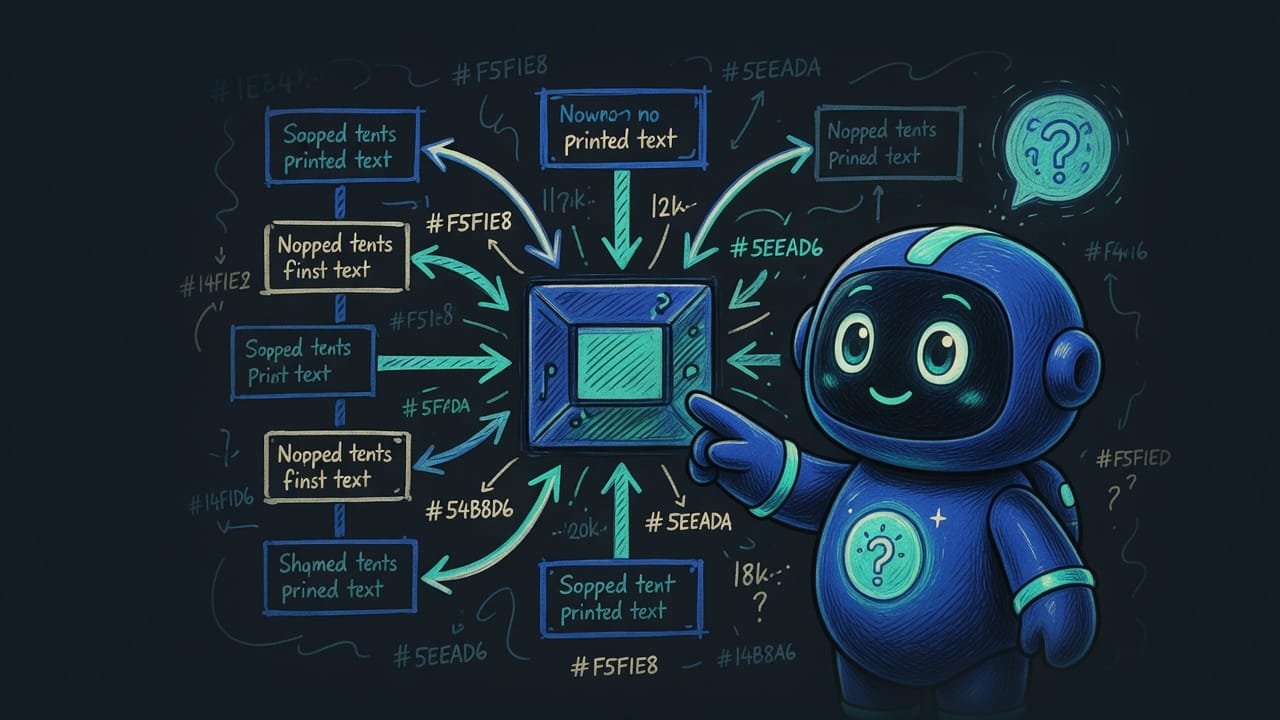
The whole mechanism of ComfyUI rests on two things: nodes A node is a single block on the canvas that does one specific thing: load a model, process text, generate, save. and the connections between them. Let’s walk through the typical chain for a single image - you’ll run into it in almost every layout.
The basic node chain for generating an image
- Load the model. A block grabs the model file (Stable Diffusion or Flux) from disk and keeps it on standby.
- Text description. Two blocks here: what you want to see (positive) and what you do NOT want to see (negative - for example, “blurry, extra fingers”).
- Sampler The sampler (KSampler) is the heart of generation. It's the step where, starting from random noise, the image gradually emerges according to your description. . The main block. Out of “TV static,” over several steps, an image emerges that matches your description.
- Decoder. Converts the internal technical result into a normal picture your eye can actually see.
- Save. Drops the finished file into a folder. Done.
And the wires between the blocks are exactly that “pass the result along.” The model runs by wire into the sampler. The text runs into the sampler. From the sampler everything pours into the decoder, from the decoder into save. The flow goes one way, like water through pipes.
How ComfyUI differs from Automatic1111 and online generators
This is exactly where beginners get tangled up. There are three different worlds, and they’re easy to mush together. Let’s lay them out.
ComfyUI or Automatic1111: which to choose
Automatic1111 Automatic1111 is another popular program for running Stable Diffusion on your own computer. Unlike ComfyUI, it has a regular interface with tabs and sliders, no blocks. is the “neighbor down the hall.” It also runs models locally and for free. But its interface is the classic kind: tabs, fields, sliders. Easier to start with, poorer on flexibility.
- Full control over every step - you can rebuild the process however you like.
- Save a layout and reproduce it exactly, and share it as a file with anyone.
- Usually faster and easier on video memory for the same task.
- New models (Flux and video models) show up for it first.
- Easier for your very first time - type, click, done.
- Familiar tabbed look, no wiring anything by hand.
- Less flexible: you're limited to what the developers built in.
- A complex, non-standard process is hard to put together, or flat-out impossible.
ComfyUI or an online image generator
Online generators - sites where you type text into a box and walk away with an image - are the other pole. As simple as it gets, nothing to install. But you pay for that. In money and in control.
- ComfyUI is free and runs on your own hardware - no subscriptions, no limits.
- Full control and privacy: your images never leave for someone else's server.
- Repeatability: save the layout and you get the same result again.
- An online generator is simpler: nothing to install, nothing to configure.
- It runs even on a weak device - all the heavy lifting is on their server.
- ComfyUI wants a reasonably powerful computer, especially the graphics card.
Who ComfyUI is right for, and who should wait
ComfyUI isn’t for everyone, and that’s fine. Size it up against yourself.
- It’s for you if you want a repeatable result, if you like figuring something out once to save hours later, and you’ve got a decent computer with a graphics card.
- Maybe too soon if you need one image a month for a post. In that case it’s simpler to open an online site and not sweat it.
- Definitely worth a try if you’re a vibecoder. The “blocks with wires” logic is exactly the same mindset as in any automation. Master it here and the rest goes down smooth.
Step 1. Accept that ComfyUI is a remote control, not the neural net itself. The image is drawn by a Stable Diffusion or Flux model, while you assemble the process.
Step 2. Memorize the basic five-step chain: load the model, describe what you want, describe what you don’t want, generate in the sampler, save.
Step 3. Get the core principle down: a node is one step, a wire is passing the result to the next step.
Step 4. Don’t try to understand every block at once. In the next lessons we’ll install ComfyUI and build the first working layout by hand.
Step 5. Keep the trade-off in mind: more control and repeatability in exchange for a slightly longer start. It’s a fair deal.
Common beginner mistakes in ComfyUI
- Thinking ComfyUI does the drawing itself. The model draws. ComfyUI is the harness around it. No loaded model, no image.
- Getting scared off by a canvas full of wires. A real layout runs the same basic chain over and over. Learn it once, and after that you’re only drawing on top of it.
- Measuring ComfyUI and an online site by the same simplicity ruler. They’re different jobs. Online is for “fast and one-off.” ComfyUI is for “control and repeat.”
- Installing ComfyUI on a weak laptop with no graphics card and waiting for a miracle. The heavy lifting is done by hardware. Without a decent graphics card it’ll be slow. Or just won’t happen.
- Diving straight into someone else’s hundred-node layouts. Start with the basic five blocks. You’ll grow the rest once your hands remember the moves.
TL;DR - если коротко
- ComfyUI is a node editor: you build an image out of blocks connected by wires. No code, no hundred sliders.
- A node is a single step: grab a model, read the prompt, generate, save. A wire carries the result from one step to the next.
- ComfyUI doesn't do the drawing. The models do - Stable Diffusion, Flux. ComfyUI is the remote control, not the artist.
- The trade-off is simple: control and repeatability versus an easy start. Online is simpler; ComfyUI is more powerful and free on your own hardware.
- It's for people who want the exact same result every time and are willing to figure it out once so they stop losing hours later.