Qwen-Image: Finally, Readable Text on Images
Posters, covers, signs, and mockups with real letters - plus editing images you've already generated
What Qwen-Image and Qwen-Image-Edit are, why open models struggled with text on images for years and how Qwen fixed it. When to reach for Qwen instead of FLUX, how it differs from the closed Ideogram, how to edit an existing image and rewrite text on it right in ComfyUI.
The Pain Everyone Lived With
Ask an old model to make a poster that says “Corner Coffee Shop” and you’ll get an image with alien letters: “Korner Coffe Shop”, “Cofee Sohp”. Text on images was the Achilles heel of generation. So designers generated the background in a neural network and added the letters by hand in an editor afterward.
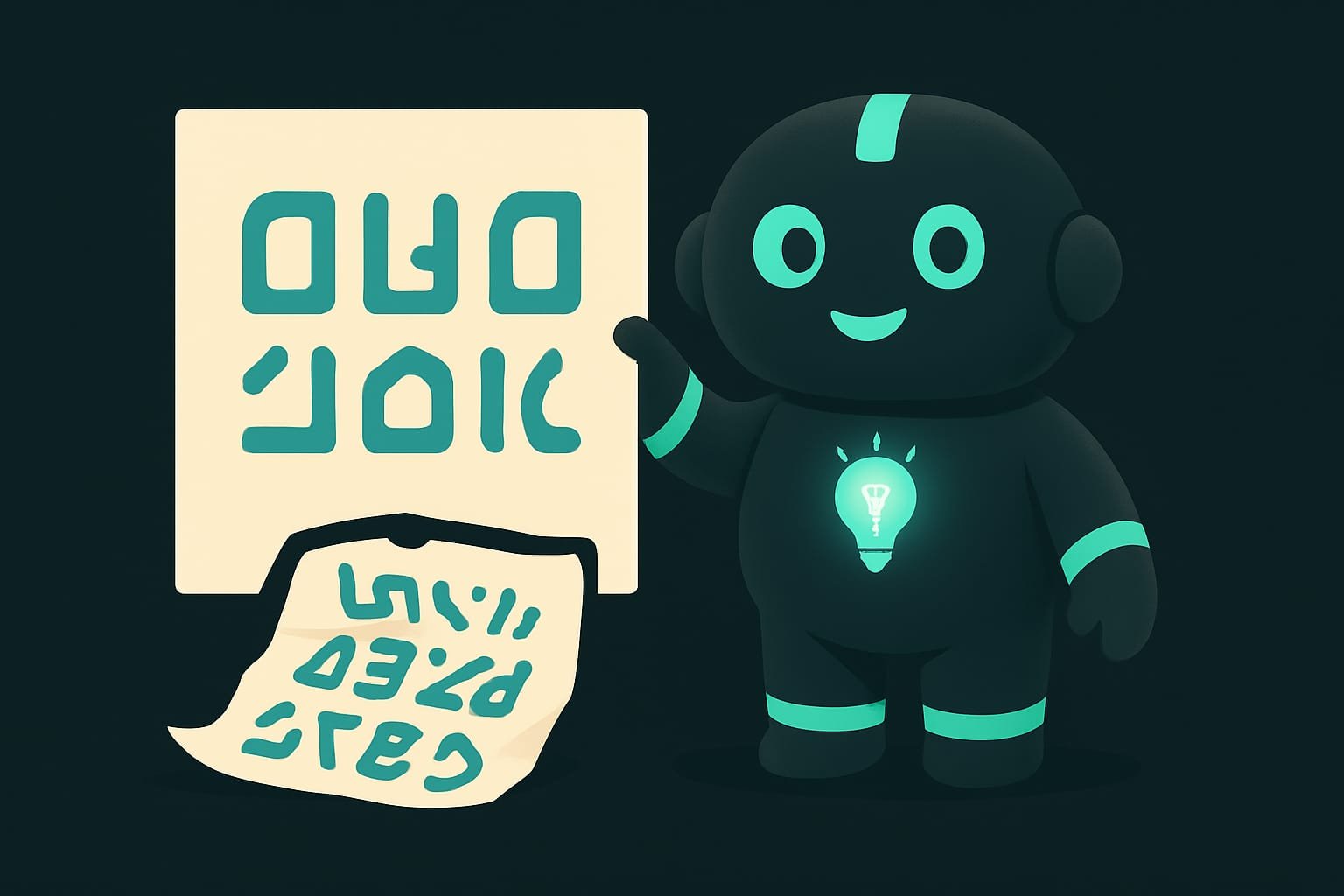
In 2026, Qwen-Image Qwen-Image is an image generation model from Alibaba (the Qwen team), 20 billion parameters, MMDiT architecture. Apache 2.0 license - free to use, including commercially. The main feature is clean, readable text rendered directly on the image. fixed that pain. It’s the first open model to draw real readable letters - in English, Russian, and Chinese characters alike.
Where Qwen-Image Is Irreplaceable
- Posters and flyers - headline, date, venue right in the image, no touching up afterward.
- Covers for a channel, podcast, or video - with a title that actually reads.
- Signs and packaging - text on a box, storefront, or label that looks genuine.
- Interface mockups - buttons, menus, labels in an app design in a single pass.
- Memes and cards with captions - the text doesn’t fall apart.
Simple rule: if the image has letters that need to be readable - try Qwen-Image first. No letters, just a pretty scene - FLUX.2 is often the better pick.
Qwen-Image-Edit: Rewrite, Not Redraw
Qwen has a sibling built for editing - Qwen-Image-Edit Qwen-Image-Edit is a version of Qwen-Image for editing existing images (20 billion parameter base). It can swap objects, composite a scene from multiple inputs, work with layers, and - most importantly - cleanly rewrite text on an existing image. . It doesn’t start from scratch; it works with an image you already have:
- change the text on a sign without touching the sign itself;
- remove or swap an object;
- build a new scene from one to three source images;
- edit precisely, without destroying the rest of the image.
This eliminates a lot of busywork. Generated a poster and there’s a typo in the date? You don’t regenerate everything from scratch and pray it comes out just as good - you just rewrite the date through Edit.
Qwen vs Ideogram - Open vs Closed
You’ll likely come across Ideogram - a service also known for text on images. The difference is fundamental.
- Download and run locally - free, no internet required, no one else's servers.
- Works in ComfyUI - slots into any workflow you build.
- Apache 2.0 license - free for commercial use.
- Comes with image editing (Edit) and quantized versions for modest hardware.
- Only through a paid server - can't run locally, weights are closed.
- You pay per image and depend on someone else's uptime and rules.
- Can't embed in ComfyUI like a normal model.
- Your data leaves your machine - not always acceptable for professional work.
Ideogram can be handy as a quick online tool. But if you want to keep everything in-house, pay nothing per frame, and stay in full control - the open answer is Qwen-Image.
How to Set It Up in ComfyUI
Qwen-Image has native support in ComfyUI - it was added back in 2025, and recent versions ship with ready-made templates. The general logic is the same as with any checkpoint from the previous chapter.
- Update ComfyUI to a recent version - an older build may not know about Qwen.
- Download the Qwen-Image model from a trusted platform. Weak hardware - grab the version marked GGUF (quantized).
- Place the file in models (like a regular checkpoint; the template will show you the exact folder).
- Open the ready-made Qwen-Image template from the ComfyUI examples menu.
- In the prompt, describe the scene and explicitly specify the text in quotes. Run it.
Common Mistakes with Qwen-Image
- Using Qwen for images without text. If there are no letters, FLUX.2 will usually look better and work faster. Qwen is specifically for text.
- Not specifying the text explicitly. Write “coffee shop poster” and the model will invent its own inscription - not always the one you wanted. Give it the words in quotes.
- Regenerating everything for one typo. That’s what Qwen-Image-Edit is for - fix it surgically.
- Running the full model on a weak card. If it doesn’t fit - grab the GGUF version; that’s exactly what it’s made for.
- Looking for Ideogram in ComfyUI. It’s not there. The open equivalent is Qwen.
TL;DR - если коротко
- Qwen-Image (Alibaba, 20 billion parameters, Apache 2.0 license) is the open model that was first to render readable text on images: Russian, English, Chinese.
- This is the tool for posters, covers, signs, memes, and interface mockups - anything where the image needs actual letters, not scribbles.
- Qwen-Image-Edit edits an existing image: swaps objects and even rewrites text on it, without redrawing everything from scratch.
- Ideogram does something similar, but it's a closed paid API. Qwen is the open answer - download it and run it locally in ComfyUI for free.
- Hardware a bit weak? Take the quantized (GGUF) version of Qwen-Image - it will fit on a modest GPU.