Multimodal Models: Screenshot to Code, Voice, Images, Video
A model that doesn't just read text - it looks, listens, and draws
Multimodality in plain English: a model that understands text, images, sound, and video and can create them too. Screenshot to code, voice instead of a keyboard, image generation - for vibecoders.
What multimodality means in plain English
Picture an intern who can only read and write. Text? No problem, write a whole novel. But hand them a screenshot - “look, the button slid off” - and they can’t see it. At all. To them your screenshot is just a meaningless file, like an instruction manual in Ancient Greek is to you.
Now picture a different intern. They read, they look at pictures, they listen to your voice, they can glance at a video. And they’ll sketch something out if you ask. That’s a multimodal model.
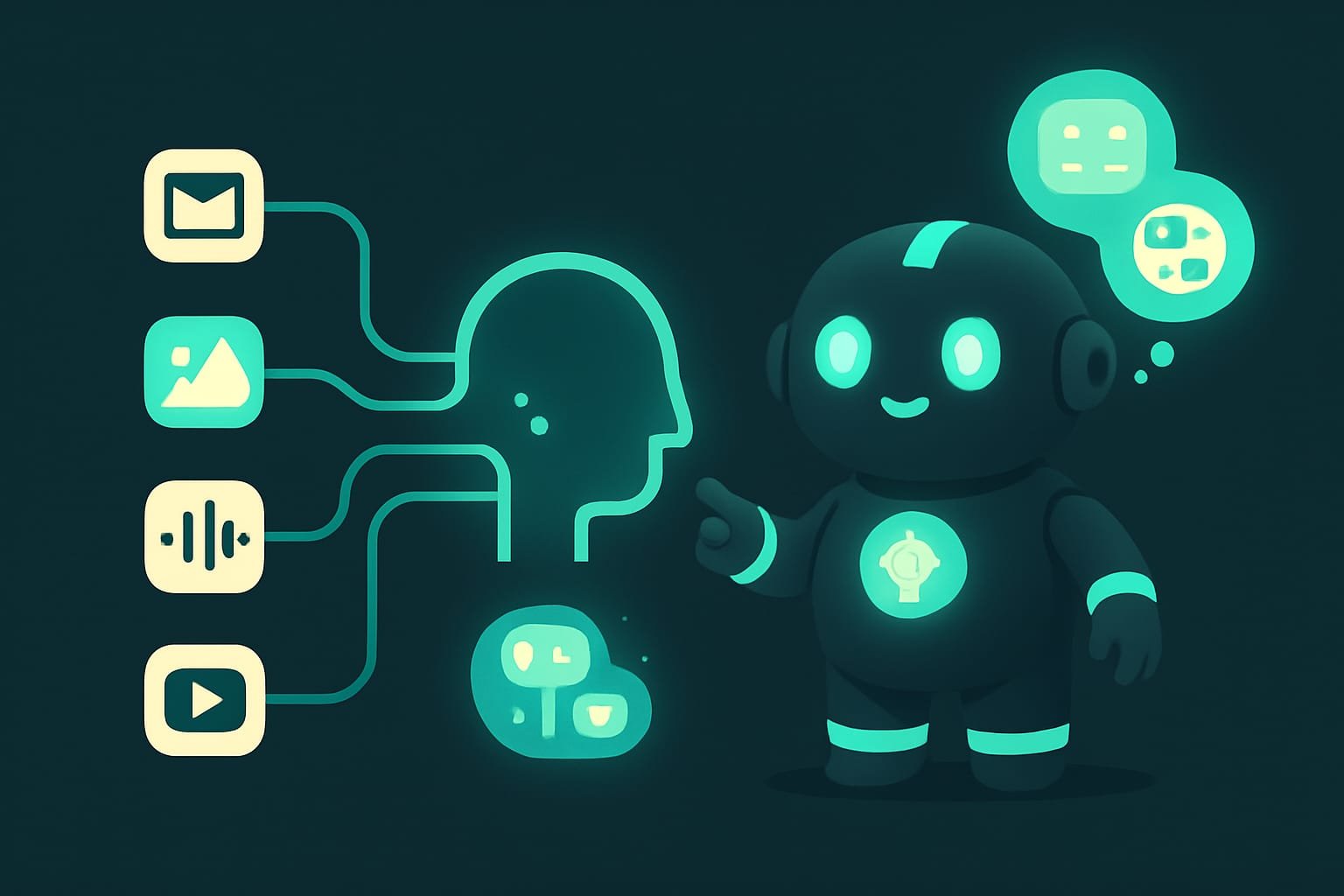
Scary word, simple idea. A modality A modality is the channel through which information enters or leaves a model: text, image, audio, video. One modality is one channel of perception. is a channel of perception. Text is one channel, an image is another, sound is a third, video is a fourth (basically images plus sound over time). “Multi” means “many.” A multimodal model pulls in several channels at once, not just letters.
Why multimodality matters for vibecoders
You’re a vibecoder. Your superpower is explaining a task however suits you, instead of bending yourself to the machine. Multimodality lifts the biggest tax of all: you no longer have to translate an image into words.
How did it used to go? “There’s a blue button, rounded, a bit left of center, with small gray text under it…” - and the model still pictures something of its own. How does it go now? You drop in a screenshot. Done.
- Screenshot to code. Show a mockup or a photo of a hand-drawn sketch, get HTML and CSS or a ready component. No describing the design in words.
- Voice instead of a keyboard. Dictate a task on the go - the model recognizes the speech and answers. Hands free.
- Images on demand. Need a placeholder, an icon, a banner for a landing page - the model draws it straight from your prompt.
- Video and screenshots of a bug. Record the screen where everything breaks - the model watches it and tells you what’s wrong. Faster than any description.
A screenshot of an error saves ten minutes of back-and-forth. You’re not retelling the stack trace from memory - you show it, and the model reads it right off the image.
Input and output: how a multimodal model works
Remember one thing and half the confusion disappears. Multimodality has two sides, and you can’t mix them up:
- Understanding (input). What the model can take in and make sense of: text, images, audio, video.
- Generation (output). What the model can create: text, images, voice, sometimes video.
These are different skills. A model can see images beautifully and yet not be able to draw them at all. The reverse happens too: an image generator that’s weak at catching the nuances of text. So the phrase “the model is multimodal” tells you nothing on its own. Ask the specific question: which channels are on the input, which are on the output?
Where the model gets its “eyes” and “ears”
The simplest version. Inside, a model lives in a world of numbers. For it to “see” an image, the picture is first turned into a set of numbers that sit in the same space as words. Roughly speaking, an image and a sentence are described in the same internal language. That’s why the model connects the word “cat” with a photo of a cat - to it, they’re nearby points in one space of meaning.
It’s the same with sound and video: they get sliced into pieces and turned into numbers. Video is the heaviest channel here - it’s a lot of frames plus an audio track. Hence the price: it takes longer and costs more to process than text.
How to build a screen from a screenshot: an example
Let me walk through a classic vibecoder case from start to finish. Simple task: you’ve got a screenshot of someone else’s screen and you want something similar on your own.
- Take a screenshot of the screen you want to copy, or snap a photo of a hand-drawn sketch.
- Open a multimodal model that can take images as input - that’s its ability to see.
- Attach the image and describe the task in words: build this in HTML and CSS, responsive, pull the colors from the image.
- Get the code, paste it into your project, run it. Something slid off? Attach a screenshot of the result again and say what to fix.
- Need a placeholder image instead of an empty block? Ask the model to generate an image from a description and drop it into your project.
Notice it? In step 2 you checked the input (understands images), and in step 5 you needed the output (draws images). These can even be two different models - and that’s fine.
To get screenshot-to-code right on the first try, don’t write “build it like the picture.” Give the model some guardrails. Here’s a template - copy it and fill in your own details:
Here’s a screenshot of a screen. Build a similar block.
What matters:
- stack: plain HTML and CSS, no frameworks;
- responsive: on mobile everything stacks into one column;
- pull the colors, spacing, and fonts as close to the picture as you can;
- semantic tags, clear class names.
First briefly list which elements you see in the screenshot, and only then output the code as a single file.
There’s a small trick hidden in the last line. Asking the model to first describe what it sees catches misunderstandings before it writes any code. Something missing from the list, or something extra? You fix it right away instead of debugging finished markup later.
- A screenshot of a mockup or an error instead of a long text description.
- Voice input for a task when typing is awkward or you're on the move.
- Quick placeholder images, icons, and rough drafts for an interface.
- Breaking down a short video that reproduces the bug.
- A whole long video - expensive and slow; better to clip out the part you need.
- Complex, precise graphics for production - generation gives you a draft, not a final.
- Screenshots with passwords and tokens - don't upload anything sensitive.
- Blind faith that if the model can see, it'll understand everything - check the result anyway.
Common mistakes with multimodal models
- Assuming every model handles everything. Not every model sees images, let alone draws them. Check its inputs and outputs first, then build your process.
- Confusing understanding and generation. “Reads screenshots” doesn’t mean “generates images.” These are two different skills, and they often live in different models.
- Dumping a giant video in full. Video is the heaviest channel. Trim a ten-second clip with the actual bug instead of sending a half-hour recording.
- Describing in words what’s easier to show. Got a screenshot? Attach the screenshot. Retelling a picture in text throws away your biggest advantage.
- Uploading sensitive data. It’s easy to miss a private token, a password, or client data in a screenshot. Blur it out before sending.
- Expecting pixel-perfect. Image generation and building from a screenshot get you close, not an exact copy. It’s a draft you finish by hand.
TL;DR - если коротко
- A modality is a channel of perception: text, image, sound, video. A regular model knows only text; a multimodal one handles several channels at once.
- Multimodality has two sides: a model understands images, sound, and video on the input, and can create them on the output. Not every model does both - check it against your task.
- For a vibecoder this is leverage: drop in a screenshot of a mockup, get code back. Dictate by voice, generate a placeholder image straight into your project.
- A screenshot of an error or a video of a bug often explains faster than a paragraph of text. Show it, and you don't have to put it into words.
- Video is the heaviest channel: trim a short clip with the actual bug, don't dump a half-hour recording.
- One rule: look at the inputs and outputs of the specific model. Understanding an image doesn't mean it can draw one, and vice versa.