Ollama: run a local AI model with a single command
Install it, type run - and there's a living AI sitting right in your terminal
Ollama is the easiest way to run a local AI model: installation, the pull and run commands, an offline chat in your terminal. We break down the quiet server under the hood in plain words.
What Ollama is, in plain words
Running a language model on your own computer used to be like building a motorcycle from a box of parts. Drivers, libraries, model weights, formats with cryptic letters in their names - and the whole thing falls apart beautifully at step three. Most people just gave up.
Ollama is the motorcycle showing up already assembled. You say “bring me the model” and “let’s go,” and it handles all the dirty work itself. Download, unpack, fit it to your memory, negotiate with your graphics card - silently, behind the scenes, without you lifting a finger.
It’s basically a local model manager. One command to download, another to launch - and there you are, chatting with an AI right inside that black terminal window. No cloud. No account. Your data goes nowhere.
Why a vibecoder would run models locally
You’re a vibecoder. The math inside the model is none of your business - what you want is to launch it fast and poke at it. Ollama gives you exactly that, with minimal pain.
- Free and no limits. Download a model and run it as much as you want. No token counter, no monthly subscription.
- Privacy. Everything runs on your own machine. You can feed it work documents and code without flinching at the thought of them flying off to someone else’s server.
- Offline. You need the internet once - to download. After that, it works even on a plane or at a cabin with no signal.
- It’s the foundation. Almost every local tool and agent from the next lessons knows how to hook into Ollama. Set it up once and you’ve basically unlocked half the course.
Nine out of ten “I wanted to try local AI but gave up” stories are people who drowned in setup during the first hour. Ollama was invented precisely so that hour never happens.
Ollama commands: pull, run, list
The whole logic rests on a couple of simple commands. Memorize them as verbs: download, run, look. That’s it.
The pull command - download a model to disk
pull pull is the Ollama command that downloads a model from the shared catalog onto your disk. You need the internet. You do it once per model. says: “drive over to the catalog and bring me this model.” Ollama downloads the file and stashes it. It’s a one-time thing - bring it once, and after that the model just sits on disk and waits.
Models in the catalog are named in a human-readable way: name plus size. The bigger the model, the smarter - but the more space and memory it demands. Start with a small one: it’s snappier and will definitely fit.
The run command - launch a model and open a chat
run run is the Ollama command that loads a model into memory and immediately opens a chat right in your terminal. If the model isn't downloaded yet, run will do the pull for you. is the heart of everything. It loads the model into memory and drops you straight into a chat right in the terminal: a prompt appears, you type a message, the model answers. Like texting in a messenger. Except your chat partner lives on your computer, not on someone else’s server.
And a nice bonus. Run a model that doesn’t exist yet, and Ollama will fetch it first (do the pull) and then launch it. On your very first try you can get away with a single command.
The list command - see your downloaded models
list list is the Ollama command that shows the list of models already downloaded on your disk. shows what you’ve already brought in. Handy when you’ve forgotten what you downloaded, or you’re sizing up how much space the models have eaten.
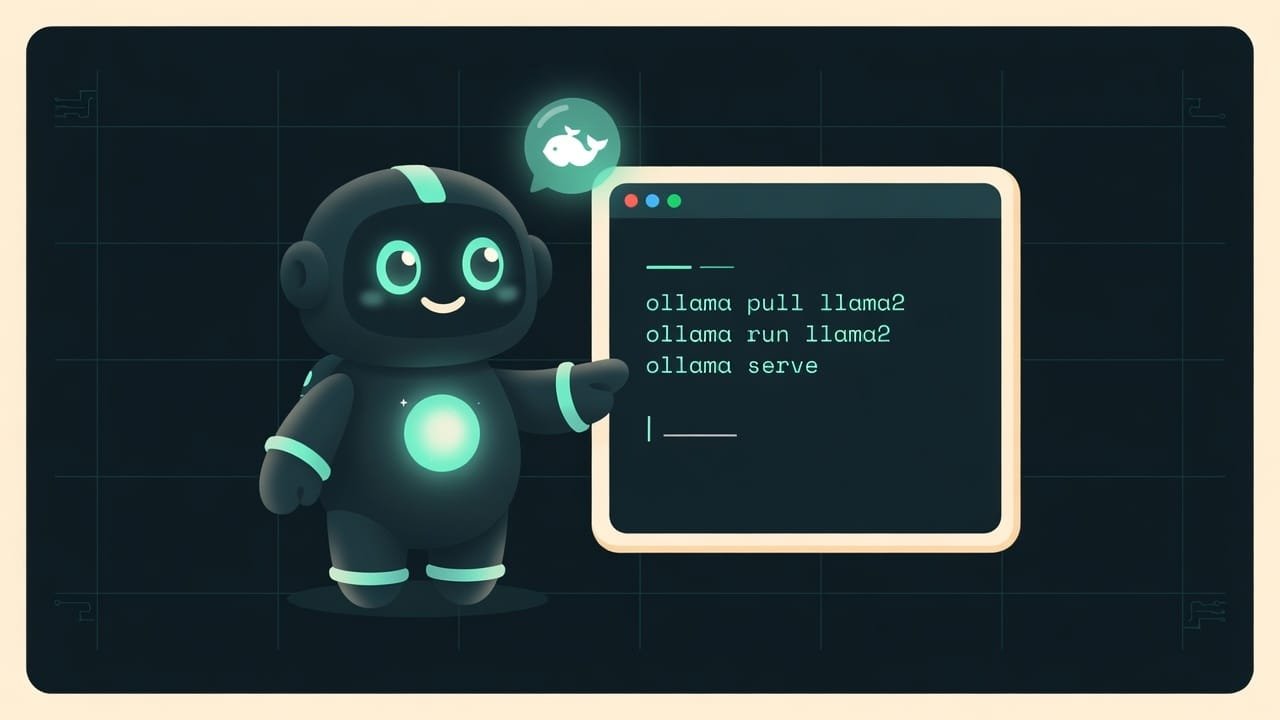
ollama pull llama3
ollama run llama3
ollama list
The Ollama local server: what runs under the hood
Here’s a non-obvious but important thing. When Ollama is running, it keeps a small local server on your machine - a quiet program that runs in the background and waits for requests.
A local server A local server is a program that constantly runs in the background on your computer and answers requests. Local means it lives on your machine, not somewhere in the cloud. Ollama spins up a server like this so the model can be reached from more than just the terminal. is like the front desk at a hotel. The terminal where you’re chatting is just one guest who walked up and asked a question. But other programs can walk up to that same front desk too: a code editor, your own script, a browser plugin. They all knock on the same server and get answers from the model.
There’s also something Ollama quietly does under the hood: quantization Quantization is compressing a model: the numbers inside it get rounded so the file shrinks and it needs far less memory. Quality drops a little, but the model fits on an ordinary computer. Ollama does this for you by default. - it takes a compressed version of the model that fits into ordinary memory and doesn’t demand a server-grade graphics card. You don’t need to think about it, but it’s good to know. This is why a model that’s several gigabytes happily starts up on your laptop, not only in a data center.
How to launch Ollama: from zero to chat in three steps
The best part - there’s genuinely little to do. Install, fetch, launch.
- Install Ollama for your system. There are versions for Windows, macOS, and Linux. It installs like a regular program, through a setup wizard. After that the local server is already running in the background.
- Fetch a small model. Open the terminal, type pull with the model’s name. Wait for the download - it’s a one-time deal, you’ll forget about it afterward.
- Launch it with the run command using the same name. A prompt for input pops up - type your question, get an answer right in the terminal. That’s it, you’re talking to a local AI.
Is it even worth bothering with local launches when cloud models exist? It depends on the task.
- You need privacy - the data must not leave your machine.
- You want to run a model a lot and without a token bill.
- You often work offline or with flaky internet.
- You're learning and experimenting - mistakes aren't scary, it's all free.
- Weak hardware - big models will lag or won't fit.
- You need top-tier accuracy right here, right now - the cloud giants are still smarter.
- You can't be bothered with even three commands - then start with a web chat.
Common beginner mistakes with Ollama
- Downloading the biggest model right away. It won’t fit in memory, or it’ll answer one word a minute. Start small, get a feel for it, then scale up.
- Confusing pull and run. pull only brings the model in, it doesn’t open a chat. You start talking after run. Although in a pinch run will do both steps itself.
- Thinking you need a constant internet connection. You don’t. You need the internet once - to download. After that it’s all offline.
- Closing the terminal to exit the chat. Better to exit cleanly with the exit command - the model unloads from memory, and your computer won’t keep dragging it around in the background for nothing.
- Expecting quality like a top-tier cloud model. A local model is a trade-off: privacy and zero cost in exchange for a little less smarts. For most tasks that’s more than enough.
- Not checking whether you have disk space. Models weigh gigabytes. Before pull, check that there’s somewhere to put them.
TL;DR - если коротко
- Ollama hides all the pain of running a local model behind two commands. Install it - and you're working.
- pull downloads a model to disk (you need the internet once), run launches it and drops you straight into a chat.
- Once it's downloaded you can go offline: no subscriptions, no token counter, everything runs on your own hardware.
- Under the hood a local server quietly sits there - other programs hook into it too, not just the terminal.
- The model ships compressed (quantization), so it fits into ordinary memory instead of begging for a data center.
- Three verbs for day one: pull, run, list. Seriously, that's all you need for now.