How to Pick a Local AI Model for Your Hardware
Families, parameter size, and Q4/Q5/Q8 quantization - explained simply
How to pick a local AI model: we break down families (Llama, Qwen, Mistral, Gemma), parameter counts from 7B to 70B, and Q4/Q5/Q8 quantization to fit your computer's VRAM.
What the Numbers in a Model Name Mean
You’ve decided to run an AI at home, on your own computer. You open a model catalog - and there are hundreds of rows like Llama-3-8B-Instruct-Q4. It looks like your neighbor’s WiFi password. Relax.
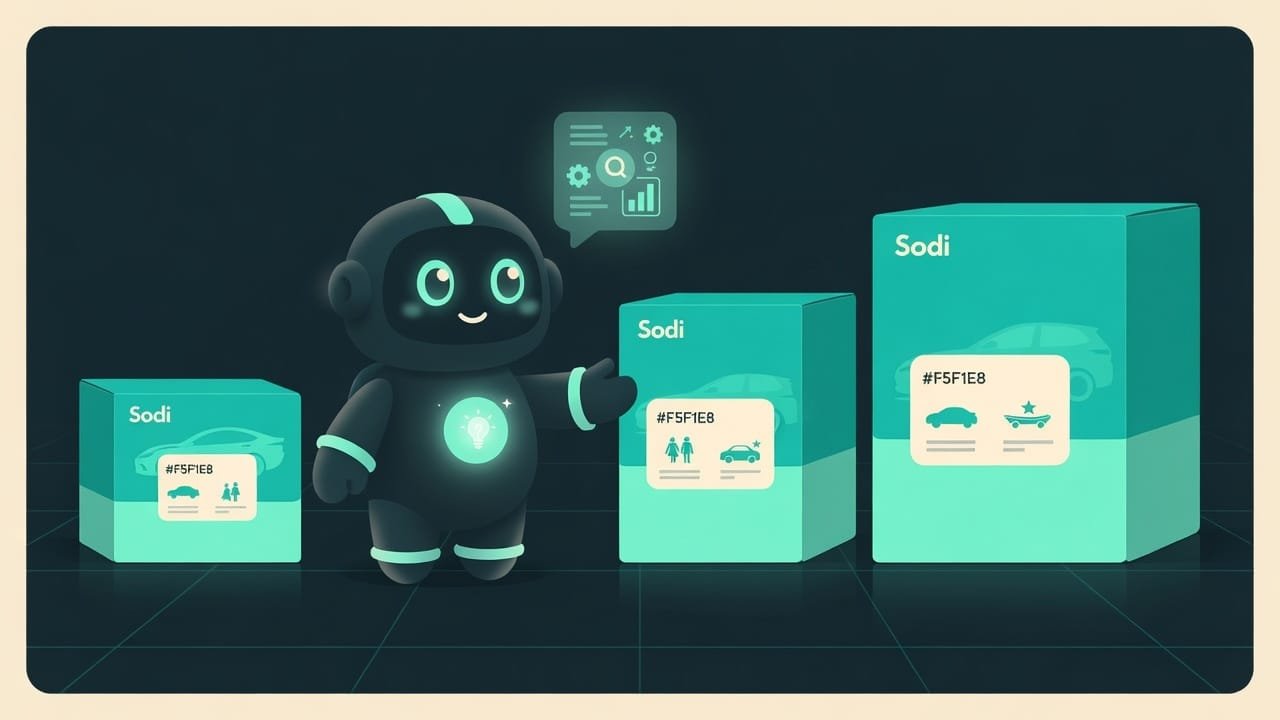
That gibberish hides just three things. You’re about to learn to read it like the label on a cereal box. The easiest way to get it is by picturing a car dealership:
- Family is the make: Toyota, BMW, Ford. For us, it’s Llama, Qwen, Mistral, Gemma.
- Size (parameter count) is the engine size: 1.6 liters or 5.0. For us, it’s 7B, 14B, 70B.
- Quantization is the trim level: a lighter base model or a heavier loaded one. For us, it’s Q4, Q5, Q8.
Why Bother Learning How to Choose a Model
You could just download the first thing someone in a chat recommends. Sometimes you’ll get lucky. But more often? Either it won’t start - not enough memory. Or it starts, but takes a full minute to think about the word “hello.” Or it turns out to be dim-witted - and you decide this whole local-AI thing is a waste of time.
Learn to read the names, though, and here’s what you get:
- You stop downloading gigabytes for nothing - you can tell at a glance what fits and what doesn’t.
- You stop blaming your “weak computer” when you really just grabbed the wrong size model.
- You can deliberately trade speed for brains: somewhere you need snappy, somewhere you need smarter.
- Every new release is just those same three numbers to you. The names change, the logic of choosing doesn’t.
Nine out of ten complaints along the lines of “local AI is dumb and slow” aren’t about the AI. They’re about a model two sizes bigger than the hardware can handle. Fix that and everything comes alive.
Model Families: Llama, Qwen, Mistral, Gemma
A family A family (model family) is a line of models from a single developer, trained on a shared recipe. Within a family there are different sizes. Llama, Qwen, Mistral, and Gemma are families. is who trained the model and on what recipe. They’re all open: the weights can be downloaded and run on your own machine. But the personalities differ. In broad strokes, without tying it to specific versions:
- Llama (by Meta) is the seasoned “Volkswagen” of the scene. A huge community, tons of ready-made tweaks and fine-tunes for just about anything. Not sure where to start? Start here.
- Qwen (by Alibaba) is a strong, all-around lineup. Especially good at code and at a whole pile of languages, Chinese among them. Often picked as the default workhorse.
- Mistral (the French team) are masters at squeezing a lot of brains out of a modest size. Efficient and quick.
- Gemma (by Google) is tidy, friendly, and happy to live on a single graphics card. Some even understand images.
Model Size: What the Parameter Count Means (7B, 14B, 70B)
The name almost always has a B with a number: 7B, 8B, 14B, 70B. B stands for billion - billions of parameters Parameters are the tuning knobs inside a model, set during training. The more of them there are, the more finely the model picks up meaning, but the more memory it needs. Measured in billions (B). . Think of it as the size of the brain. Or the engine displacement - whichever clicks for you.
- More parameters means a smarter model that holds long reasoning better and talks nonsense less often. But it eats more memory and thinks slower.
- Fewer parameters means faster and lighter, and it’ll fit almost anywhere. The trade-off: it’s simpler, and on a hard task it can lose the thread.
A rough guide by weight class:
- Tiny ones (roughly 1B-4B) - they fly even on weak hardware and without a graphics card. For simple stuff: summaries, casual chat, rough drafts.
- Mid-size (roughly 7B-14B) - the sweet spot. Noticeably smarter already, but still fit in an ordinary gaming graphics card. The best starting point for most people.
- Heavyweights (roughly 30B-70B) - meaningfully smarter, but they demand a lot of memory and/or a powerful graphics card. Not your first pick.
- Giants (100B and up) - this is server hardware territory, or special memory-efficient architectures. At home, without special prep, give it a miss.
Q4, Q5, Q8 Quantization: Compressing a Model With Almost No Loss
This is where people panic the most. And for no reason. Quantization Quantization is model compression: its internal numbers are stored with less precision (for example, 4 bits instead of 16). The file gets smaller, it needs less memory, and the brains barely suffer. Denoted Q4, Q5, Q8. is simply compressing the model. Like mp3 for music or JPEG for photos.
The original model stores every one of its numbers very precisely - which is why it weighs a ton. Quantization rounds those numbers off: instead of a long “3.14159265,” it keeps a short “3.14.” The file slims down fast, it needs less memory, and the difference in answers is barely noticeable. The number after the Q tells you how many bits of precision are left:
- Q8 - practically the original. The heaviest of the compressed bunch, and to the eye you can’t tell it from the uncompressed version. Grab it if you’ve got memory to burn.
- Q5 - a bit lighter, and the brains hardly suffer. A great option when you’ve got memory to spare.
- Q4 - the most popular sweet spot. The file is already several times smaller than the original, yet the quality holds up almost completely. Not sure? Grab this.
- Q3 and below - really squished. For weak hardware, when nothing else will fit. The model gets noticeably dumber, but that’s better than nothing.

How to Match a Model to Your VRAM and RAM: Step by Step
The question isn’t “which model is best,” it’s “what will fit in my memory and actually move.” Remember one word - VRAM VRAM is the video memory built into a graphics card. A model runs fastest when it fits entirely in VRAM. If it doesn't fit, part of it spills over into ordinary RAM, and everything slows down. . It’s your graphics card’s memory, and it’s the boss here.
- Find your memory ceiling. Got a graphics card? Check its VRAM (say, 8 or 12 gigabytes). No graphics card, or a weak one? Go by your ordinary RAM instead, but brace yourself for it to be slower.
- Estimate what fits. Rough rule: the model file should be smaller than your memory, and leave a couple of gigabytes on top as a buffer. A 5-gigabyte file in an 8-gigabyte graphics card - fits comfortably.
- Start with a mid-size model in Q4. A 7-8 billion parameter model in Q4 is about a 4-6 gigabyte file and a great starting point for most machines.
- Tune by feel. Plenty of memory left and want it smarter? Bump the quant up to Q5 or grab a bigger model. Crawling or not fitting? Drop down a size or to a lighter quant.
Common Mistakes When Picking a Local Model
- Chasing the biggest model. A 70B on a home graphics card spits out one word every couple of seconds. Start with 7-8B, feel out your needs, then grow.
- Downloading the uncompressed version. Without quantization a model weighs several times more and almost certainly won’t fit. For home use, grab GGUF in Q4 or Q5, not the original.
- Forgetting the memory buffer. The model fits with zero room to spare - and now the system and the context have nowhere to go, so everything starts to crawl or crash. Leave a couple of gigabytes on top.
- Reaching for Q2-Q3 without need. A heavily squished model gets dumber. Use the minimal quant only if there’s truly no other way.
- Obsessing over the “top family.” Rankings go stale within a month. Any popular mid-size model is perfectly fine to start with.
- Ignoring the license for commercial use. Doesn’t matter at home. In a product, check the specific model’s terms ahead of time.

TL;DR - если коротко
- Family is the make of the car: Llama, Qwen, Mistral, Gemma. Each one has its own personality, but the steering wheel is the same everywhere.
- Parameter count (7B, 14B, 70B) is the engine size. Bigger means smarter, but it eats a lot more memory.
- Quantization (Q4/Q5/Q8) is model compression. Q4 is light and fast, Q8 is heavy and precise, Q4-Q5 is the sweet spot.
- It all comes down to your graphics card memory (VRAM). Not enough of it? Your RAM bails you out, but you pay in speed.
- The rule is simple: the model has to fit with room to spare. Doesn't fit? Grab a smaller size or a lighter quant.
- A snappy 8B beats a sluggish 70B. The one you actually use is always more useful than the one you switched off a day later.