Local AI: why keep a neural net on your own machine
Your own neural net at home: no cloud, no token bill, no limits
Local AI in plain words: data privacy, free after install, works offline and with no limits. And honest about the downsides - weaker than the cloud and you need spare memory.
What local AI is, in plain words
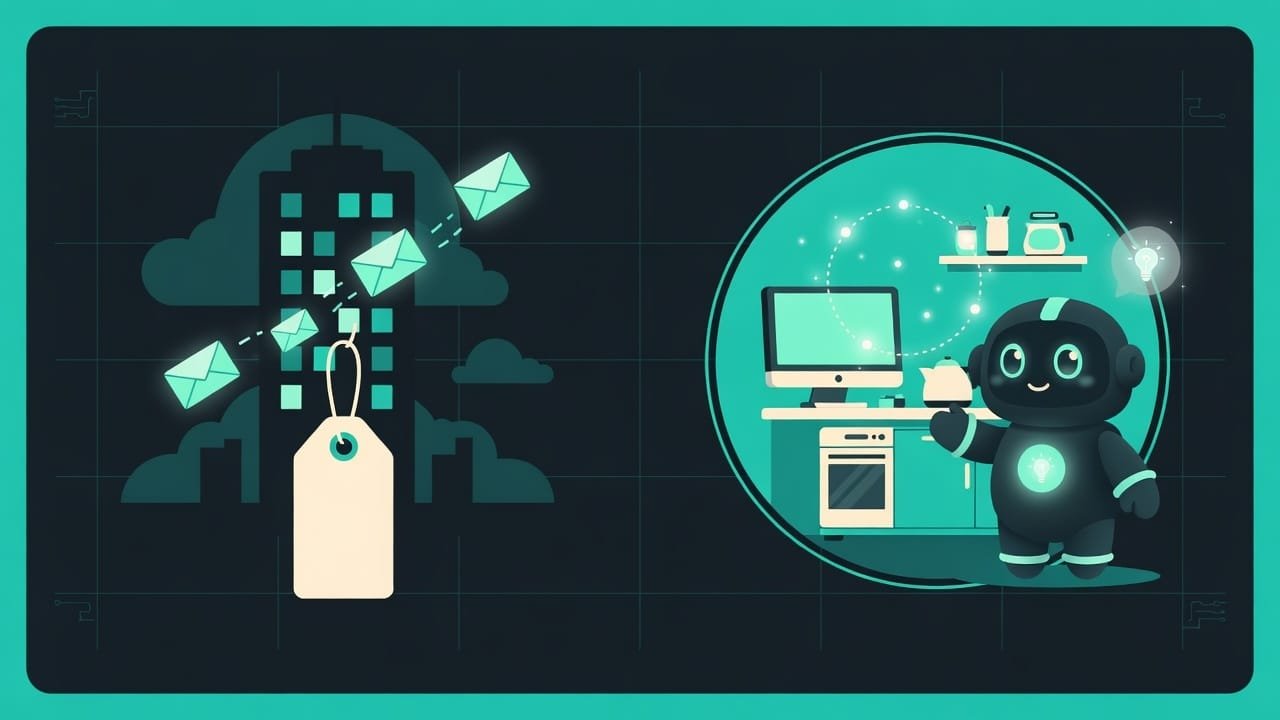
You type into a cloud chatbot, and your words fly down the wires to someone else’s server in a faraway land. A beefy graphics card chews on them there, and the answer comes back to you. Convenient. There’s just one catch: everything you typed paid a visit to someone else’s company.
Local AI is when you put that same “thinking machine” on your own computer. Download the model once and it runs at your place, at home. Like a calculator. Like a music player. Nothing leaks anywhere.
Let me put it simply. The cloud is a restaurant: delicious, a top chef, but you pay per dish and they won’t let you into the kitchen. Local AI is your own kitchen: you buy the groceries once, cook as much as you want, any time of day, and nobody peeks at what you’re eating at three in the morning.
Why a vibecoder needs to understand this difference
You’re a vibecoder. You toss your code, drafts, and notes into the AI, sometimes something personal too. Knowing where the line runs between “flew off to the cloud” and “stayed home” isn’t paranoia. It’s hygiene.
- You’ll understand when data must not go to the cloud - and what to do about it.
- You’ll stop flinching at the token bill: experiments at home cost you nothing.
- You’ll be able to work on a plane, on a train, at the cabin with no internet - the model is already sitting on your machine.
- You’ll choose wisely: where a local model is plenty, and where you genuinely need a cloud heavyweight.
The rule is simple: hand the boring, sensitive grind to a local model, and send the rare hard tasks to the cloud. Nobody is forcing you to pick one forever.
The upsides of local AI: privacy, cost, offline, and freedom
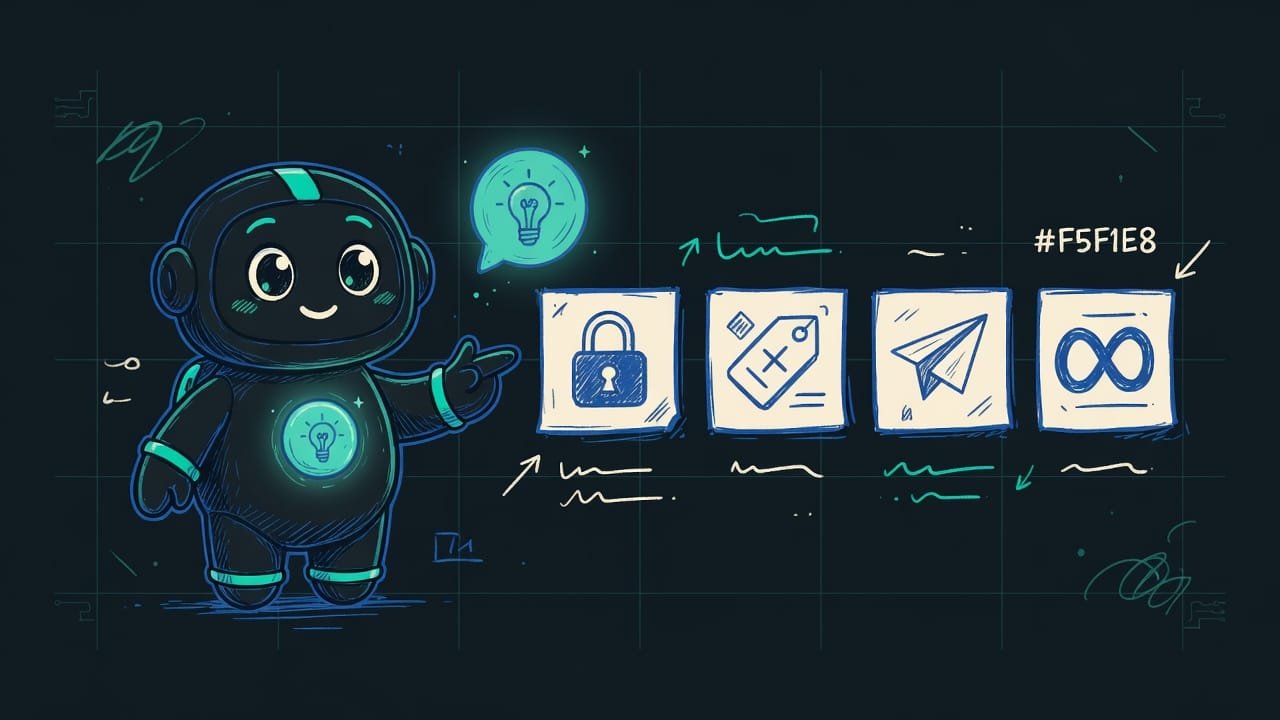
Four main upsides - no fluff, straight to the point.
Privacy: your data never leaves home
The strongest argument, full stop. The model runs on your machine, which means your text physically never leaves the computer. Not your chats, not your work code, not the passport you asked it to parse. Nothing settles on someone else’s servers.
Free after install: you only pay for power
In the cloud you pay for tokens A token is a chunk of text the AI uses to measure the amount of work. Roughly: one word is about one or two tokens. Cloud services charge money for tokens on the way in and on the way out. : the more you write and read, the fatter the bill. Locally you pay once - for the computer and the electricity it nibbles. The model itself is free (most open models download for nothing) and works as much as you like.
Works offline: no internet needed anymore
Download the model and you can forget about the internet. Wi-Fi dropped? On the road? Network cut off? Local AI couldn’t care less, it keeps working like nothing happened. Meanwhile the cloud will flatly show you “no connection.”
No limits: run it as much as your hardware can take
Cloud services keep you on a short leash: a cap on requests per minute, per day, and the eternal “too many requests, please wait.” At home there’s no ceiling. Run the model in a loop all night, push a thousand files through in a row - nobody stops you or asks you to pay up for a fatter plan.
The downsides of local AI: where it loses to the cloud
So you’re not disappointed later, I’ll say it straight. Local AI is no silver bullet.
- Privacy - your data never leaves your computer.
- Free after install: you only pay for power.
- Offline - no internet needed at all.
- No limits - as many requests as your hardware can handle.
- Weaker than the top cloud models on hard stuff: long chains of reasoning and tricky logic - the cloud is still ahead here.
- You need spare memory: a weak laptop either won't run the model or will think at an agonizing crawl.
- The setup is on you: download, configure, update - all by hand (but that's exactly what we'll cover in this course).
How much weaker? On everyday stuff - emails, notes, simple code, drafts - you’ll barely notice the difference: a solid open model handles all that with confidence. But on genuinely brain-bending tasks the cloud is still ahead, and that’s fine. A local model is a sturdy day-to-day helper, not an olympiad-puzzle champion.
Who really needs local AI, and who’s fine with the cloud
Local AI isn’t for everyone and isn’t for every situation. Here’s the honest fork in the road.
- You work with sensitive data: code under NDA, client documents, personal stuff, medicine, finance.
- You don’t want to pay for tokens and you fear an unpredictable cloud bill.
- You’re often without internet: travel, the cabin, a plane, a flaky network.
- You run lots of similar requests and keep hitting cloud service limits.
- You just want to learn and experiment without counting every penny.
And if your laptop is on the weak side, your tasks are rare and complex, and your data isn’t secret - the cloud might leave you more at ease. And that’s a perfectly normal choice too.
Common beginner mistakes with local AI
- Thinking local means worse at everything. Nothing of the sort. For most everyday tasks the difference is unnoticeable. You need the cloud now and then, not all the time.
- Putting a huge model on a weak machine. Memory isn’t infinite. Start with a small model - it’ll launch and stay snappy. Greed here comes back to bite you with lag.
- Assuming local AI is completely free. Electricity and hardware wear are money too, just small and predictable. But there’s no token bill.
- Expecting offline without prep. You have to download the model ahead of time, while you still have internet. You won’t be able to finish downloading it on the plane.
- Dumping everything into the cloud out of habit. Now that you have a local option, keep the sensitive stuff at home. That’s the whole point of the exercise.
TL;DR - если коротко
- Local AI is a neural net that runs right on your machine. Your text goes nowhere, it stays home.
- Privacy is the killer feature. Your chats, code, and documents never land on someone else's servers.
- Free after install and works offline: download it once and use it with no internet and no token bill.
- No limits: run it all night if you want, nobody cuts you off for 'too many requests.'
- The downsides, no sugarcoating: the model is weaker than the top cloud ones on hard stuff, and you need spare memory.
- Who'll love it: anyone with sensitive data, anyone learning without a meter running, and anyone who values freedom without limits.