Apple and Google Developer Accounts: What They Cost and How to Set Them Up
Two passes into the app stores - and what each one will set you back
Apple and Google developer accounts: what they cost, how the App Store's yearly fee differs from Google Play's one-time payment, and why the stores want to verify who you are.
What a developer account actually is, in plain terms
Your app is built. It runs on your phone, everything works - great. But between “it works on my phone” and “it sits in a store where strangers can download it” there’s a turnstile. And you don’t get through a turnstile without a pass.
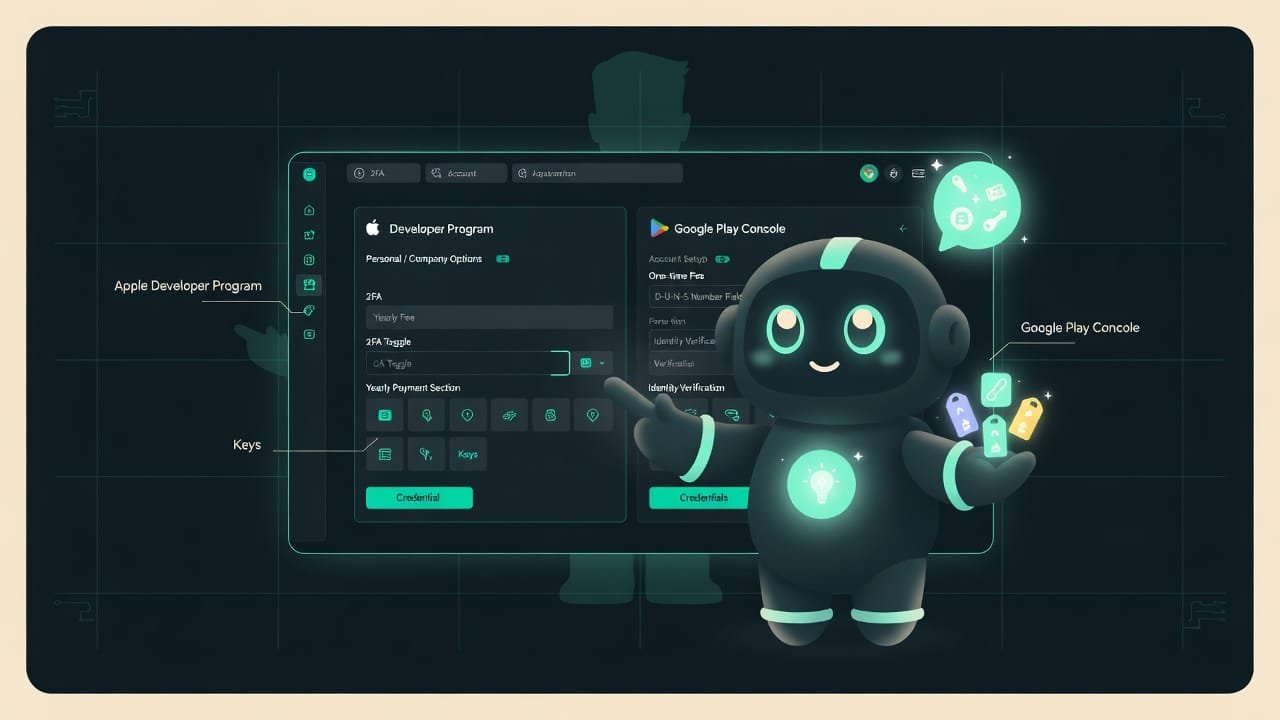
That pass is your developer account. There are two of them - because there are two stores, and they don’t talk to each other:
- App Store - Apple’s store, for iPhones. Your pass in is the Apple Developer Program Apple Developer Program is Apple's paid program. It gives you the right to publish apps on the App Store, test them through TestFlight, and use Apple's developer tools. You pay for it once a year. .
- Google Play - Google’s store, for Android. Your pass in is Google Play Console Google Play Console is Google's developer dashboard. You use it to publish and update apps on Google Play, and to check stats and reviews. Registration is a one-time payment. .
But you pay for them very differently. Think gym membership versus buying a set of dumbbells: Apple charges you every year, Google charges you once, for good.
Why a developer should know about these accounts in advance
Picture this: you spend three months building an app, release day arrives - and there’s no account, the payment hasn’t gone through, the identity check has been dragging on for days. The launch falls apart over nothing. Frustrating? Absolutely.
Here’s what understanding this gets you:
- You’ll know how much money to budget at the start, and which payments are one-time versus yearly.
- You won’t get blindsided when your app disappears from the App Store because you forgot to renew your Apple subscription.
- You’ll have your identity documents ready in advance - no scrambling to find your ID on launch day.
- You can calmly decide whether to register as an individual or as a company - different requirements, different hassle.
Nine out of ten “we didn’t make our launch deadline” stories aren’t about code. They’re about leaving the account setup to the last day, when the store asked for an ID document and a couple of days to verify it.
How much an Apple and Google developer account costs
The figures below are a rough guide based on the stores’ official terms. Exact numbers depend on your country and change over time: when you register, you’ll see the current price in your local currency. What matters is the principle. Apple charges a recurring fee, Google charges a one-time fee.
- A one-time fee at registration - and never again.
- Publish as many apps as you want under one account.
- You couldn't stop paying even if you tried: the payment is already behind you, there's simply nothing left to pay.
- Downside: the fee is non-refundable, even if you change your mind about publishing.
- A yearly fee - it's a subscription, and you have to renew it.
- Don't renew and your apps vanish from the App Store until you pay again.
- The price is the same no matter how many apps you have - but it keeps ticking every year you're in the store.
- There's a separate, pricier enterprise program - but a beginner doesn't need it.
What a developer account gives you, and what you’re paying for
The pass isn’t just “the right to publish.” For your money you get a whole bundle:
- Publishing to the store - your app becomes available for real people to download. Without an account it only lives on your phone.
- Updates - you ship new versions, fix bugs, add features.
- Testing on other people’s devices - you let friends or testers get their hands on the app before launch. With Apple that’s TestFlight TestFlight is Apple's beta-testing service. It lets you hand your app to testers before it goes live on the App Store, by invite or link. , with Google it’s internal and open tests.
- Stats and reviews - how many downloads, where from, what people are saying, where the app crashes.
- Developer tools - access to the signing keys and certificates without which an app simply won’t be accepted.
Identity verification: why the store wants your ID
Relax, this is normal. App stores are a financial platform - users’ money flows through them, and there has to be a real, verifiable person or company behind every app. So when you register, you’ll be asked to confirm who you are.
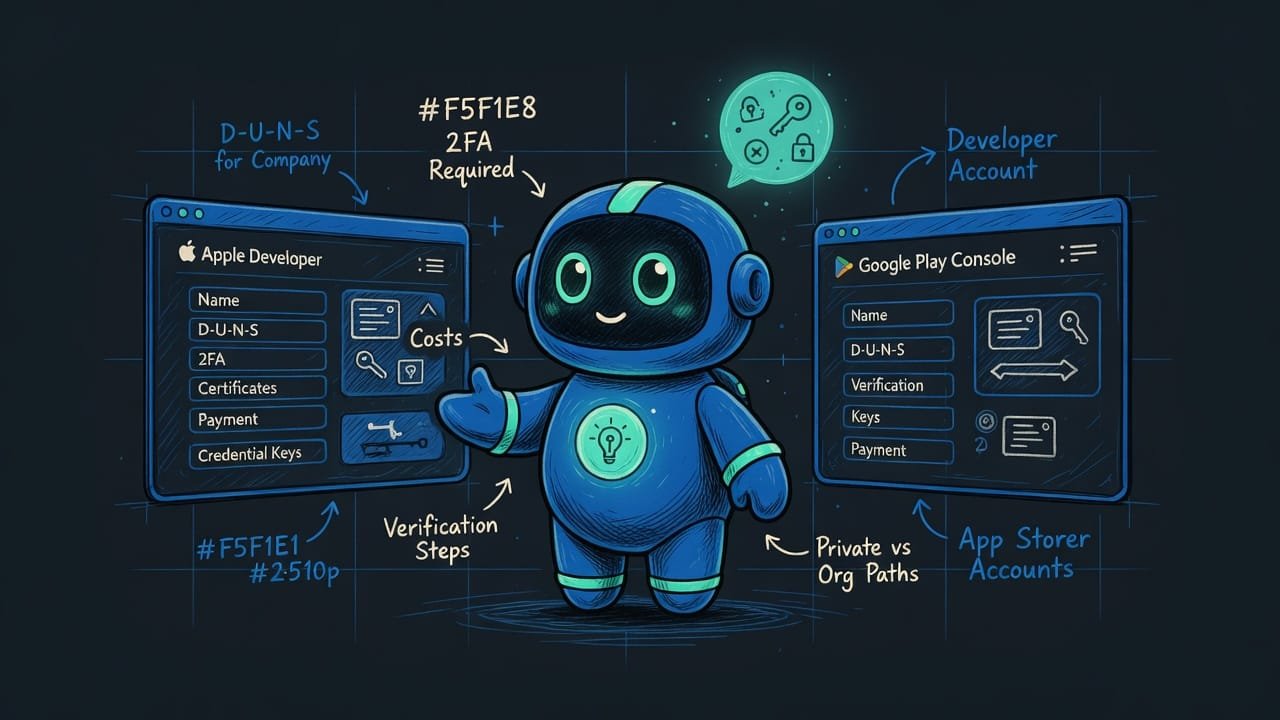
How exactly they verify depends on whether you register as an individual or as an organization:
- An individual - the simplest path. You need an ID document (a passport or ID card), and with Apple you also need two-factor authentication Two-factor authentication (2FA) is signing in with a password plus a one-time code from your phone. It protects your account even if your password is stolen. Apple requires it to sign in to the Developer Program. turned on for your Apple account.
- An organization - more involved. On top of the company’s documents, you’ll need a D-U-N-S number A D-U-N-S Number is a free nine-digit number from the company Dun & Bradstreet, used worldwide to identify legal entities. Both Apple and Google require it to register an account under an organization. Getting one can take time. - a kind of international passport for a company. It’s free, but getting it can take time.
How to set up a developer account: the steps
The exact buttons in these interfaces change, so we’ll keep things at the level of logic rather than “tap that blue button over there.” For both stores the path is similar.
- Create a basic account: an Apple ID for Apple and a Google account for Google. Better to use a dedicated work one rather than your personal email.
- Turn on two-factor authentication - for Apple it’s a required condition for joining the program.
- Decide in advance: are you registering as an individual or as an organization? That determines which documents you’ll need.
- If as an organization - get your free D-U-N-S number ahead of time, as issuing it can take days.
- Apply for the developer account and pay: Apple charges a yearly fee, Google a one-time fee.
- Pass the identity check: upload an ID document and wait for the store to confirm it.
- Once you have access to the dashboard, the pass is yours. Now you can start getting your app ready to publish.
Common beginner mistakes when registering
- Assuming one account covers both stores. It doesn’t. Apple and Google are different companies. You need two separate accounts and two separate payments.
- Forgetting that Apple charges every year. You pay once, relax - and a year later your app has quietly vanished from the App Store. Set a renewal reminder.
- Leaving the setup for launch day. Identity verification and getting a D-U-N-S number aren’t a matter of minutes. Budget days.
- Registering a company without preparation. An organization account requires a D-U-N-S number and all your details to match up. For a solo developer it’s often easier to register as an individual.
- Using a personal email and skipping 2FA. Set up a dedicated work account and turn on two-factor authentication right away - migrating later is painful.
- Expecting payment to equal a guaranteed launch. An account gives you the right to submit an app, but every app still goes through the store’s moderation.
TL;DR - если коротко
- You need two separate developer accounts: one with Apple for the App Store, one with Google for Google Play. Different companies, different checkout counters.
- Apple Developer Program is a yearly fee. Forget to renew and your apps vanish from the App Store until you pay again.
- Google Play Console is a single one-time payment. Pay it when you sign up and you never think about it again.
- An account is your pass. You can build an app without one, but you can't ship it to real people without it.
- Both stores check who you are: an ID document if you're an individual, plus a D-U-N-S number if you register as a company.
- Set up your accounts early - payment and identity checks can stretch into days, not minutes.