App Store Requirements: Why Apple Rejects Apps
Why review bounces your builds - and how to pass on the first try
App Store Review Guidelines in plain English: crashes, half-finished features, misleading descriptions, other people's content, and payments that skip In-App Purchase. The top reasons for rejection and how to clear review the first time.
What App Store Review is and who checks your app
Picture this: you bring your little creation to a very expensive boutique and ask to have it placed in the window. The boutique’s owner is Apple. They keep a list of who gets a spot on the shelf and who gets turned away right at the door. That list is called the App Store Review Guidelines The App Store Review Guidelines are Apple's official rulebook used to vet every app before publication. They're split into sections: Safety, Performance, Business, Design, and Legal. .
And here’s what you need to grasp right away. Your build is checked by a real person. Not a robot ticking boxes - an actual reviewer. They download the app and poke at it by hand: opening screens, tapping buttons, trying to subscribe, hunting for where you hid your messes. Think it’ll slide through on autopilot? It won’t.
Why a developer needs to know Apple’s rules
You know the drill: you build the app, hit ‘submit for review,’ and a couple of days later - rejection, with one dry line like ‘Guideline 2.1.’ Without understanding the rules, that hits like an electric shock out of nowhere. And every rejection means lost days of waiting and frazzled nerves for no reason.
- You’ll know what to fix before submitting, not after three rounds of rejection.
- You’ll stop taking rejection as a personal insult. It’s just a line item from a list, not a verdict.
- You’ll save time: a single review cycle often means a day or more of waiting.
- You’ll start speaking Apple’s language. They cite a rule number - and you instantly know what it’s about.
Most rejections aren’t ‘your idea is bad.’ They’re ‘you showed us a draft’ or ‘the description says one thing and the app does another.’ Both are fixable.
Top reasons for App Store rejection
There are plenty of rules, but only a handful of real reasons apps get rejected. Here are the ones almost every newcomer trips over. Learn them once, and you’ll sidestep half the traps before you ever hit them.
Crashes and bugs: why the App Store rejects unstable builds
Reason number one. It outpaces everything else combined. If the app crashes, freezes, or a feature simply doesn’t work during review, that’s an instant rejection. Apple is jumpy about stability, and the logic is simple: better fewer features, each working like clockwork.
Half-finished work and placeholders: minimum functionality
Apple doesn’t let drafts in. Full stop. The reviewer sees a ‘Coming soon’ screen, a button that goes nowhere, or filler text - lorem ipsum Lorem ipsum is standard placeholder text in pseudo-Latin that designers drop in instead of real content. To Apple, it's a clear sign the app is unfinished. - instead of real content, and for them it’s a red flag: ‘you sent us a half-baked thing.’
Misleading descriptions and screenshots: metadata accuracy
Your title, description, keywords, and screenshots must honestly show what’s inside. Padded your screenshots with features that don’t exist? Stuffed someone else’s brand into the title to game search? Promised ‘free’ but slapped a paywall on the very first step? All of that gets caught. And it’s probably the fastest thing to get bounced.
Other people’s content without rights: intellectual property
Someone else’s logos, music, video, characters, the design of well-known brands - anything you don’t have rights to. Apple doesn’t want to get sued over your app, and that’s understandable. If you’re using someone else’s stuff, keep your licenses or permissions handy. Sometimes they really will ask you to show them.
Payments that skip the register: rule 3.1.1 on In-App Purchase
The favorite sore spot. Selling digital goods inside the app - subscriptions, coins, feature unlocks? Then you go through their register, In-App Purchase In-App Purchase (IAP) is Apple's built-in purchasing system. All digital goods and subscriptions inside an app are sold through it, and Apple takes a commission on every purchase. , on which Apple takes a commission. Pull the user off to pay on your own website, bypassing the register? That’s a classic reason for rejection.
Privacy and consent for data: review’s new focus
The fastest-growing reason for rejection. You need to honestly state what data you collect and why, then ask for consent. AI gets a separate note: if you send the user’s data to an external service - OpenAI, Anthropic, Google, or any other - show a clear consent screen and name the provider explicitly. No vague ‘we share with third parties.’
- A finished product. Every screen works, nothing crashes, no placeholders.
- An honest listing. The description and screenshots match what's actually inside.
- Clear payments. Digital goods go through In-App Purchase, and the data-consent screen is in place.
- A draft ‘just to move faster.’ Coming soon, buttons that go nowhere, test data on screens.
- A padded listing. Features in screenshots that don't exist, someone else's brand in the title.
- Dodging the register. A digital good that sends users off to pay on a third-party site, skipping IAP.
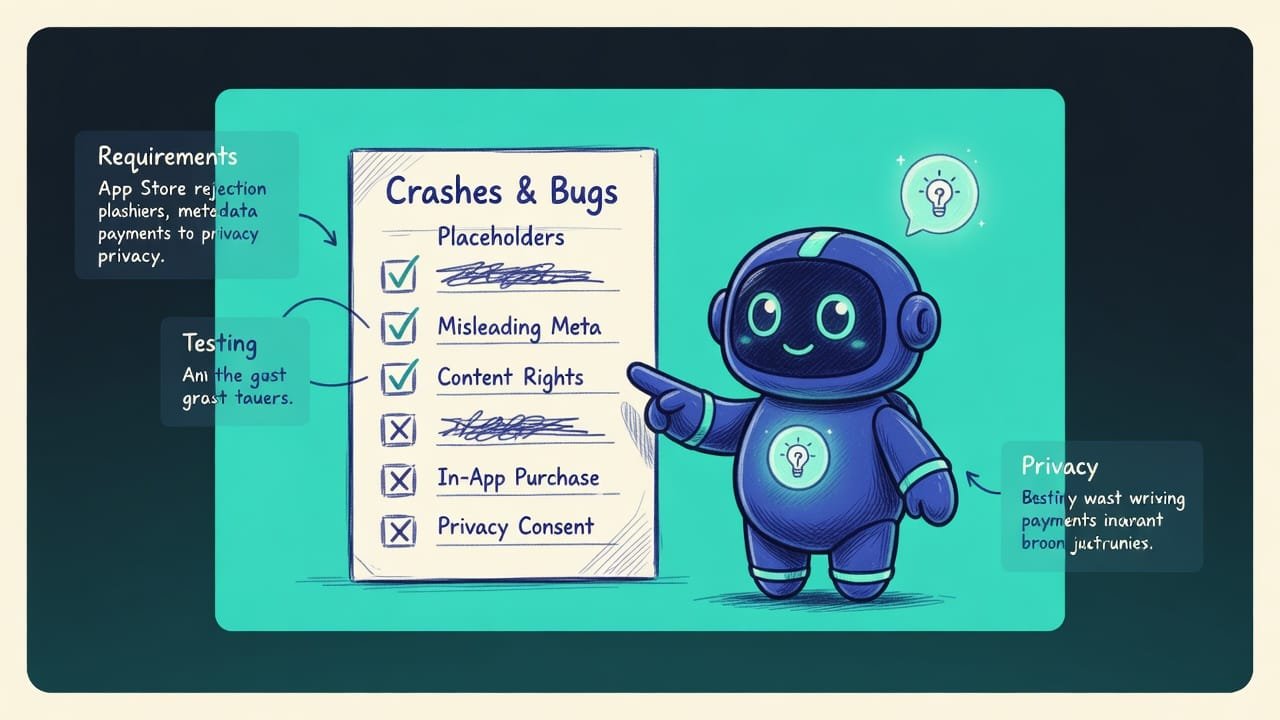
A self-check checklist before submitting for review
Before you hit ‘Submit,’ run through this list yourself. Step into the reviewer’s shoes and honestly try to break your own app - it’s cheaper than catching a rejection.
- Put the build on a clean device and walk through ALL the main screens. Anything that crashed or froze - fix it before submitting.
- Find and clear out every placeholder: filler text, ‘coming soon’ screens, buttons that go nowhere, test data.
- Compare your store description and screenshots with what’s actually inside. Promised means it works.
- Check all third-party content: logos, music, images, fonts. No rights - remove it or replace it with your own.
- Selling digital goods inside the app - make sure it goes through In-App Purchase, not around the register.
- Show a clear screen about data collection and consent. Sending anything to AI - name the service explicitly.
Common beginner mistakes when publishing to the App Store
- Submitting a draft ‘just to move faster.’ Apple doesn’t let half-baked apps in. Finish it - and you’ll ship sooner than after three rounds of rejection.
- Padding the description and screenshots. Any gap with reality means a quick rejection. Honesty is simply the better deal here.
- Hiding a paywall and calling the app free. If it costs money, say so plainly, or you’ll get bounced for deception.
- Dragging in other people’s content. A brand logo ‘for looks’ or someone else’s music isn’t just grounds for rejection - it can get your account banned.
- Skipping Apple’s register on digital goods. Rule 3.1.1 gets scrutinized closely. Don’t build your model on it; you’ll go bust.
- Forgetting demo access and privacy. If the reviewer can’t log in or can’t find the data consent, they’ll bounce you - even if your code is flawless.
TL;DR - если коротко
- The App Store Review Guidelines are Apple's rules, and a real human reviewer uses them to decide whether your build gets into the store or not.
- Most rejections come down to crashes and bugs, half-finished features (placeholders, dead buttons, ‘coming soon’), and lying in your listing.
- They're strict about other people's content without rights and payments that skip the register - digital goods must go through In-App Purchase.
- Apple's register is for digital goods only, inside the app. For physical items and services, you can charge however you like.
- The new trend is privacy and consent for sharing data with external AI: name the provider explicitly.
- The number-one tip: ship a finished, working product, not a draft. The reviewer pokes at it by hand.