Google Play Requirements 2026: How to Publish Your App
Fresh target API, the Data safety form, banned content, and a real-people test - without the pain
Google Play requirements for publishing an app: a fresh target API level, an honest Data safety form, banned content, and mandatory closed testing. What gets checked and how to pass on the first try.
What Google Play requirements are, in plain language
You’ve built your app, you hit “publish” - and in your head there’s this picture of it gliding gracefully into the store. Instead you slam into a wall of rules. Sound familiar? Of course it does.
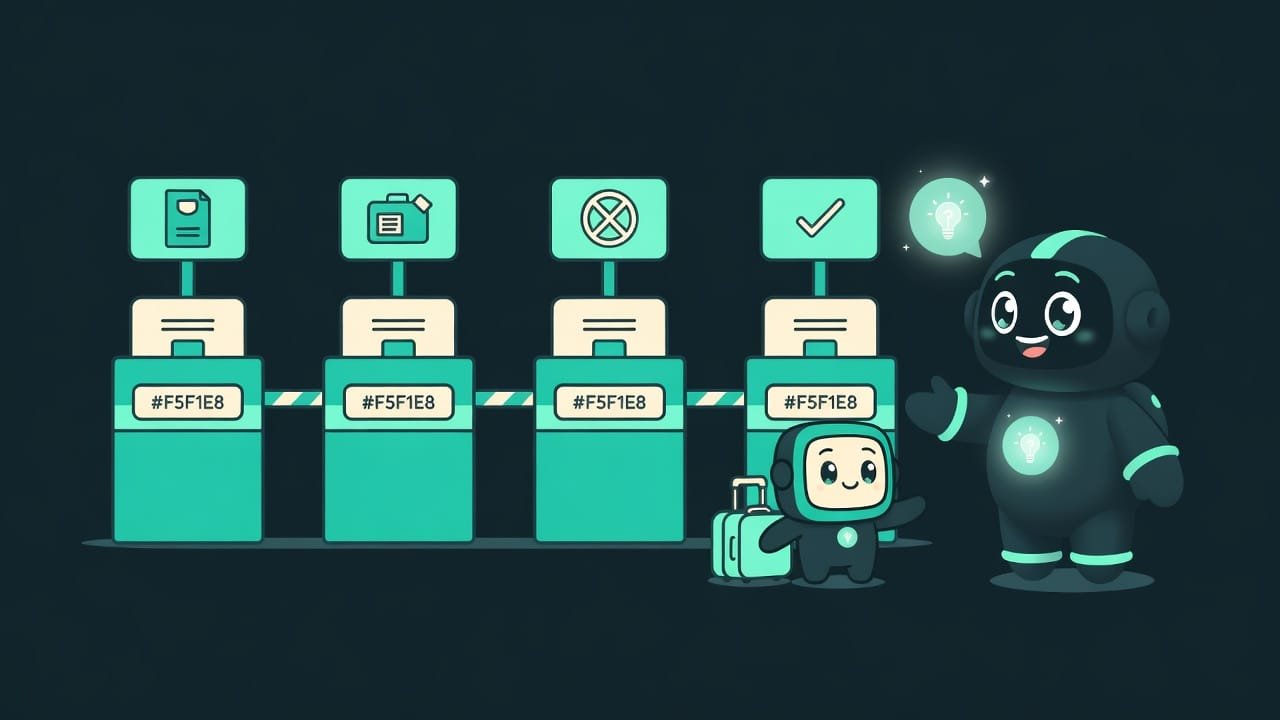
Here’s how to think about it. Google Play is an airport with passport control. Your app is the passenger. To make the flight, it has to clear a few desks: show a fresh passport, fill out the declaration honestly, carry no banned items in its bag, pass security. Fail even one desk, and it gets turned away right at the gate.
There are exactly four desks: a fresh target API level Target API level is a number in your app's settings that tells Google which version of Android you targeted when you built it. The higher the number, the newer the Android. Google forces you to keep it fresh so apps play by the latest security rules. , the Data safety form, no banned content, and completed testing. Let’s walk through each one.
Why a developer needs to know the store’s requirements
Sure, you could throw your app up “as is” and hope for the best. But Google checks everything - both with automation and with human moderators. A rejection doesn’t show up right away; it arrives after days of waiting. And a re-review puts you right back at the end of the queue. Not exactly a great time.
- You’ll understand why your app got rejected and stop reading tea leaves.
- You won’t catch an account ban for something you could have planned for from day one.
- You’ll fill out the Data safety form once and properly, instead of seven times with corrections.
- You’ll save weeks. Reviews happen in sequence, and every rejection sets you back.
Most rejections for beginners aren’t about “bad code.” They’re a missed target API deadline, a botched data questionnaire, or forgotten testing. And all of it is visible ahead of time.
The four Google Play checks, in order
1. Target API level - show a fresh passport
Google doesn’t want apps built on old security rules lingering in the store for years. So the target API bar creeps up every year: new apps and updates have to target a fresh version of Android, usually last year’s.
In practice, this means the following. From roughly late summer onward, the store only accepts builds that target the current API level. For Wear OS, Android TV, and automotive systems, the bar is usually one step lower.
targetSdkVersion targetSdkVersion is a line in your Android build settings (the build.gradle file) that holds that exact target API level number. This is what Google checks at upload. Bumping it is usually easy, but sometimes you have to fix things that broke because of the new rules. gets bumped in your build settings. And here’s where the trap hides - it’s not in the number itself. A new version of Android may have changed the rules of the game: some permissions got stricter, some familiar way of doing things just stopped working. So after the bump, always run your app and check - did anything fall over?
2. The Data safety form - an honest customs declaration
Data safety Data safety is a section on your app's store listing where the developer honestly lists what data the app collects, why, whether it shares that data with anyone, and how it protects it. Users see this in the store before they even install. is a questionnaire where you spell out, yourself, what your app does with the user’s data. Name, email, geolocation, the device’s advertising identifier - all of it has to be declared.
And this is where beginners get burned most often. Data collected by third-party libraries and SDKs inside your app counts too. Drop in an ad network or analytics, and boom - you’re collecting data now, even if you never touched it yourself.
- Data collection. Everything your app sends off the device - to a server, to analytics, to ads.
- Sharing with third parties. Whether you share data with other companies, and what for.
- Protection. Whether you encrypt data in transit and whether users can request its deletion.
- “Nah, I don't collect anything.” Meanwhile the ad SDK quietly pulls the device identifier for you - that has to be declared.
- Forgetting about third-party libraries. Their data collection is your responsibility, not theirs.
- Lying “to save time.” Google cross-checks the form against actual behavior. A mismatch means a rejection or a ban.
3. Banned content - what you can’t carry in your bag
There are topics that get you removed instantly, with no back-and-forth. This isn’t “we’ll rank you lower.” This is “we’ll pull the app, and we might close your account while we’re at it.”
- Child safety - absolute top priority and zero tolerance. Any content that exploits children means instant removal.
- Deception and fraud - fake services, scam schemes, apps that mislead.
- Deepfakes and forgeries - non-consensual sexual deepfakes, faked recordings of real people used for fraud.
- AI-generated content plays by the same rules as anything else. If your app generates images or text, it has to block banned content.
- Sensitive permissions - access to contacts, photos, and location must be justified. Credit and microloan apps, for example, are outright forbidden from reaching into photos and contacts.
4. Testing - the security screening before takeoff
Set up a brand-new personal developer account? Then Google won’t let you straight into production. First, run a closed test with real people.
“In a row” means continuously. Someone joins, sticks around for three days, drops out - it doesn’t count. Even if they come back later. So gather people who are genuinely willing to keep the app installed for two weeks.
How to publish an app on Google Play: step by step
Here’s a realistic order of operations if you’re publishing for the first time.
- Bump the target API level to the current level in your build settings. Run the app and make sure nothing broke after the bump.
- Make a list of ALL the libraries and SDKs in your project. Check which of them collect user data - that’s your responsibility too.
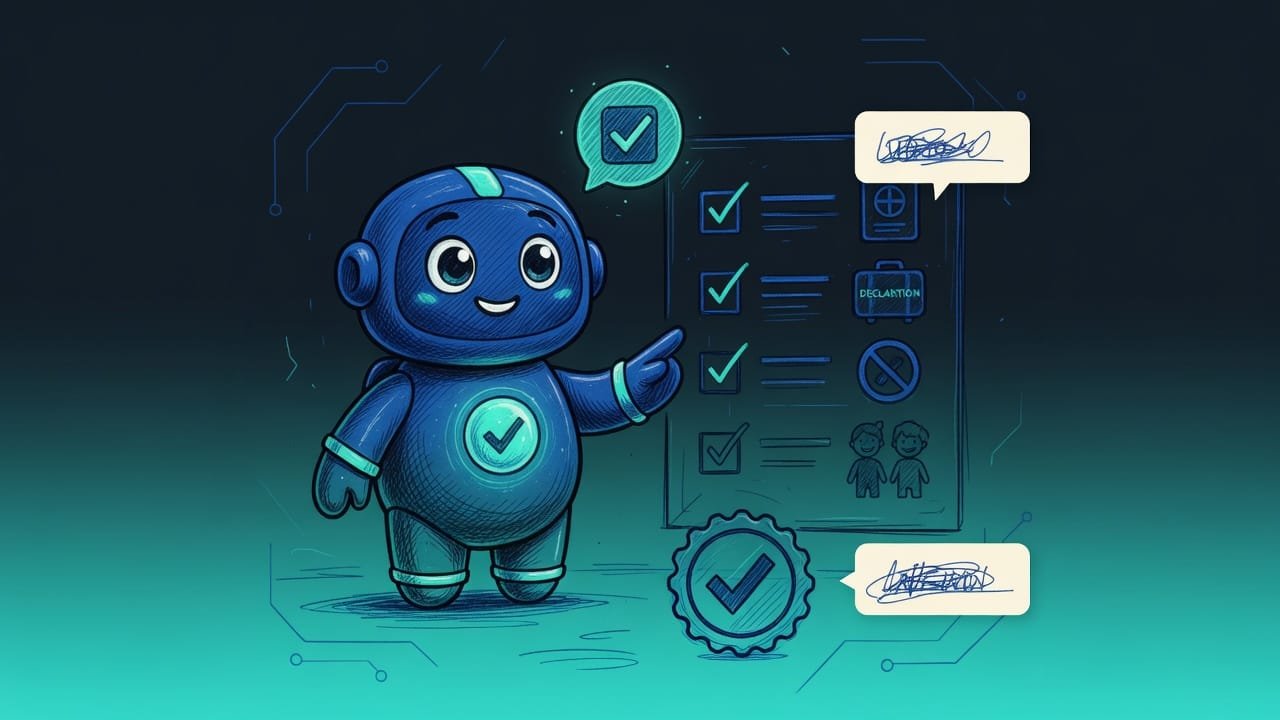
- Fill out the Data safety form honestly: what you collect, why, who you share it with, how you protect it. Cross-check the form against the app’s actual behavior.
- Prepare a privacy policy and give it a working link - without one, the listing won’t be accepted.
- Re-read the Developer Program Policy on banned content. Make sure your topic and permissions are within bounds.
- New, personal account? Launch a closed test, gather real testers, and keep the test running for two weeks in a row.
- Only then apply for production access and publish. And right before you submit, open the official Play Console help one more time - the numbers and deadlines may have changed.
Common mistakes when publishing on Google Play
- Sleeping through the target API deadline. The bar jumps every year. Build for last year’s rules after the cutoff, and the update gets bounced. Check the help.
- Treating Data safety as a formality. It’s a cross-checked declaration. Diverge from reality and you get a rejection first, then a ban.
- Forgetting about third-party SDKs. Ads and analytics collect data for you. But on the form, you answer for them.
- Wandering into banned content “out of ignorance.” Not knowing the rules won’t save you from a ban. Re-read the Developer Program Policy before you submit.
- Thinking permissions “won’t hurt.” Ask for contacts or photos access without a clear need, and you’ll get rejected. Take the minimum.
- Ignoring testing on a new account. Without a closed test with real people, you simply won’t get into production. Budget two weeks in advance.
- Trusting numbers from old articles. Tester counts, API levels, and deadlines change. There’s one source of truth - the official Play Console help.
TL;DR - если коротко
- Google Play is passport control. Four desks, and you have to clear every one - or you don't get into the store.
- Keep your target API level fresh. The bar for new apps and updates jumps to a newer Android version every year. Old builds get turned away.
- The Data safety form is an honest questionnaire about your data. You fill it out yourself, Google cross-checks it, and lying is not an option.
- Banned content - child safety, deception, deepfakes, excessive permissions. This gets you removed without a word.
- Testing - a brand-new personal account needs a closed test with real people first, and only then production.
- Numbers and deadlines go stale. Before you publish, check the Play Console help.