Top 6 Reasons App Store and Google Play Reject Apps - and How to Dodge Them
What gets rejected most often - and how to stop tripping over the same things
Why your app fails review in the App Store and Google Play: crashes, half-finished features, broken links, no privacy policy, fake screenshots, unnecessary permissions. And how to fix it all before you submit.
Who checks your app before it goes live, and how
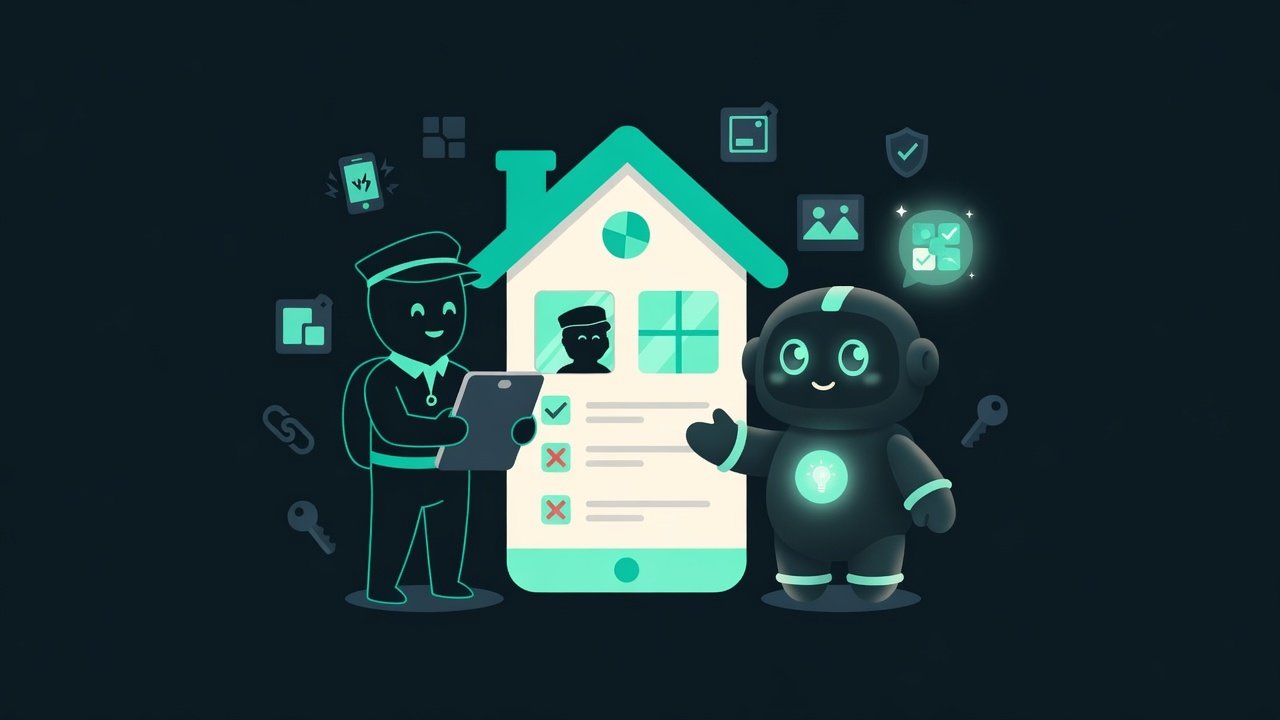
Imagine you’re renting out an apartment, and a nitpicky inspector shows up before move-in. He’s not planning to live there for months. Five minutes - and he’s walked through every room, yanked on every handle, checked whether the tap drips, peeked under the sink. One cockroach and he won’t sign off.
Review Review - the store's process of checking an app, by people and by automated systems, before it goes live. They decide whether to let you into the store or send you back to fix things. in the App Store and Google Play works exactly like that. On the other side is a real person with a checklist who has a couple of minutes for your build. They’re not looking for reasons to praise you. They’re looking for something to ding you on. And what they find is usually the same handful of things: it crashed, it’s unfinished, the link is broken, the screenshot lies, it asks for too much.
Why a single rejection costs you a week
Every reject is days down the drain. You submit a build. You wait in line. You get a curt “rejected”. You go dig through the rule it cites. You fix it. You submit again. And you wait again. One dumb oversight - and there it is, a week of downtime over nothing.
- You’ll save days and your sanity: fixing things ahead of time is way cheaper than fixing them after a rejection.
- You’ll stop taking rejects personally - it’s just a checklist item you missed.
- You’ll start thinking like a reviewer while you’re still building, instead of remembering the rules on the last day.
- Vibecoding loves to crank out half-baked stuff: the AI drew a gorgeous screen, but the button under it is a dud. Stores catch this instantly.
Most rejections fall into five buckets: incomplete information, broken functionality, privacy violations, design problems, and rule violations. Memorize those five and you’re already a step ahead of the rejection line.
The top 6 reasons apps get rejected in the App Store and Google Play
Let’s walk through the most common traps. For each one: what it is and the cure.
1. Crashes and bugs: the app falls over during review
The number-one death sentence. If the app crashes or visibly glitches on any screen the reviewer opens - that’s it, conversation over. The store isn’t obligated to figure out that “almost everything works, really”. It crashed during review, so it’s a rejection. Period.
The cure: walk through the entire flow by hand before you submit - as if you’re seeing the app for the first time. Pay extra attention to first launch, login, empty states (when there’s no data yet), and behavior on a bad connection. That’s usually where everything falls apart.
2. Unfinished features and placeholders in the release
Screens that say “Coming soon”, lorem ipsum filler Lorem Ipsum Lorem Ipsum - the standard placeholder text in pseudo-Latin that gets dropped in instead of real content during layout. It should never appear in a finished app. , buttons that go nowhere - one of the most common reasons to bounce a newcomer. The store wants a finished product. Not a demo with holes, not an “almost-final” - finished.
The cure: the rule is almost embarrassingly simple - every button you can reach from the first screen must do something real. Feature not ready yet? Remove the button, don’t slap a placeholder on it. No “TODO”, no placeholders, no “temporary” screens in the release build.
3. Broken links: a dead URL costs you a rejection
A broken link feels like a trifle, yet it costs you a whole rejection. The most common stumble is the privacy policy link: it leads to a blank page, a 404, or doesn’t exist at all. The reviewer can’t verify your data promises - so they won’t let you through.
The cure: open every link by hand before you submit. In the app, in the store listing, in support. They all need to open and lead where they say they do. No “localhost”, no drafts you forgot to swap out.
4. No privacy policy (Guideline 5.1.1)
Almost every app today needs a privacy policy Privacy policy - a document that clearly describes what data the app collects, how and why, and who it's shared with. Needed for nearly all apps in both stores. . Privacy rule violations (Apple files these under Guideline 5.1.1) are one of the most common reasons for rejection, especially for newcomers.
Here’s what’s required:
- A working link in two places: in the store listing metadata and inside the app itself, somewhere easy to find.
- An honest description: what data you collect, how and why, and who you share it with - analytics, ads, third-party services.
- It matches reality: what the policy says has to match what the app actually does.
- No policy at all, or a broken link.
- The privacy labels in the listing don't line up with what the app actually collects.
- You collect data without consent, or pressure the user into granting access you don't need.
5. Misleading screenshots in the listing
The screenshots in your listing are the storefront. And they have to show exactly what’s inside the build you submitted. Pretty pictures with features “from the future”, someone else’s UI, screens that aren’t in the app - that’s a straight shot to a rejection for deception.
The cure: take screenshots from the current build, not from the designer’s mockups. No Photoshop on top, no features that don’t exist yet. Show exactly what a person will see after they download the app - not a single frame more.
6. The app asking for unnecessary permissions
Permissions Permission - access an app asks the user for: camera, microphone, location, contacts, notifications. Each one has to be justified by what the app actually does. like background location, contacts access, the camera, or SMS get extra-strict scrutiny from the stores. Ask for access that has nothing to do with what your app does and it’s a red flag - the build gets bounced.
The cure: ask for only what you actually use right now, and give each permission a clear explanation of why it’s needed. Not sure a feature belongs in this release? Cut it - and the permission with it.
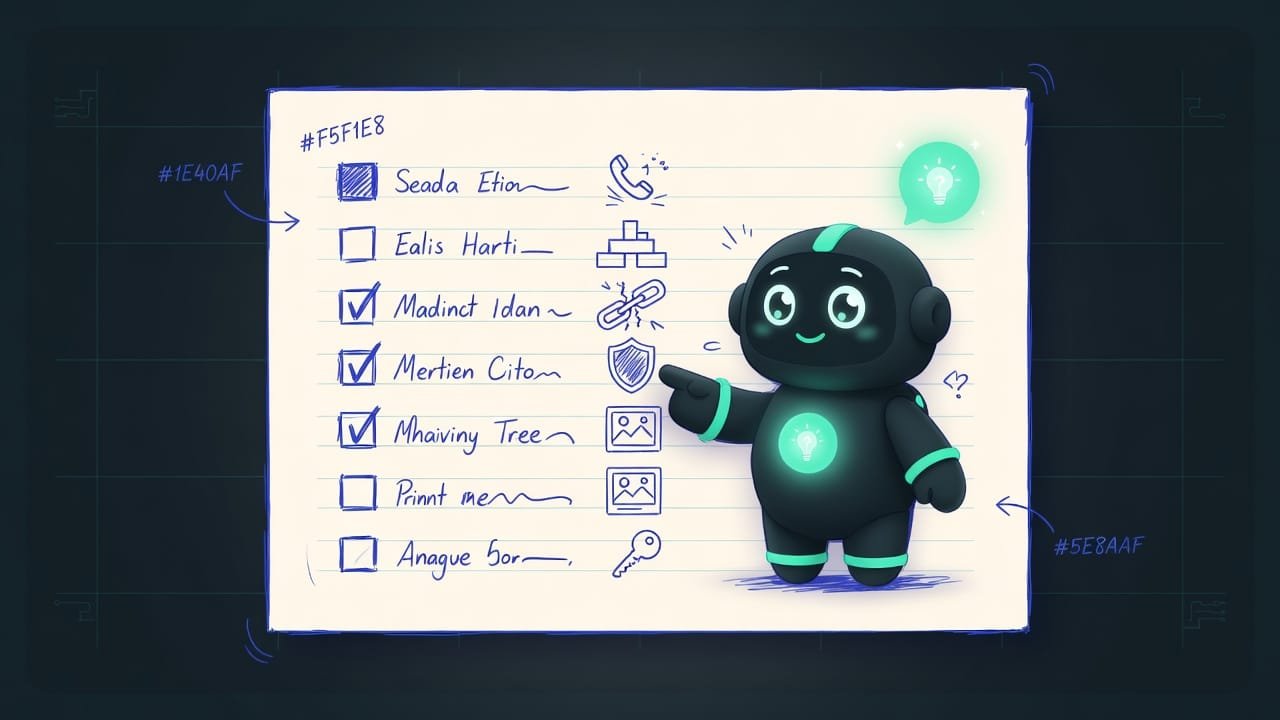
The pre-submission checklist before you send your app to review
Before you hit “Submit for review”, run the list - out loud. An honest “yes” to each item, no going easy on yourself.
- I walked through the whole app by hand on a fresh install with none of my own data - nothing crashed.
- I checked empty screens, login, and behavior on a bad connection - nothing broke.
- Every button on the first screen does something real. No placeholders, no “Coming soon”, no lorem ipsum.
- I opened every link - in the app and in the listing. They all work and lead where they should.
- There’s a privacy policy, the link is live in two places, and the text matches what the app actually collects.
- Screenshots are taken from the current build, no Photoshop, no features from the future.
- I went through the permissions list - kept only the ones I need, each with a clear explanation of why.
- The listing’s description and privacy labels don’t promise anything the app doesn’t have.
Did AI write the app? Feed it this prompt and let it hunt for the mines it loves to plant. Just read the answer with your own eyes instead of taking it at its word: AI is great at both inventing problems and hiding real ones.
Review my app before I submit it for review in the App Store and Google Play. Find and list everything it could be rejected for:
- Screens or buttons that crash, do nothing, or lead nowhere.
- Placeholders: “Coming soon”, lorem ipsum, gray squares instead of images, TODO notes.
- Broken or temporary links (localhost, drafts), especially the privacy policy link.
- Permissions that are requested but never actually used in the code.
For each finding, tell me: where it is in the code and how to remove it. Don’t invent problems that aren’t there - only what’s actually present.
Common mistakes that get a build bounced
- Testing only on your own device. You already have data and you’ve granted every permission. The reviewer sees a clean install where everything is different. Test from scratch.
- Leaving “temporary” placeholders. A dud button or a “Coming soon” screen is a ready-made reason for rejection. Only things that work go into the release.
- Not opening the links by hand. Especially the privacy policy: one 404 and the build comes back. Click every link before you submit.
- Drawing screenshots in Photoshop. The storefront has to match the build. Pretty features from the future read as deception.
- Asking for permissions “just in case”. Access you don’t use is a red flag. Take only what you need and explain why.
- Treating a rejection like a catastrophe. A reject is a checklist item you missed. Read the wording, fix it, submit again - and keep moving.
TL;DR - если коротко
- A reviewer is a real person with a checklist, not a robot. They spend a couple of minutes hunting for something to ding you on. Your job: don't hand them any reasons.
- Crashes and bugs are the number-one death sentence. Your app must not crash on a single screen the reviewer opens.
- Half-finished features and placeholders (“Coming soon”, lorem ipsum, dead buttons) scream “this product isn't done”. Cut anything that doesn't work.
- A privacy policy is needed almost every time: a working link both in the store listing and inside the app. Broken or missing means a common rejection.
- Screenshots show exactly what's in the build. No features from the future, no pretty Photoshop.
- Permissions: only ask for the ones you actually use, and explain why. Extras are a red flag.