Privacy Policy, App Privacy, and Data Safety without a rejection
What to put in Apple's and Google's questionnaires, even if you don't collect a single byte of data
Privacy policy, Apple's App Privacy, and Google's Data Safety: how to honestly declare your app's data, account for third-party SDKs, and pass review on the first try.
What a privacy policy is, in plain words
You open a café. By law, there’s a sign at the entrance: we record your order, your name for the reservation, your card number for payment. Not because you’re a villain. Because the guest has a right to know what’s happening behind the counter.
In the world of apps, that sign is called a privacy policy. And its machine-readable version is the questionnaire you fill out right inside the store.
Apple calls its questionnaire App Privacy - nicknamed the “privacy nutrition label,” like the ingredients list on a food package. Google’s is Data Safety. Different names, same idea: you honestly list what data your app touches, why, and who you hand it to.
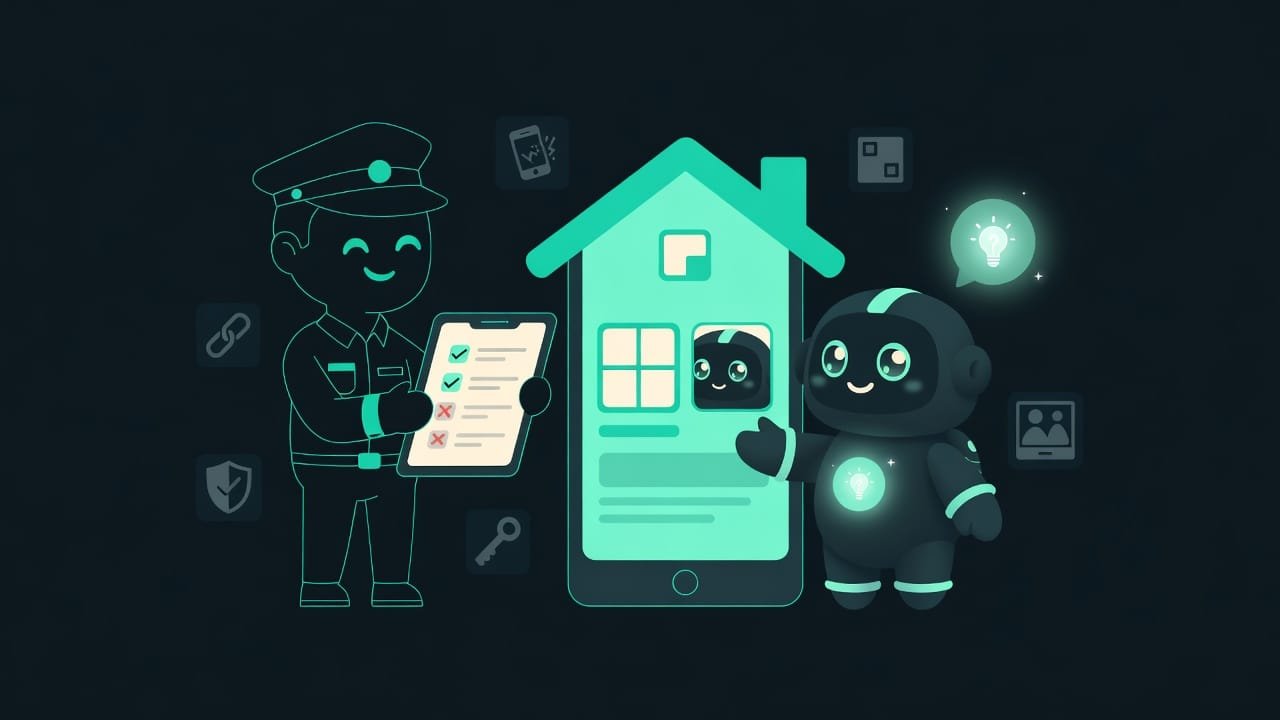
Why a finished app gets bounced over privacy
You can build something brilliant and still fail review because of one empty field - the policy link. The most painful rejection there is. Your code works, your design is polished, and you get turned away over a piece of paperwork.
- Without a privacy policy A privacy policy is a public web page that explains in plain language what data the app collects, why, who it shares it with, and how a user can delete it. It must open without a login. , your app won’t be accepted. Period. It’s a hard requirement of both stores.
- A sloppily filled questionnaire means rejection. Or worse, a takedown after release, once people have already downloaded it.
- Third-party SDKs - analytics, ads - collect data on your behalf. Didn’t account for them? You’re still responsible.
- An honest declaration builds trust. Users see the “ingredients” before they even install, and decide for themselves.
Nearly every privacy rejection is either a missing policy link or a questionnaire that doesn’t match what the app actually does. Both are an evening’s work to fix. If you know about them in advance.
The three pillars of privacy: the policy, App Privacy, and Data Safety
Let’s break down what’s being asked of you. These aren’t three separate tasks. They’re three projections of one truth: what data I touch.
The privacy policy link - your sign at the door
A regular web page at a public URL. You paste it into your app’s store settings. The rules are short:
- It opens without a login or password. The review bot has to see it, and it can’t log in.
- It’s written for humans: what data, why, who you share it with, how to delete it.
- The link lives permanently. Not some temporary host that quietly dies tomorrow.
Apple requires a policy for every app, even ones that collect absolutely nothing. In that case, you just say so: we don’t collect. Google also requires a policy link in the Data Safety form - for every app.
Apple’s App Privacy - the ingredients on the package
In App Store Connect, you fill out a questionnaire. For each data category you mark: whether you collect it, what you use it for - analytics, ads, app functionality - and whether it’s linked to the user’s identity or used to track them across apps.
From your answers, Apple draws that “privacy label” itself. It’s visible on the app’s App Store page before download. The user reads the ingredients - and decides.
Google’s Data Safety - the form in Play Console
Same logic, its own questionnaire - the Data safety form in Play Console. For each data category you declare:
- whether you collect it and whether you share it with third parties;
- why - the purpose of use;
- whether collection is required or can be turned off;
- whether data is encrypted in transit and whether the user can request deletion.
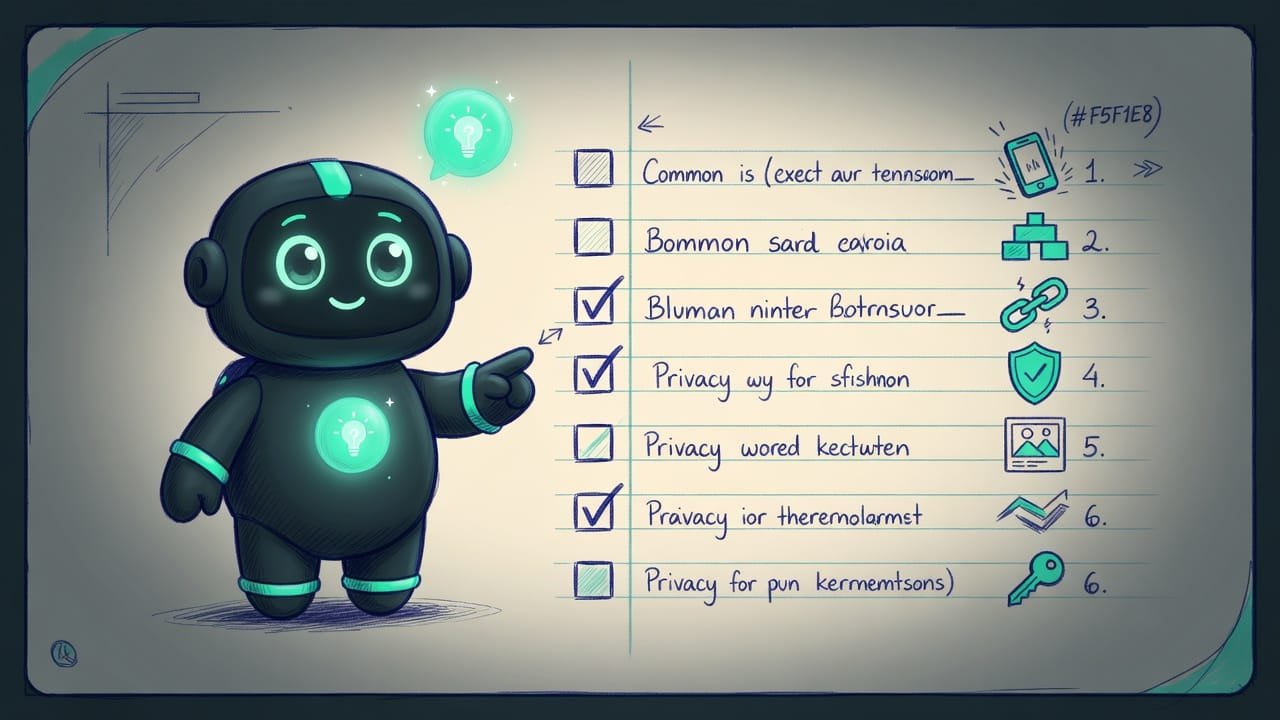
What to do if your app doesn’t collect data
Say you built an offline unit converter. No accounts, no analytics, everything computed on the device. Seems like you can forget about privacy? You can’t. Even zero collection has to be declared. The store reads silence as “hiding something.”
Here’s an honest checklist. It’ll take you from panic to a published app.
- List EVERY library and SDK in the app. Analytics, ads, crash reports, push - all of these often collect identifiers and location.
- For each SDK, check its documentation: what data it collects and shares. That’s your real list.
- If you collect nothing yourself and the SDKs collect nothing either - your honest answer is: no data is collected or shared.
- Build a public privacy policy page. State it plainly: what data you collect or that you don’t, and how to reach you.
- Paste the policy link into App Store Connect and into the Data Safety form in Play Console.
- Fill out Apple’s App Privacy and Google’s Data Safety exactly as in steps 1-3. No discrepancies with reality.
- Double-check: does the policy link open in incognito mode without a login? If it opens, you’re ready.
An honest questionnaire vs. “a bit extra, just in case”
Beginners usually fall into one of two extremes. Either “I’ll tick a box at random, anything to pass.” Or “I’ll write down lots of stuff so they can’t possibly nitpick.” Both paths lead straight to a rejection.
- Declare exactly what the app actually does - no more, no less.
- Check every third-party SDK and write its collection into the questionnaire.
- Build the policy page ahead of time, before your first submission for review.
- Re-read the questionnaire a week after code changes - a habit that saves you.
- Leaving the policy link field empty - a guaranteed rejection.
- Writing “I collect everything” as a safety net - you'll scare users and fail the consistency check.
- Forgetting about analytics and ads - the store cross-checks the app's real behavior against the questionnaire.
- Stating one thing in the policy and another in the questionnaire - mismatches get caught and rejected.
Common beginner mistakes with App Privacy and Data Safety
- An empty policy link field. The most common and most painful rejection. Fill it in before your first submission for review.
- The link requires a login or points to a temporary host. The review bot won’t log in and won’t wait for the host to come back to life. Only a public, permanent link.
- “Nothing gets collected anyway, I’ll skip the questionnaire.” Everyone fills out the questionnaire, even with zero collection. A skip won’t be read in your favor.
- Forgot about third-party SDKs. Ads and analytics collect data on your behalf, but you’re the one declaring it. Check every library.
- The questionnaire doesn’t match the policy or reality. Three projections of one truth have to line up. If they diverge, you’ve handed over a reason for rejection.
- Changed the code, forgot to update the questionnaire. Added analytics in an update - go back and update App Privacy and Data Safety. This isn’t a one-time task.
TL;DR - если коротко
- Everyone needs a privacy policy link - even an offline calculator. The page must open without a login, or the review bot won't see it.
- Apple's App Privacy and Google's Data Safety are questionnaires. You declare what data you take and why. Lie, and you'll get caught.
- Your own code isn't the only thing pulling data. Third-party SDKs - analytics, ads, crash reports - collect on your behalf, but you're the one held responsible.
- “I collect nothing” is a perfectly valid answer. But you still fill out the questionnaire and honestly mark: no collection.
- A questionnaire that doesn't match reality is an instant rejection and a hit to user trust.
- Build your policy page ahead of time. Without a live link, your app simply won't ship to the store.