Website Security for Vibecoders: 4 Holes You Need to Close
Not a programmer, but still on the hook for your own site? Then this one's for you
How to protect your site from getting hacked when you're not a programmer. Secrets in .env, validating input and files, server-side permissions, safe logs - plus a prompt for security-review.
What “protecting your site” actually means, in plain words
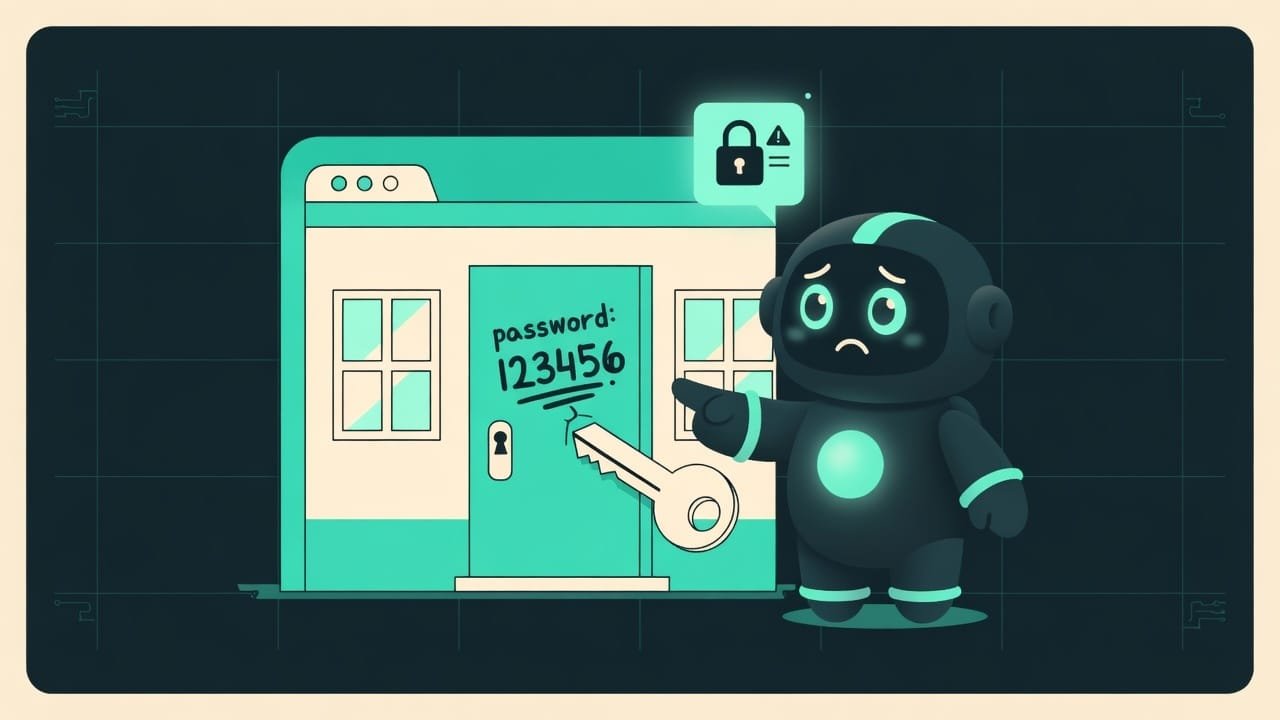
Your site is a house. Inside are your things, your users’ data, sometimes their money. Now picture this: you’ve just
- scrawled the safe combination in marker right on the front door;
- fitted a fancy lock, but left the key sticking out of the keyhole;
- and you let in anyone who mumbles “I’m cool,” without so much as a glance at their face.
Crazy? That’s exactly what a site looks like when AI generated it and nobody said a word about security. By default an agent makes things work. Not makes them safe. Those are two different jobs, and you have to ask for the second one separately.
Who needs my tiny landing page? Why bother protecting it at all
“I’m just making a landing page, who’d come after me?” - the most common thought a beginner has. And the most expensive one. Here’s how it actually goes:
- Bots scan the entire internet around the clock. They don’t care who you are. They hunt for open doors automatically - millions an hour.
- Got a form on your site? Even a plain “leave your email” is already an entry point.
- An API key An API key is a secret password your site uses to talk to other services: payments, mailing lists, AI. If it leaks, strangers will spend money in your name. from a paid service leaks - and strangers burn through your money while you sleep soundly.
- And if user data leaks, that’s no longer an “oops.” That’s fines, legal headaches, and your reputation in shreds.
Good news: you don’t have to become a cybersecurity guru. You need to know the four main holes and know how to ask the agent to close them. That’s what we’re going to do.
The four main holes in website security
ECC has a skill called security-review - a checklist the agent runs your code through before you publish. Let’s pull out the most important and most common parts.
1. Where to store API keys and passwords (secrets)
A secret A secret is any password, token, or key: access to the database, to the payment system, to an API. Anything that gives someone power over your service. is the key to your house. There’s one simple rule: the key doesn’t lie around inside the house in plain sight.
Here’s what beginners do (and what you should NOT do):
const apiKey = "sk-proj-xxxxx" - the key is baked right into the code. And code often lives in git. Git is often public. And that’s it - the key isn’t yours anymore.
So what’s the right way? Keys live in a separate file (usually .env.local), and the code only holds a reference to it - process.env.OPENAI_API_KEY. And that file with the keys is always added to .gitignore, so it never ends up in git.
2. Validating user input and file uploads
Everything a user enters - text in a form, an uploaded file, a page URL - has to be validated before you do anything with it. The rule in one line: don’t trust input by default.
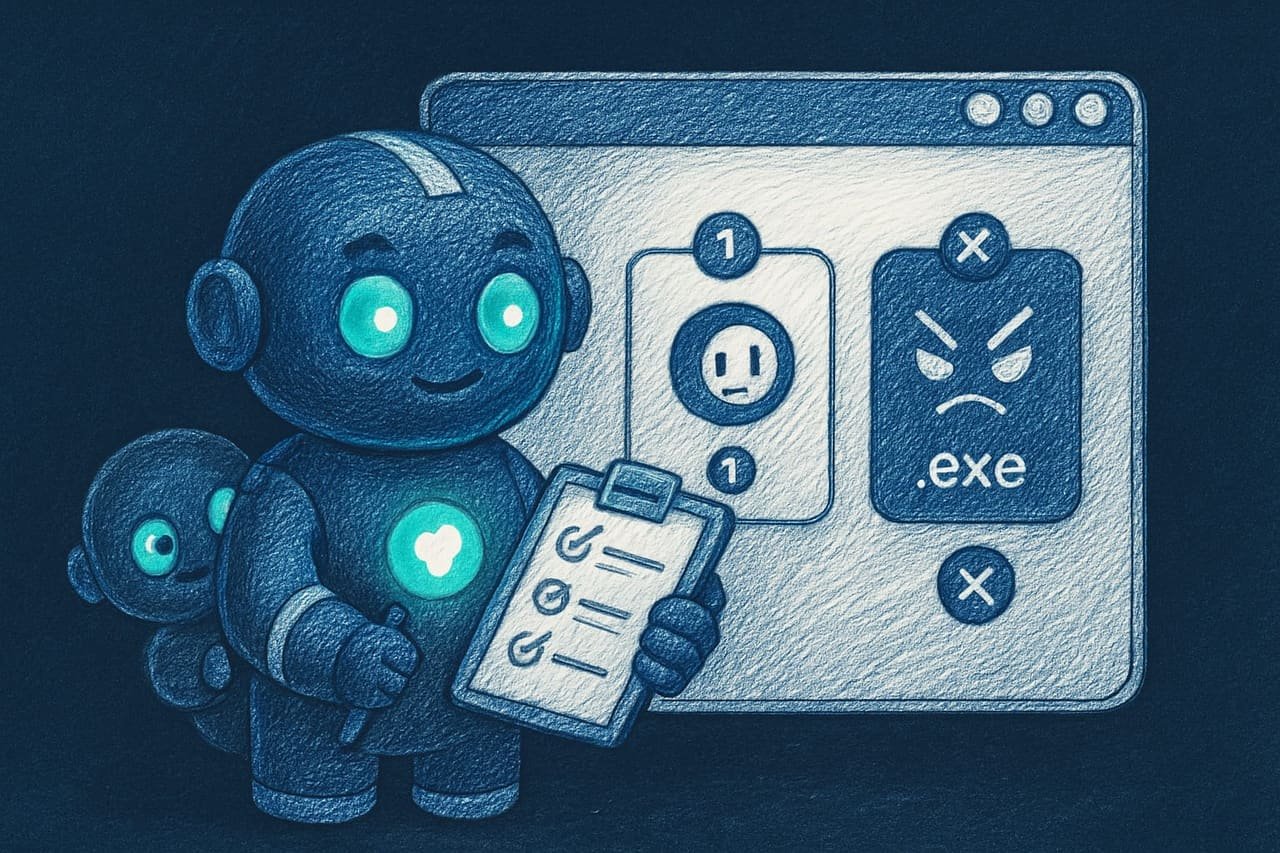
This goes double for file uploads. Got an “upload your avatar”? Then, per the checklist, the agent checks three things:
- size - say, no more than 5 megabytes. Otherwise someone uploads a gigabyte-sized file and gently knocks your server over;
- type - images only: jpeg, png, gif. Not an executable virus dressed up as a kitten;
- extension -
.jpg,.png. Not an.exethat someone slapped an image name onto.
And one more rule from the checklist: validate against a whitelist (“only these are allowed”), not a blacklist (“these are forbidden”). A blacklist is always leaky. You physically can’t list every bad thing in the world, and one missed case is all a hacker needs.
3. Permissions: check on the server who’s allowed to do what
A favorite beginner trap: “I just hid the delete button from regular users - so it’s safe.” Nope. Hiding a button is like draping a curtain over a door. The button is out of sight, but the door is open: whoever knows the URL walks right in.
So what’s the right way? A server-side check before every important action. Before deleting, changing, or showing someone else’s data, the code has to ask: “does this person even have the right?” For example, before deleting a user, the server first makes sure the request is coming from an admin, and only then touches anything.
4. Safe errors and logs: don’t blab
When something breaks, the site shouldn’t spill its guts to the user - a detailed error with table names, file paths, and chunks of code. That’s a ready-made map for an attacker. The user gets a polite “oops, try again later.” And all the details go into the logs on the server only, where no stranger can reach them.
And the mirror rule: secrets must never end up in the logs. Don’t log passwords, card numbers, CVVs, or tokens. Let a log like that leak, and you’ve handed the hacker everything on a silver platter yourself.
Secure site vs. leaky site: a comparison
- Secrets in .env.local, and the file is in .gitignore. The code holds references only.
- Every input is validated: text, files (size, type, extension).
- Permissions are checked on the server before every important action.
- Errors shown to the user are generic; details go to the logs only, with no secrets.
- Ran a security-review before publishing.
- Keys and passwords right in the code, which got pushed to a public git repo.
- The form accepts anything with no validation - hello, junk and viruses.
- Protection rests on the fact that the button is hidden in the interface.
- The user is shown the full error text, with paths and code.
- Passwords and card numbers pour into the logs in plain text.
How a site gets hacked: a real-life example
You and the agent built a little shop site: a catalog, an order form, product-photo uploads, payment through a third-party service. Everything works, you’re happy, you push it to GitHub and publish. And two days later:
- A bill lands from the payment provider for a pile of money - because the key was sitting right in the code, and bots fished it out of your public repo.
- The server is barely breathing - someone used the “product photo” upload to push huge bogus files, since nobody checked size or type.
- A stranger got into the admin panel - the whole defense rested on “the link is hidden,” and they simply guessed the
/adminURL.
None of this would have happened if you’d asked the agent to think about security from the very start. And here’s how to do that in a single prompt:
Do a security-review of my project before publishing. Check it against this checklist:
- Secrets: are there any passwords, API keys, or tokens right in the code? Everything should be in .env.local, and .env.local itself should be in .gitignore.
- User input: is all input validated? For file uploads, restrict size, type, and extension using a whitelist.
- Permissions: before every important action (deleting, changing, accessing someone else’s data), is there a permission check on the server, not just a hidden button?
- Errors and logs: are users shown generic messages, and do passwords and card numbers stay out of the logs?
Show me the list of problems you found in plain words and suggest how to fix each one.
Common beginner security mistakes
- “Nobody cares about me.” Bots scan everyone indiscriminately and automatically. The size of your site has nothing to do with it.
- A key in the code plus public git. A genre classic. Secrets go in
.env.local, the file goes in.gitignore. - The “button is hidden” defense. Hiding something in the interface doesn’t mean protecting it. Permission checks live on the server.
- A form that accepts anything. Validate input and files against a whitelist, not on a “hope it slips through” basis.
- The full error text right in the user’s face. That’s a map for the attacker. They get an “oops”; the details go to the logs.
- Logging passwords and cards. If the log leaks, everything leaks. Secrets have no place in logs.
- Publishing without a review. A single
security-reviewprompt catches most rookie holes and costs nothing.
TL;DR - если коротко
- Secrets - passwords and API keys - never go in your code. Their home is a separate file that never gets committed to git.
- Treat every piece of user input as a suspect. Validate text and files: size, type, extension.
- Check permissions on the server. Hiding a button isn't protection - it's a curtain over an open door.
- Keep errors and logs to yourself: a polite “oops” for the user, no passwords or card numbers in the logs.
- A single security-review prompt before you publish catches almost every rookie hole. And it costs nothing.
- You don't need to be a cybersecurity guru. Know the four holes and know how to ask for them to be closed.