How to Write a Prompt for Your AI Agent and Nail It on the First Try
Stop playing guess-what-I-want with your AI
Why does your AI agent do the wrong thing? Learn to write prompts with the WHAT-WHERE-DONE-DON'T formula and get the result on the first try, not the tenth.
What a prompt is, in plain English
You call a courier and say one word: “food.” What will they bring? Anything, really. Maybe borscht. Maybe sushi. Maybe a bag of cat food. And you can’t complain — you’re the one who said “food.” The courier isn’t a mind reader.
It’s exactly the same with an AI agent. It doesn’t guess what you want. It does what you wrote. Phrase it vaguely, and the agent fills in the blanks itself. To its own taste. And its taste rarely matches yours.

Why prompting is a vibecoder’s number-one skill
You’re a vibecoder. You don’t write code by hand — you set tasks with words. So the prompt is your main tool. Pretty much the only one. Phrase it badly, get bad results. It’s like a guitar: same instrument, but the sound depends entirely on who picks it up.
What a clear prompt gets you:
- a result on the first or second try, not on the tenth round of edits;
- fewer wasted tokens A token is a small chunk of text the AI uses to read and write. Every round of back-and-forth costs you tokens — meaning money and time. — every “no, not like that, redo it” costs money and nerves;
- the agent doesn’t break things you never asked it to touch;
- you stop being mad at the AI. And you start to see: the problem was the request all along.
The difference between “the AI wrote some nonsense” and “the AI wrote exactly what I needed” is almost always one paragraph of text you fed it. Let’s break down what goes into that paragraph.
The four questions of a good prompt: WHAT, WHERE, DONE, DON’T
Every working prompt silently answers four questions for the agent. Don’t answer them, and it will — for you, and in its own way. Lock them in with a short formula: “WHAT — WHERE — DONE — DON’T.”
WHAT to do: state the task concretely
Seems like the most obvious one. And it’s still where people slip up most. “Make a button” isn’t a task. A button for what? Where? What kind? The more concrete the verb and the object, the less room the agent has to improvise.
- Bad: “improve the site”
- Good: “add a ‘Sign up’ button to the home page; clicking it opens a form with name and phone fields”
WHERE to do it: name the file, page, context
The agent doesn’t know your project the way you do. Tell it which file, which page, next to what. Otherwise it’ll either start searching blindly or slap something new together instead of fixing what’s already there.
DONE: describe what counts as a finished result
This is the acceptance criterion An acceptance criterion is a plain description of how you'll know the task was done right. For example: ‘the button is blue, clicking it opens a form, nothing shifts off-screen on mobile.’ . Describe the result through the eyes of an ordinary person: what should I see on the screen to say “yes, it’s done.” No criterion, and the agent decides for itself what counts as done. And its bar probably won’t match yours.
DON’T: set boundaries on what NOT to touch
The most underrated point. The agent is an eager straight-A student. Give it free rein and it’ll “while it’s at it” rewrite half the project, “because it’s better this way.” Say it plainly, what’s off-limits: “don’t change other pages,” “don’t rewrite what already works,” “don’t add new libraries.”
A clear prompt vs. a vague one: a comparison
- One clear result you can see with your own eyes.
- Says where to do it: file, page, next to what.
- Has a criterion: how I'll know it's done.
- Spells out the boundaries: what not to touch.
- A big task is sliced into pieces, one step each.
- “Make it pretty” — pretty by whose standards?
- Not a word about where to look or what to change.
- Unclear what counts as done — the agent decides.
- No boundaries — the agent fixes things nobody asked about.
- Everything in one big pile: “build me a store” in a single prompt.
A prompt example: before and after
You write to the agent: “make a decent contact form.” The agent cheerfully cranks out a form with ten fields, in its own design, digs into files it was never asked to touch, breaks the header along the way — and proudly reports “done.” You’re horrified.
Where did it go wrong? You only answered the WHAT question — and even that vaguely, with the word “decent.” The agent answered WHERE, DONE, DON’T for you. And missed on all three.
Now the same request, but using the “WHAT — WHERE — DONE — DON’T” formula:
Add a contact form to the contacts page.
WHAT: a form with three fields — name, email, message — and a “Send” button.
WHERE: on the contacts page, below the text with the address. Find the right file yourself, and if you’re not sure — ask.
DONE: the screen shows a form with three fields and a button. If you click “Send” with empty fields, a hint appears: “fill in the fields.” On mobile the form doesn’t run off the edge.
DON’T: don’t change other pages, don’t touch the header or menu, don’t add new libraries without my permission.
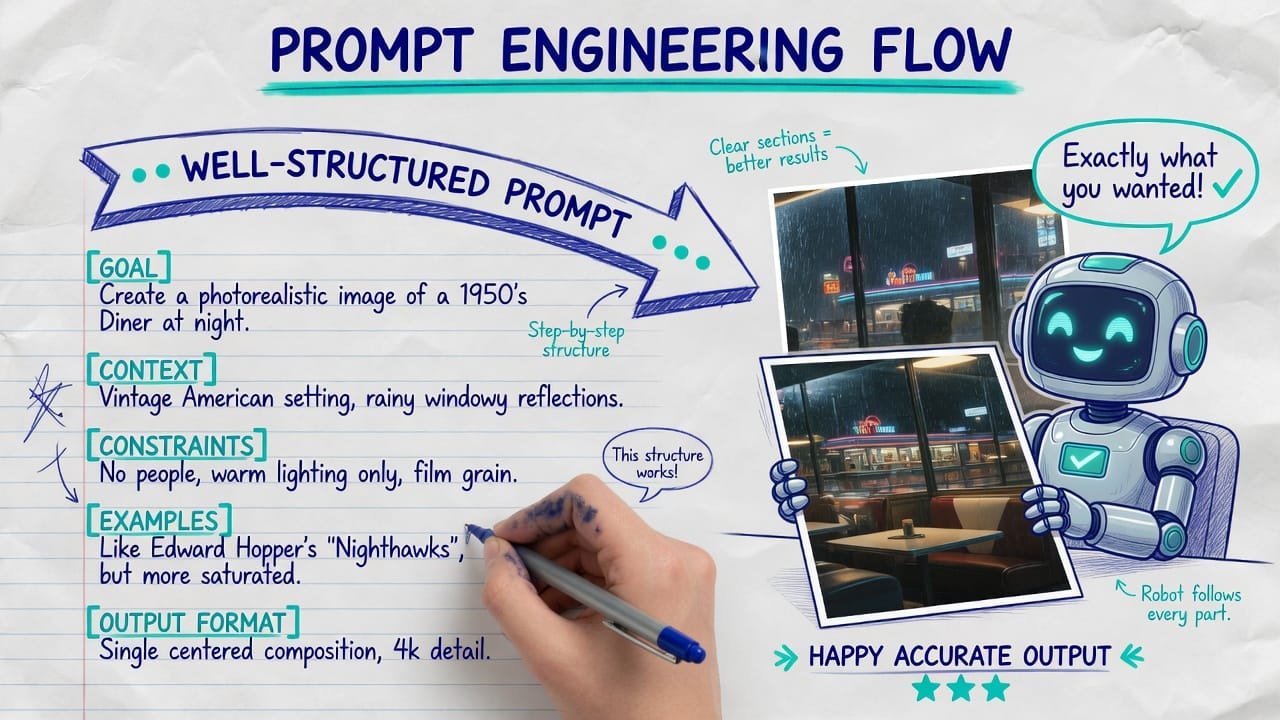
Checklist: how to vet your prompt before sending
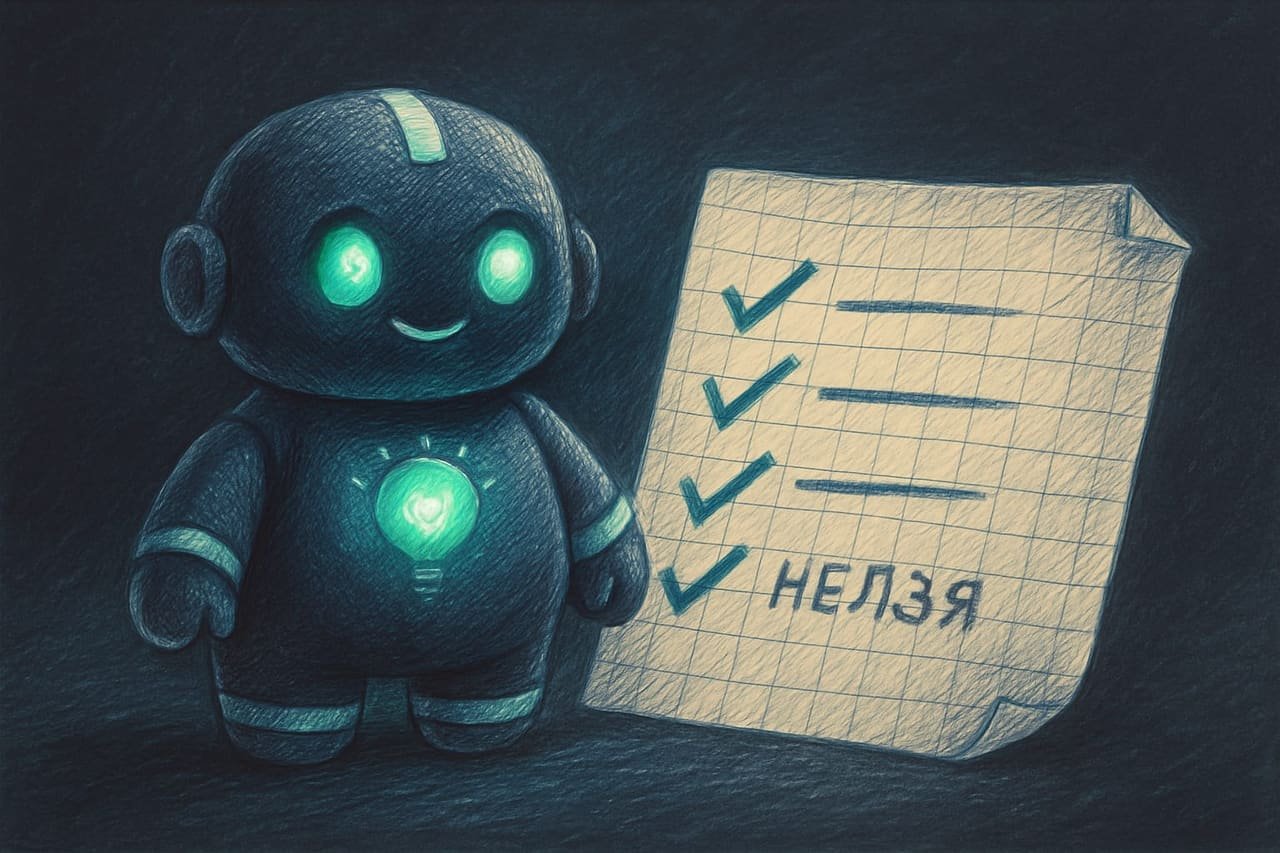
There’s a simple trick. Before you send it, read the prompt through the eyes of the agent — which knows absolutely nothing about you or your project. Can’t answer some question straight from the text? That’s a gap. And the agent will plug it itself.
Run your request through a mini-checklist — which is basically exactly what the prompt-optimizer skill does: it hunts for missing context in the request:
- Is it clear WHAT exactly to do? A concrete object and action, not “improve.”
- Is it clear WHERE? File, page, location — or at least permission to search.
- Is it clear what counts as DONE? What exactly I’ll see on the screen.
- Is it stated what’s a DON’T? Boundaries, what not to touch.
- Isn’t the task too big? If one prompt says “build a store” — slice it into pieces.
Common mistakes in AI prompts
- Fuzzy words. “Pretty,” “decent,” “modern,” “better” — everyone reads them their own way. So does the agent. Swap them for specifics.
- Silence about location. Don’t say where, and the agent guesses — or spins up something new instead of editing what’s already there.
- No “done” criterion. “Done” by the agent’s version and “done” by yours are two different “dones.”
- Forgot the boundaries. The most painful one: the agent “while it’s at it” reworks and breaks what was working.
- A giant task in one prompt. “Build me a social network” — the agent will take it on, then choke halfway through. Slice it into steps.
- Sent it without rereading. 30 seconds of proofreading saves you half an hour of redos. A fair trade.
TL;DR - если коротко
- An AI agent is not a mind reader. It does exactly what you wrote — with all your unspoken assumptions baked right in.
- A working prompt answers 4 questions: what, where, how you'll know it's done, and what NOT to touch.
- Boundaries (what NOT to do) are the most forgotten part. Skip them, and the agent fixes things you never asked about.
- Missing 3+ key details? The agent will fill them in for you. And it almost always misses.
- Slice up big tasks. One prompt — one result you can see with your own eyes.
- Before you hit send, reread the prompt as someone who knows nothing about you. The gaps jump right out.