A Personal AI OS on Claude Code: Memory and Scheduling
Not a chat with amnesia, but your own mini-office of agents that remembers everything
A personal AI OS on Claude Code: memory in files, a team of specialist agents, and scheduled tasks. How to build it from four folders with no databases and no servers.
What a personal AI OS actually is, in plain words
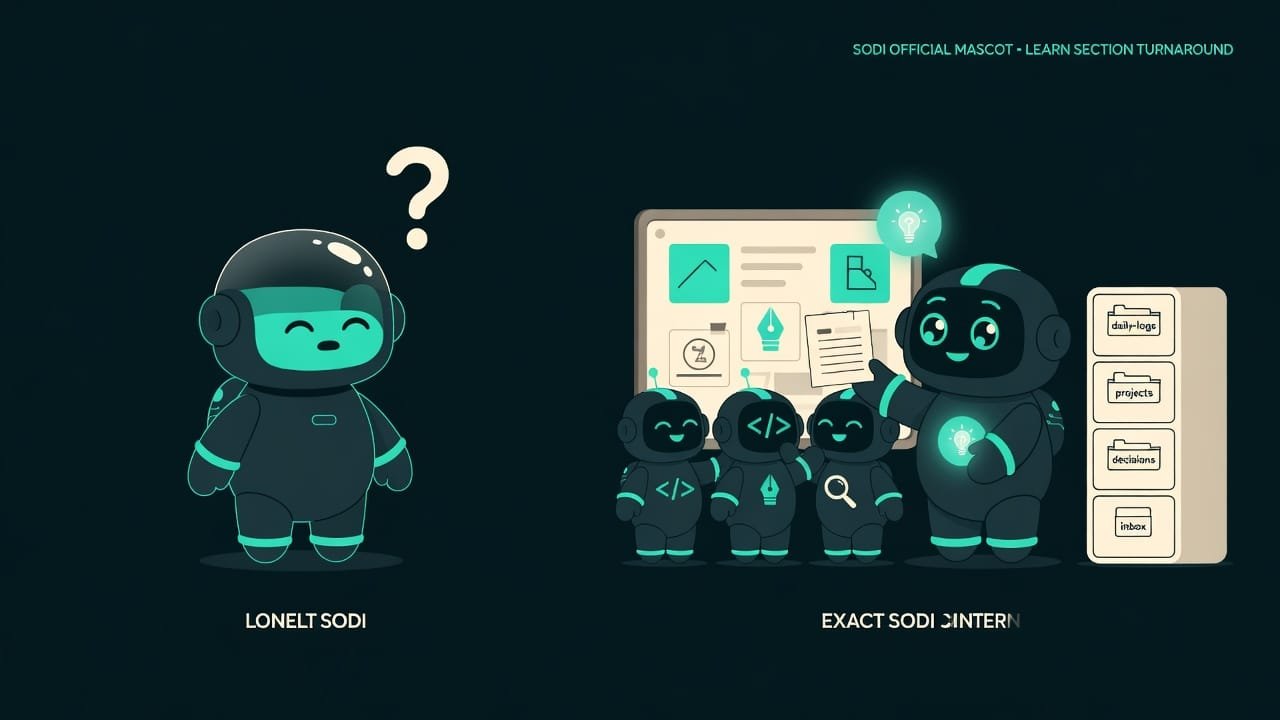
A regular AI chat is one talented intern. Sharp, fast — but just one. And every morning he shows up to work with amnesia: he doesn’t remember yesterday’s tasks, your rules, or who you even are. Sound familiar? That’s the whole pain right there.
Now picture this instead: instead of one intern, you’ve got a whole little office. There’s a director — he doesn’t do the hands-on work himself, but he knows exactly who to hand each task to. Under him is a team: a developer, a copywriter, a researcher. There’s a filing cabinet where everything is written down — what you decided yesterday, who you talked to, what the rules are. And there’s an alarm clock that reminds you every morning: time for the briefing.
That office is your personal AI OS An agentic OS is a way to use Claude Code not as a one-off chat, but as a standing system: memory in files, a team of agents, and automated tasks that survive a restart. . We call it an OS because it’s no longer just a window for chitchat — it’s practically an operating system: running, with memory and a schedule.
Why you’d want an AI OS instead of just a chat
As long as you’re doing one-off stuff — “build me a landing page,” “write a post” — a regular chat is more than enough. But the work piles up, and a lot of it repeats day after day. That’s when the amnesiac intern starts to grate: you’re explaining the same thing for the tenth time. Know the feeling?
An AI OS hits exactly these four points:
- You stop repeating yourself. Rules and facts are written into files — the system reads them itself.
- Different tasks, different specialists. Code goes to the “developer,” copy goes to the “copywriter.” Each is tuned for their own thing.
- Nothing slips through the cracks. Close the laptop at night, open it in the morning — the whole history is right there in the folders.
- The routine runs itself. Task reviews, status checks — on a schedule, with no input from you.
The difference between an “AI assistant” and an “AI employee” is memory and autonomy. An assistant waits for a question. An employee remembers the context and shows up with a briefing on its own.
What an AI OS is made of: just four folders
The phrase “operating system” sounds scary. Don’t panic. The entire AI OS is four folders in your project. No servers, no databases, no magic.
my-project/
├── CLAUDE.md          # The core: who I am, who I hand tasks to
├── agents/            # The staff: one file per person
├── .claude/commands/  # Commands: your buttons, like /daily-sync
└── data/              # Memory: folders with notes and logs
Let’s walk through each one.
1. The CLAUDE.md core — that’s your director
CLAUDE.md is the main file, the core. Claude reads it at the very start of every session. It’s basically the job description for your director: “you’re in charge, you don’t write code yourself, you hand tasks to the right people.”
Inside is a simple little table of “who’s responsible for what”:
| Staffer | What they own | When to call them |
|---|---|---|
| developer | code, debugging, architecture | “build,” “fix,” “refactor” |
| copywriter | copy, posts, emails | “write,” “draft,” “blog” |
| researcher | search, analysis, fact-checking | “look into,” “compare,” “verify” |
2. Specialist agents — those are the staff
The agents/ folder holds one file per “staffer.” It’s just a text description: who they are, what they read before they start working, what they’re allowed to do and what they’re not.
For example, the “developer” file says: “you’re a senior engineer, you write clean code, you always add tests, you never commit directly to main.” And right there too — which memory files to open before starting, so they get up to speed on the project.
A specialist agent A specialist agent is a separate text file describing one “profession”: its personality, which files it reaches for, and what limits it has. The director loads the right one for the situation. isn’t a separate program. It’s a role the director “puts on” when they take on a fitting task.
3. Commands — those are your buttons
The .claude/commands/ folder holds ready-made scripts. Each file is one command you invoke with a slash: /daily-sync, /research, /outreach.
Take the /daily-sync command (“morning sync”). It goes step by step: read yesterday’s logs, check the project status, peek into the “inbox” folder, pull together a summary, and write it to today’s log. Describe it once — after that you just hit the button.
4. The data memory — that’s your filing cabinet
The heart of the system. All the memory lives in plain files in the data/ folder, sorted onto shelves:
data/
├── daily-logs/    # journal: what we did each day
├── projects/      # context for each project
├── decisions/     # decisions made and why
├── inbox/         # new tasks and ideas
└── contacts/ # people, companies, notesFor structured data (status, metrics), use JSON. For anything a human reads (decisions, logs, notes), use markdown. A database is overkill here as long as you’re a single user and not dealing with gigabytes of records.
Scheduling: how the AI OS works without you
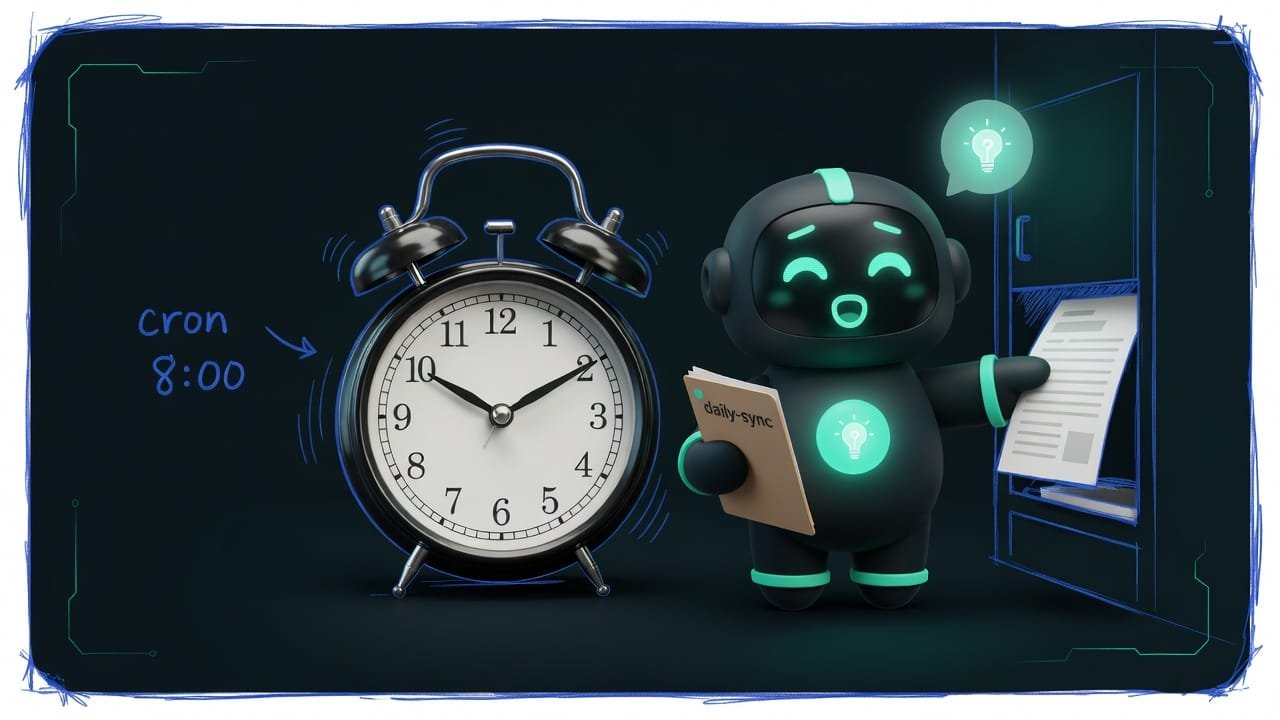
The real magic kicks in when the office runs without you. You wake up and a briefing is already waiting: what’s in progress, what’s stuck, what to grab first.
That’s the job of a task scheduler. But there’s a catch that trips everyone up.
The logic couldn’t be simpler. At the right hour the external alarm pokes Claude Code, it runs the command, and it drops the result into data/daily-logs/. You sit down at your desk — the report is already done.
How to grow an AI OS the right way
It’s easy to wreck the system — cram everything into one pile and that’s the end of it. Here’s a guide for which side to stay on.
- One agent, one job: the developer separate, the copywriter separate.
- The core is short and clear (under 200 lines) — it fits into the context whole.
- Memory is read at startup and appended to at the end of the session.
- Scheduled tasks run through an external scheduler, not a built-in timer.
- Logs are append-only: nobody rewrites yesterday.
- One jack-of-all-trades agent that does everything — and gets confused by all of it at once.
- A core bloated to thousands of lines — the desk is buried before you even start.
- Memory has turned into a junk pile — the system drowns in clutter.
- Passwords and keys written straight into agent files — everything leaks at once.
- Dragging in a heavy database for the sake of a couple of notes from a single user.
A real-life example: one person and a startup
Say you’re running a small startup solo and drowning in routine. Every morning you manually check what’s in progress, answer emails, keep notes on clients. And every single time you re-explain to the AI who you are and what your project is. Tiring, right?
You build an AI OS — and the day changes:
- In
CLAUDE.md, the director already knows your team of three “staffers.” - In
data/projects/sits the startup’s context — no need to explain it again. - The
/daily-synccommand preps a briefing on its own every morning at 8:00. - After each session the system appends to the journal: what got done, what got stuck.
Want to feel the spirit of the approach right now, without building the whole office? Hand your agent this prompt.
Let’s set up the seed of my personal AI OS in this project. Do it step by step:
-
Create a CLAUDE.md file. In it, describe: you’re the director of my project,
you don’t write code yourself, you hand out tasks. Add a table of three roles —
developer, copywriter, researcher — and when to call each one.
-
Create a data folder with subfolders daily-logs, projects, decisions, inbox.
In data/projects, put a file with a short description of my project,
so I never have to explain it from scratch again.
-
Create a daily-sync command in the dot-claude slash commands folder.
It should, step by step: read the latest log, check the status,
peek into inbox, and write a morning summary into data/daily-logs.
-
Keep memory in files only. Do NOT write passwords or keys into files,
use environment variables. At the end of the work, append a short log:
what you did and what’s left.
Show me the folder structure when you’re done.
Common mistakes when building an AI OS
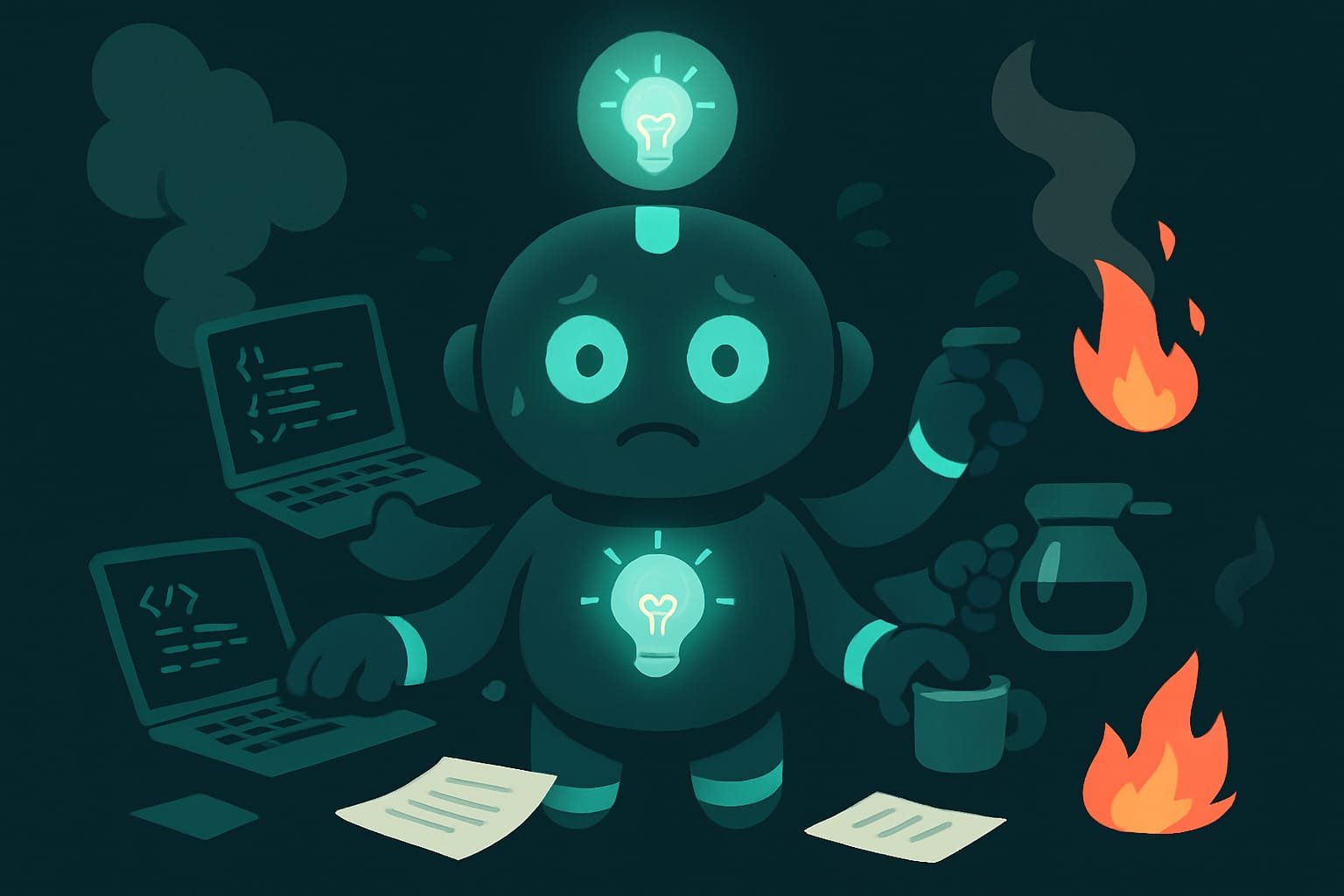
- Making one jack-of-all-trades agent. It gets confused by everything at once. Split it into roles: one agent, one job.
- Keeping memory in the chat instead of in files. After a restart it’s gone. Everything important goes in
data/. - Bloating the core. Thousands of lines in
CLAUDE.mdclog the context before you even start. Keep it under 200 lines. - Relying on the built-in timer. It dies with the session. Use an external scheduler.
- Writing passwords and keys into agent files. One leaked file and it’s all out in the open. Environment variables only.
- Dragging in a database for the sake of notes. As long as you’re a single user, markdown and JSON are plenty.
- Not appending logs. Without a write at the end of the session, the system never grows and forgets everything all over again.
TL;DR - если коротко
- An AI OS isn’t a single helper — it’s a whole “office”: a director hands out tasks to a team of specialists and pulls their work back together.
- Memory lives in plain files on disk (markdown and JSON), not in the model’s head — so it survives restarts.
- The whole setup is just four folders: the core, the agents, the commands, the memory. No databases, no servers.
- Tasks fire on their own, on a schedule (an 8:00 a.m. briefing) — but through an external scheduler, not a built-in timer.
- The growth rule: one agent, one job, a short core (under 200 lines), and memory kept on point instead of a junk pile.
- Secrets never go into agent files: use environment variables only, or everything leaks at once.