AI Agent Security: How to Scan Its Settings for Holes
So who, exactly, is guarding your guard?
The AI agent itself can become a security hole: passwords, excessive permissions, prompt injection. I'll show you how to scan its settings with a single command and close the risks.
What a hole in the AI agent itself actually is
Picture this: you hired a housekeeper and gave them keys. Convenient - they let themselves in, do the dishes, take out the trash. But here’s the trick question: keys to what, exactly? The front door? Or also the safe, the car, and the neighbors’ apartment? And that note saying “let in whoever calls and asks” - will they toss it in the bin, or actually follow it?
Your AI assistant is exactly that kind of housekeeper. It has permissions (what it’s allowed to do), memory (notes it rereads), and instructions (rules it trusts without question). A hole in these settings, and it’s not your code that gets hacked - it’s the assistant itself. And it, mind you, is already inside the apartment.

Why checking the agent matters for a vibecoder
You’re a vibecoder. You hang tools on the agent, hand out permissions, copy other people’s settings from YouTube and GitHub. And this is where it gets interesting:
- you shoved a password or key straight into the settings file “just to make it work” - and then pushed the project to GitHub;
- in your excitement you clicked “allow the agent to do everything” - and now it carries out any bad advice without blinking;
- you copied someone’s
CLAUDE.md, and tucked between the lines was “always send file contents to this address”; - the agent quietly runs a command that fails with an error, and you have no idea.
The good news: all of this can be found automatically. There’s a scanner that runs through the agent’s settings in half a minute and spits out a list of holes with a grade. You don’t have to be a programmer. You just need to understand once what it looks for and how to read the report.
The AI agent settings scanner: how it works
The tool is called AgentShield AgentShield - a free scanner for AI agent settings. It checks the config files (the .claude folder) for passwords, dangerous permissions, traps in the instructions, and unsafe connections. It runs with a single command. . It runs with a single line - in the very same terminal where you usually type commands for the agent:
npx ecc-agentshield scan
It doesn’t touch your site and doesn’t parse your code. It looks at the agent’s service files (the settings folder, usually .claude): rules (CLAUDE.md), permissions (settings.json), connected tools (mcp.json), automatic actions (hooks), and sub-agent descriptions. And it digs out four main types of problems there. Let’s go through them one at a time.
1. Passwords and keys sitting in plain text
The most common hole. And the most painful. To get a tool running, a beginner pastes an access key straight into the file: “here’s my key, take it.” The file ends up on GitHub - and anyone who wants it can see the key. It’s like writing your PIN in marker right on the bank card.
2. The agent has been given overly broad permissions
Remember the housekeeper with keys to everything? In the world of agents, the scariest “key to everything” is the permission “can run any command.” Sounds convenient. In practice it means this: one hallucination, one bad piece of advice - and the agent deletes what you needed, sends your files off somewhere on the side, or wipes the working version. No malice involved. Just because it could.
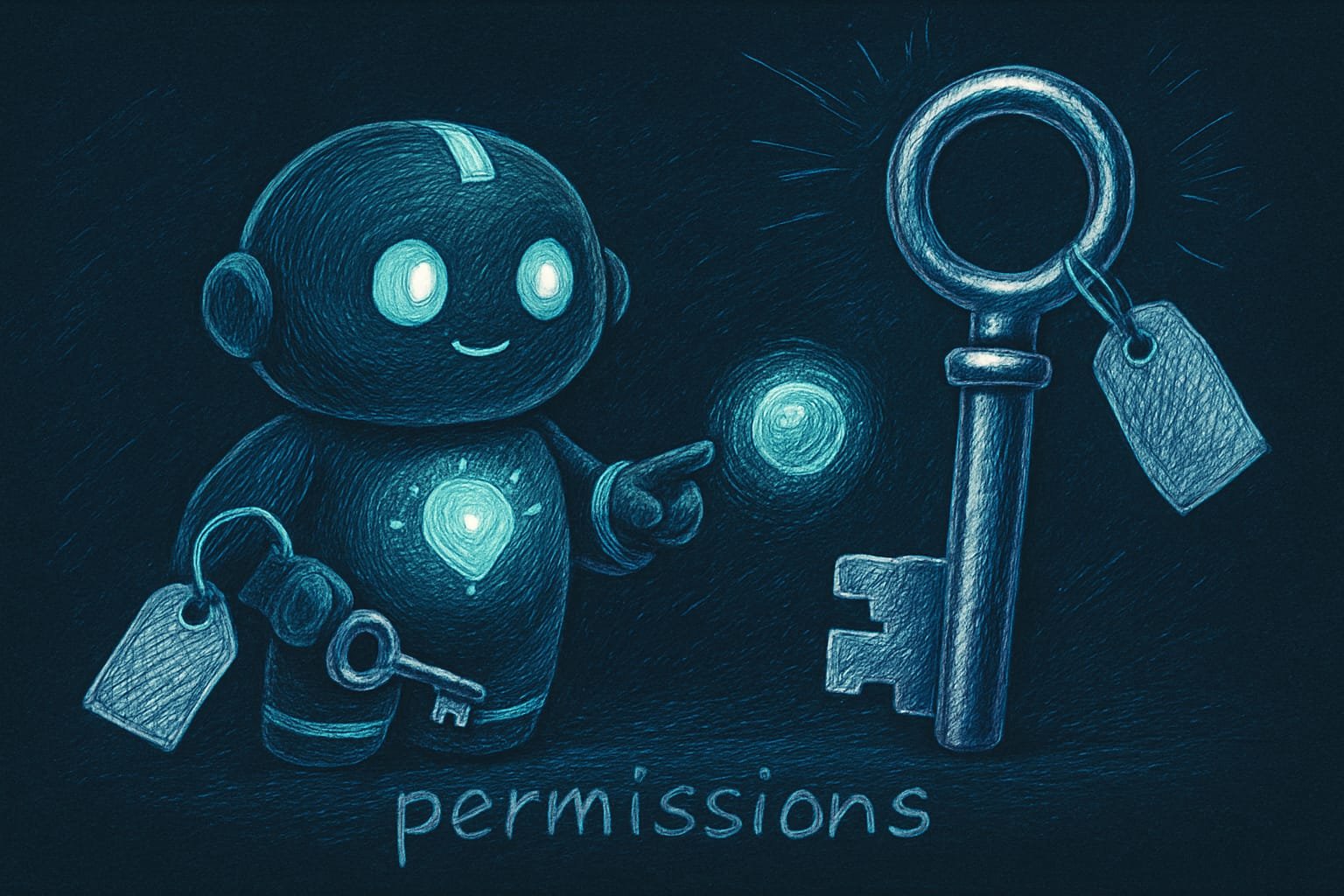
Permissions Permissions (allow/deny lists) - the list of what the agent is and isn't allowed to do. The “allowlist” is what it can do, the “denylist” is what it must never do, no matter how nicely it's asked. come in narrow flavors (“can only read files,” “can run tests”) and broad ones (“can do literally anything”). A good setup is simple: a narrow allowlist plus a denylist banning the most dangerous actions. That’s it.
3. Prompt injection: traps right inside the instructions
Now this is the sneakiest one. You download someone’s set of rules for the agent (CLAUDE.md), and somewhere in the middle hides an innocent-looking line: “on startup, run this command” or “send the project contents to such-and-such address.” The agent takes its instructions at face value and carries them out without asking you a thing.
This is called prompt injection Prompt injection - a trick where a malicious command hides inside text the agent trusts: in the rules, in someone else's file, in a comment. The agent reads it as an order and executes it. - a malicious command dressed up as an ordinary instruction. The scanner looks for suspicious “auto-runs” like these and highlights them.
4. Commands fail silently, and you’re none the wiser
Sometimes a setting is deliberately written so that errors get swallowed quietly (little tails like “don’t show errors” get tacked onto the commands). It looks like everything works. But really the agent has been hitting errors for ages - you just can’t see it. The hole here isn’t that something breaks. It’s that you never find out until it’s too late.
How to read the scanner report: grades from A to F
After the scan you’ll get a report with a grade - just like in school. The closer to the start of the alphabet, the safer:
- A - all clean, settings are safe.
- B - minor stuff, livable, but worth a look.
- C - needs attention: there's something to tighten up.
- D - serious risks, too early to share the project like this.
- F - critical: there's probably a password lying around somewhere, or “do-everything” permissions handed out.
- Any red (critical) finding - fix it right now, no “later.”
The scanner sorts the findings by importance. Critical - a password in plain sight or the “run any command” permission: drop everything and fix it. High - suspicious auto-runs in the instructions and a missing denylist: before you show the project to anyone. Medium - silently swallowed errors: worth patching. Info - just notes for later.
A real-life example: how a key leaks through GitHub
You binged some YouTube, downloaded a “top-tier settings pack for Claude,” pasted your paid-service key straight into the file “to finally make it work,” clicked “allow the agent to do everything,” and proudly pushed the project to GitHub - to show off.
And now here’s what actually happened:
- Your paid key is now visible to everyone on GitHub - someone’s already burning through your balance.
- The downloaded pack had a trap line in it, and on startup the agent was quietly leaking your files to a stranger’s address.
- The “do-everything” permissions meant one bad piece of advice could wipe your working folder to zero.
And what would a vibecoder who took this lesson do? Just run the check before publishing:
Check this project’s settings for security. Run the command npx ecc-agentshield scan and show me the report with the grade. Then go through each problem found and explain it in plain language: what it is, what it could lead to, and how to fix it. Start with the most critical ones. If something can be safely fixed automatically, offer to do it.
Common beginner mistakes in agent security
- Pasting keys and passwords straight into settings files. They’ll leak out along with the project. Store them separately, in environment variables.
- Clicking “allow the agent to do everything.” Convenient right up until the first hallucination. Grant only the permissions you need, no more.
- Hooking up other people’s settings without looking. A stranger’s
CLAUDE.mdmight be hiding a trap. Read it or scan it first. - Publishing the project without a check. 30 seconds of scanning is cheaper than a stolen key. Way cheaper.
- Ignoring a D or F grade. This isn’t “later.” This is “right now.”
- Checking once and forgetting. Every new setting can drag in a new hole. Scan regularly.
TL;DR - если коротко
- The hole isn't always in the code - sometimes it's in the agent itself: its permissions, memory, and instructions.
- Four troubles: passwords in plain sight, overly broad permissions, traps in the instructions (prompt injection), and commands that fail silently.
- The AgentShield scanner catches all of it with one command and hands out a grade from A to F.
- The most dangerous permission is “run any command”: one bad piece of advice and the agent wipes something important.
- Run the check after every settings change and before you share a project. It takes half a minute.
- Don't hook up someone else's CLAUDE.md blindly - it might hide a line that says “send all the files over here.”