MCP for your agent: what it is and how to plug in tools
Snap in the connector - and suddenly your agent has hands in the real world
MCP in plain English: a single connector that gives an AI agent tools, data, and templates. Why a vibecoder should care, how to plug in a server, and how not to get burned.
MCP in plain English: power outlets in the agent’s kitchen
Remember the analogy from earlier chapters? The model is a brilliant chef, and we build a kitchen (the harness) around it. Well, MCP is the standard power outlets in that kitchen. Plug a blender into the outlet and the chef can make smoothies. Plug in a meat grinder and the chef can make mince. And the chef hasn’t changed one bit. They just got a new appliance.
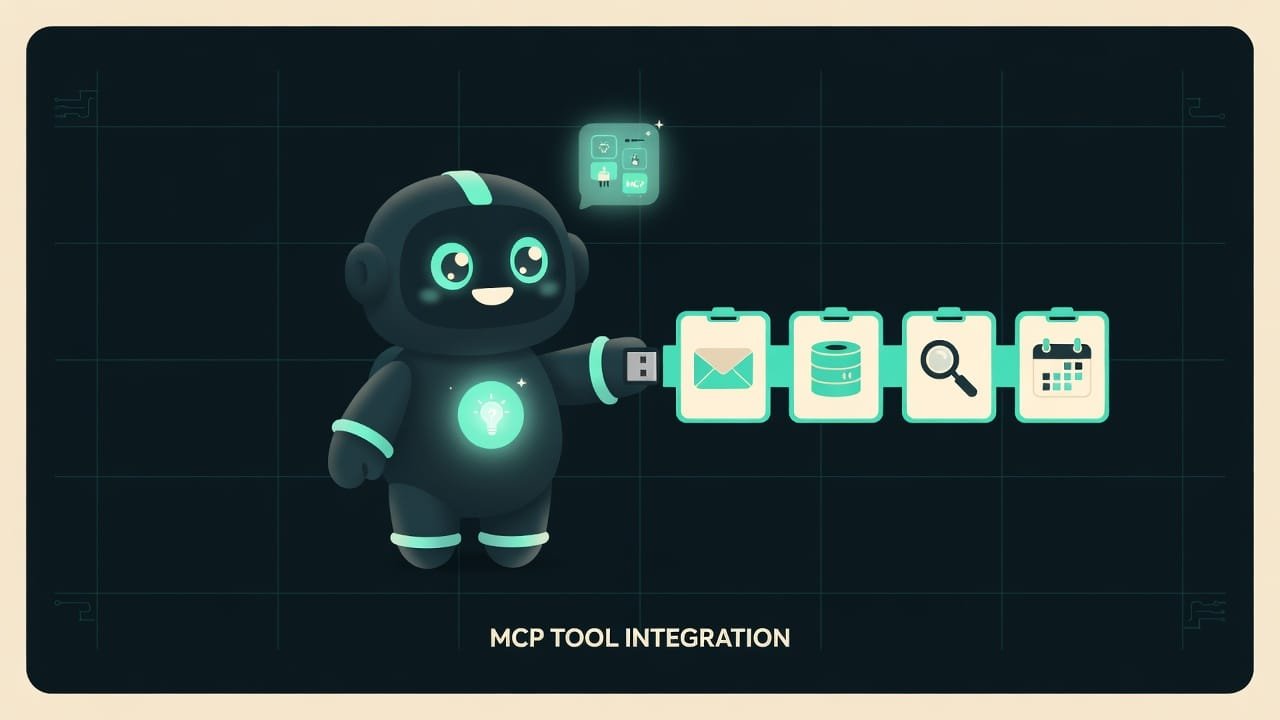
Now the grown-up version. MCP MCP (Model Context Protocol) is a single standard for how an agent connects to external tools and data. Like USB: one connector shape, and thousands of different devices fit it. is a protocol for how an AI agent plugs into external skills: calling a tool, reading data, grabbing a ready-made command template. The whole point lives in one word - standard. It used to be that every integration was hand-built from scratch, every single time. Now the connector shape is the same. And hundreds of ready-made “devices” fit it.
Why a vibecoder needs MCP
You’re a vibecoder. You don’t need to write a server by hand - though at the end of the lesson we’ll peek at how one works inside. But understanding MCP matters. This is exactly how the agent climbs out of the chat and into the real world.
- Want the agent to read your email on its own and sort it into neat piles? Plug in an email MCP.
- Want it to pull fresh data from the internet instead of making things up on the spot? Plug in a search MCP.
- Want it to work with your project, your database, your design? There’s already a ready-made server for all of that.
The difference between “an agent that chats prettily” and “an agent that actually gets things done for me” is almost always a properly connected set of MCP servers. There it is - the very superpower from this chapter’s title.
What’s inside MCP: tools, resources, prompts
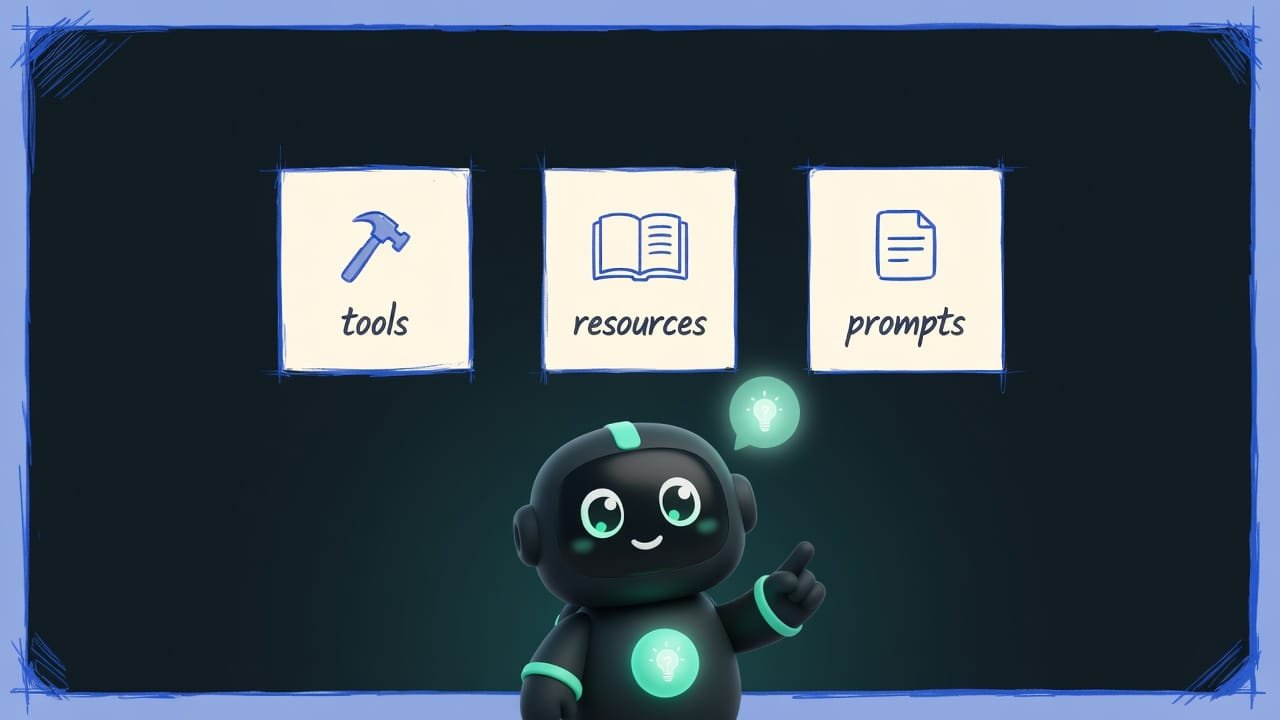
Every server gives the agent three kinds of “skills.” Memorize them, and consider the entire MCP vocabulary yours.
Tools - the agent DOES something
Tools A tool in MCP is an action the agent can perform: send an email, run a test, find something. It's a verb: the agent calls it and gets a result back. are verbs. “Send the email,” “run the tests,” “find the customer in the database,” “file a ticket.” The agent decides on its own when to call a given tool, passes it some data, and gets a result back.
A good tool is like a good button on a remote: a narrow name, one clear job. A bad one is a “mega-button for everything,” after which the agent scratches its head and has no idea what just happened.
Resources - the agent READS data
Resources are nouns. Read-only data: the contents of a file, an API response, rows from a table. The agent doesn’t touch them. It just peeks to understand the context. A resource usually has its own address (uri) - like a link the agent uses to fetch the chunk it needs.
Prompts - ready-made command templates
Prompts in MCP are pre-built request templates with blanks for parameters. Roughly: “put together a report for month X on project Y.” The client (your app, for example) shows you such a template, you fill in the values - and you stop typing the same long command a hundred times over.
Local vs remote MCP server: where to plug in the connector
An MCP server can live in two places. The difference here is simple.
- Local - runs right on your computer. The connection goes over stdio stdio is a simple channel through which two programs on the same computer exchange text directly, no internet involved. For MCP, it's a way to link a local server to the agent. - two programs just toss text back and forth. This is how an agent gets connected to Claude Desktop, for example.
- Remote - lives somewhere in the cloud, and the agent reaches it over the internet via HTTP. The modern standard for this is Streamable HTTP: one tidy web address for the whole server. The older SSE approach is kept around only for compatibility now.
How to tell a good MCP tool from a bad one
When you’re picking or setting up an MCP, here’s how to eyeball a decent server versus a painful one. These are straight-up rules from real MCP server development.
- Narrow name, one job: “send email,” “find order.” It's instantly clear what it does.
- Has an input schema: clearly states what data it accepts and what it returns.
- The response has a clear result and a hint about “what's next”, not raw technical garbage.
- Isn't afraid of repeats: call it twice and nothing breaks or gets duplicated.
- One “mega-tool for everything” - the agent gets confused about what to call and when.
- Fails silently or dumps a stack trace the agent can't read to figure out what to fix.
- No description of the parameters - the agent is just guessing what to put in.
- Hammers a paid external API with no limits whatsoever - hello, surprise bill.
Example: an agent reads your email through MCP
You ask the agent: “check what clients wrote me today and give me a short summary.” In a plain chat, the agent will honestly throw up its hands: “I don’t have access to your email.” Dead end.
Now we plug in an email MCP server - and the same request turns into magic. The agent opens your inbox on its own (that’s a resource - reading), pulls today’s emails, makes a summary, and if you ask, drafts a reply for you (now that’s a tool - an action).
To keep the magic from turning into a disaster, instruct it like this.
You have access to my email through MCP. Do the following:
- Read only today’s emails. Don’t delete or send anything without my permission.
- Group them by topic and give me a short summary: who from, what about, how urgent.
- For the two most urgent ones, draft a reply, but do NOT send it - show me first.
- If a tool is missing or access didn’t work, tell me honestly - don’t make up the contents of the emails.
How an MCP server works inside (just a glimpse)
You won’t have to write this by hand, but it helps to see that the “magic” is just ordinary code. An MCP server in TypeScript spins up in literally a couple of lines:
- install the package:
npm install @modelcontextprotocol/sdk zod; - create a server with a name and a version;
- register the tools and resources, describe their input with Zod Zod is a library that checks that incoming data has the right shape (for example, that an email is a string). In MCP, it's used to describe what a tool accepts. - it’s basically the “bouncer at the door”: it checks that the agent passed in data of the right kind, not just whatever.
Common beginner mistakes with MCP
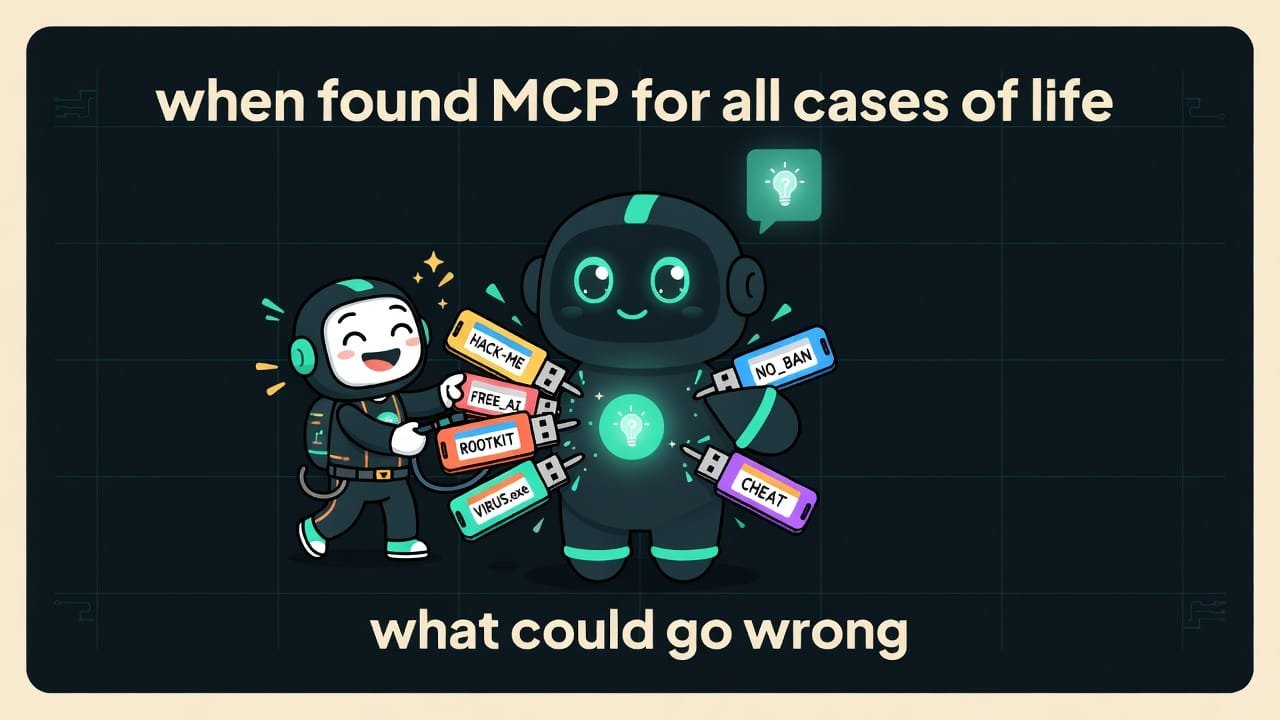
- Plugging in everything in sight. Every server sees your data. Only install ones you trust, and read which permissions they ask for.
- Granting max permissions “just to make sure it works.” Grant the minimum: if it only needs to read email, don’t hand it the right to delete and send.
- Expecting MCP to make the model smarter. It gives skills and access, not intelligence. A botched task the agent will botch through MCP too - just faster.
- One “mega-tool for everything.” The agent gets confused. Better to have several narrow tools with clear names.
- Believing the agent definitely did it all. If a tool fails silently, the agent might “fill in” the answer. Ask it to report failures honestly and double-check the important stuff yourself.
- Writing a server from scratch when a ready-made one exists. First search for an existing MCP for the job - chances are someone already wrote and polished it.
TL;DR - если коротко
- MCP is a “USB port” for your agent. Plug in a server and the agent can read your email, hit a database, or search the web.
- Inside there are three things: tools (the agent acts), resources (the agent reads), and prompts (ready-made command templates).
- A server can be local (on your machine, over stdio) or remote (in the cloud, over HTTP). In the cloud, the standard is Streamable HTTP.
- A good tool has a narrow name, one job, and a clear response. One “mega-tool that does everything” is pure pain.
- MCP means access to your data. Only plug in what you trust, and grant the minimum permissions.
- You almost never need to write a server by hand - someone already wrote the one you need.