Deploying a site: how to ship to the internet without a meltdown
Hit ‘publish’ — and the site doesn't faceplant in front of everyone
Deployment in plain words: how to ship updates without crashes, hide secrets in environment variables, run a health check, and roll back in seconds.
What deployment means, in plain words
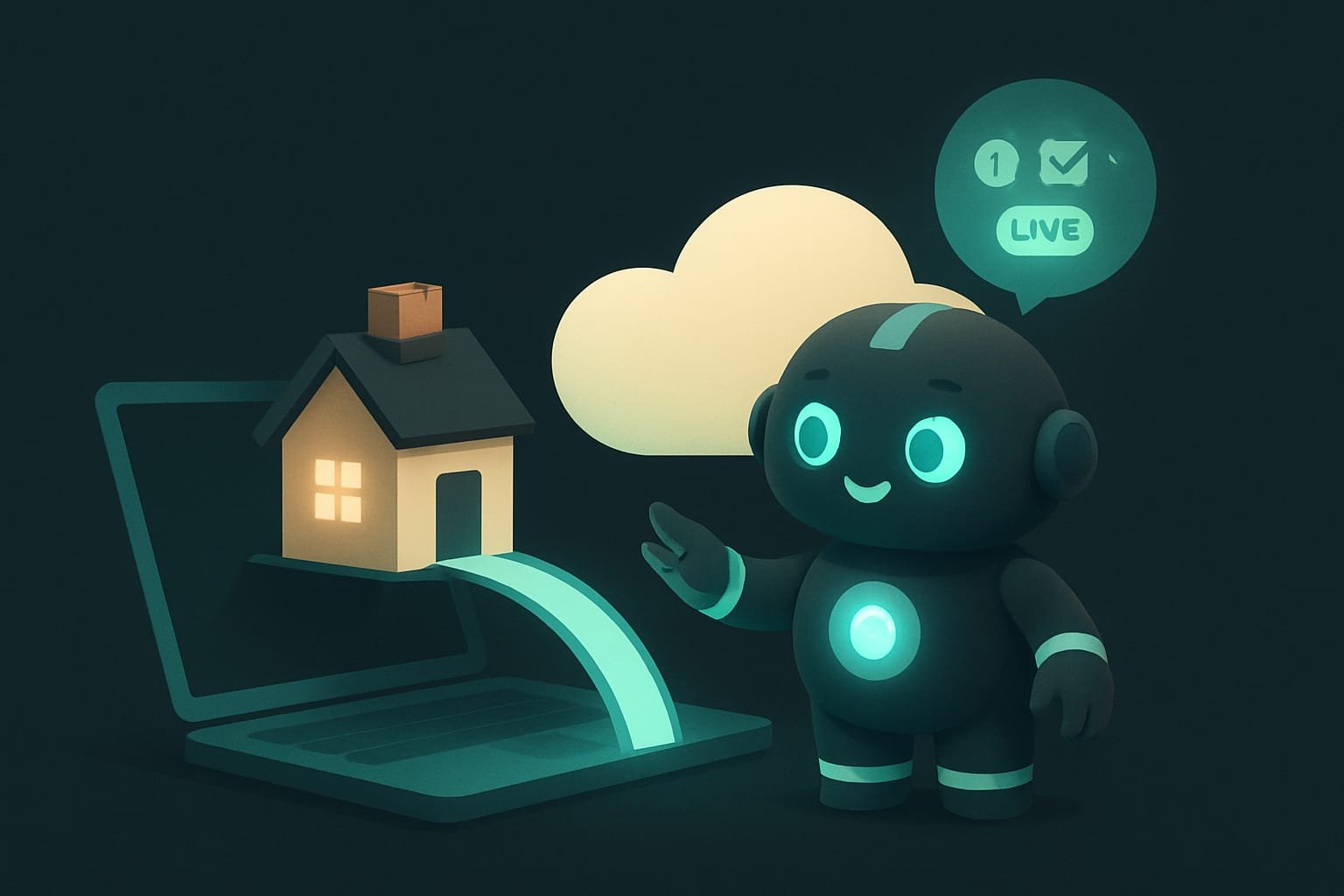
You built a site. On your computer it works perfectly: pretty, fast, everything clicks. One problem. Not a single living soul sees it except you. For the site to reach the world, the project has to be shipped to the internet. That move is exactly what’s called deployment Deployment (deploy) — publishing a project on a server on the internet so real people can use it, not just you on your own machine. .
Compare it to moving into a new apartment. Option one: you haul every last piece of furniture out of the old place, then spend half a day dragging the new stuff in — and the whole time you don’t even have anywhere to sit. Option two: you bring in the new furniture, set it up, check that everything sits level, and only then clear out the old. Not a single second without a couch.
A good deploy is always option two. The user shouldn’t notice you touched anything at all. The site was working — and it keeps working, it just got better.
Why a vibecoder should understand publishing a site
You’re a vibecoder. The agent writes the code for you. But you’re the one who hits ‘publish’ at the finish line. And you’re the one on the hook for a crashed site. When you understand how deployment works, you:
- ship updates so that visitors notice nothing;
- don’t flash your passwords and keys to the whole internet (the most common and most expensive rookie mistake);
- know how to roll back in seconds, instead of frantically typing ‘undo it!!!’ to your agent;
- understand what’s hiding behind scary words like
rollback,health check,staging— and can calmly ask the agent to set it all up.
The difference between ‘I shipped the site and it’s down’ and ‘I shipped the site and everyone’s fine’ almost always comes down to four things: how you roll out, where you store secrets, how you check what’s alive, and whether you have a rollback plan. Let’s take them in order.
The four pillars of a calm deploy
1. How to roll out updates without crashes
Tiny site on a single server? Then it’s simple: the new version replaces the old, and that’s that. But once a project grows up, clever ways to update appear — ways where the site doesn’t go down for even a second. Here are the three big ones, from simplest to most bulletproof.
- Rolling Rolling deployment — updating in turns: servers switch to the new version one after another, not all at once. The site stays up the whole time. (in turns). You’ve got several copies of the site. You update them not all at once but one by one: while one is moving to the new version, the others keep serving visitors. Nobody’s left without a site.
- Blue-green Blue-green deployment — two identical environments: one runs the old version while the new one is prepped right next to it. At the right moment, traffic is switched to the new one instantly. (two environments). Two identical copies: ‘blue’ is running right now, ‘green’ stands ready with the new version. You check green, flip the switch, and all the traffic moves there. Something off? Flip it back — instant rollback.
- Canary Canary deployment — the new version is first shown to a small slice of visitors (say 5%). If they're all fine, it's gradually opened to the rest. (the canary). The new version is seen by only 5% of visitors at first. They’re happy — you open it to half, then to everyone. The name comes from miners’ canaries: if something’s wrong, you find out on a small group instead of on everyone at once.
2. Where to keep secrets: environment variables, not code
This is the most important rule of the lesson. Your project has secrets Secrets — passwords, database keys, payment-service tokens, and other data that lets someone into your project. You can't show them to anyone. : the database password, the payment-service key, the bot token. If they’re written straight into the code, then the moment the code rides out to the internet (and it does — to GitHub, for example), the secrets ride out with it and become visible to anyone.
The right way is to keep them in environment variables Environment variables — settings defined separately from the code, right on the server. The code pulls them from there, but they aren't in the code itself. . It’s like your apartment keys: they aren’t painted on the door, they sit in your pocket. The code knows: ‘the key exists somewhere, I’ll grab it when I need it’ — but the key itself isn’t in the code.
3. Health check: the service page that says ‘you alive?’
A health check Health check — a simple address on the site (for example /health) that responds ‘all good.’ The server uses it to automatically check whether the project is alive. is a tiny service page, say at /health, that simply answers ‘I’m fine here.’ You’ll never visit it yourself. It’s for machines, not people.
So what’s it for? Every half-minute the server pings that page and asks: ‘alive?’ It answers ‘yes’ — great, carry on. It goes silent or throws an error — the server figures the project has frozen, and can restart it on its own or stop sending people to it. It’s like a patient’s pulse: the monitor beeps steadily, everyone’s calm; the signal drops, a nurse comes running.
4. The rollback plan: the ‘put it back how it was’ button
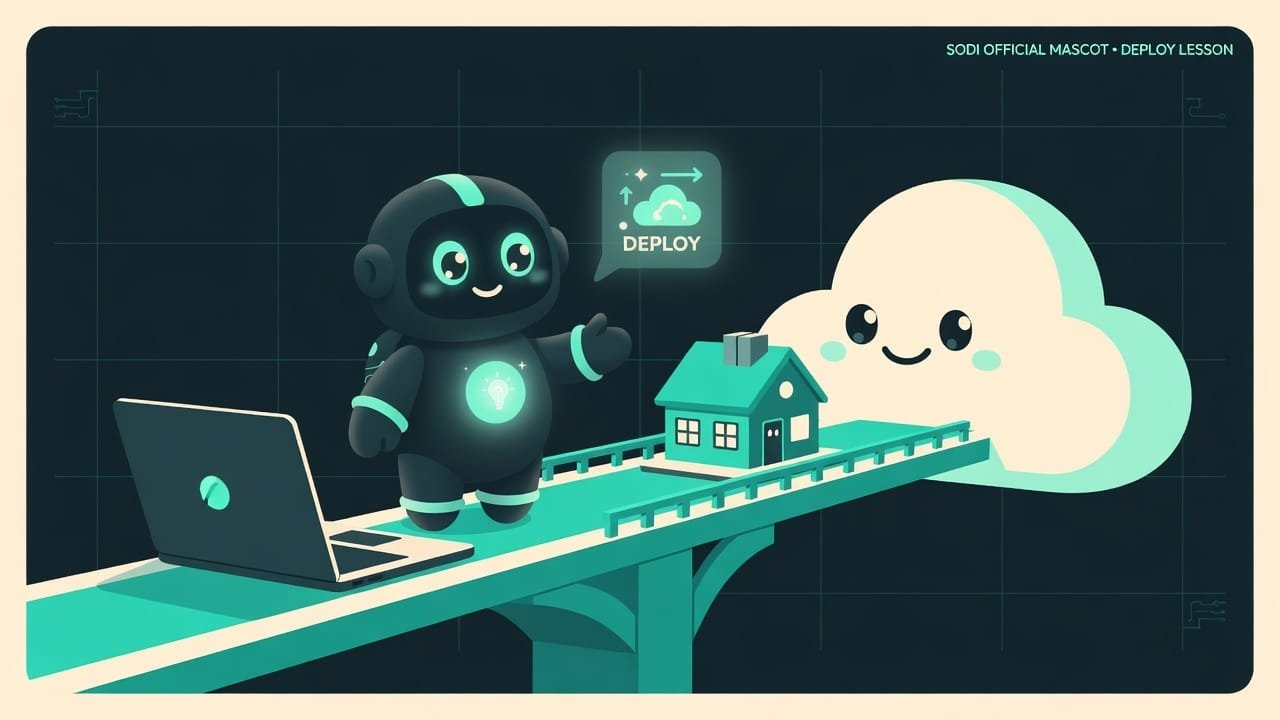
It happens even to pros: you ship an update and it breaks the site. The difference between a pro and a beginner is exactly one thing: the pro has a ‘back’ button. That’s the rollback Rollback — quickly returning to the previous working version of a project if the new one turns out to be broken. .
On decent platforms a rollback is literally one button or one command: ‘restore the previous version.’ The old working build is always kept saved. So the right way to think while deploying isn’t ‘just let it fly,’ it’s ‘if it doesn’t fly — how do I bring it all back in 10 seconds?’
Good deploy vs. bad deploy: a comparison
- Secrets in environment variables, not in the code at all.
- There's a health check — the server sees on its own when the project goes down.
- Versions are clearly tagged, the old working build is saved for rollback.
- You ship to a test environment (staging) first, then to production.
- Before publishing you ran through a readiness checklist.
- Passwords and keys hardcoded straight into the code and shipped off to GitHub.
- No checks at all — you learn about the crash from angry users' messages.
- There's nowhere to roll back to: nobody saved the old version.
- You ship straight to the live site, testing on real people.
- You deploy on a Friday evening and head out — a genre classic.
Staging Staging — a test copy of the site, exactly like production but closed to users. It's where updates get checked before publishing. is its own hero on this list. It’s a copy of your site where you check everything first, and only then ship to production. Cheap, boring, and it spares you a truckload of nerves.
A real-life example: how a bot token leaks
You had an agent build a one-page business-card site with a sign-up form. The form sends requests to you on Telegram via a bot — and that needs a bot token. The agent quickly dropped the token straight into the code, you were thrilled that everything worked, and you pushed the project to public GitHub. By evening your bot is spamming strangers, and the site loses the form for a couple of minutes on every update, because you ship straight to the live version. Fun, right?
What went wrong:
- The token lived in the code and leaked into the open repo — bots picked it up within minutes.
- There was no health check or staging — updates were tested right on the live site.
- There was no rollback plan — when the form broke, there was nothing to restore the working version from.
And here’s how a vibecoder who gets it would do it. They’d just frame the task to the agent properly.
Help me get my project ready to publish to the internet. Do it step by step:
- Find all the secrets in the code — tokens, passwords, keys. Move them into environment variables and create an example env file with empty values. Make sure the real secrets do NOT end up in the repository — add them to gitignore.
- Add a simple health check at the address slash health that responds with an ok status.
- Explain in plain words how, on my platform (I use Vercel), to roll back to the previous version if the new one breaks.
- Before you tell me everything’s done, run through a short publishing-readiness checklist and show it to me with checkmarks.
Show each step separately and wait for my ok before moving on.
Publishing-readiness checklist: 60 seconds before the button
Before you hit ‘publish,’ run your eyes over this. It’s a simplified version of the professional checklist from the deployment-patterns skill:
- Tests passed? If the agent wrote tests — are they green?
- No secrets in the code? Not a single password, key, or token sitting in the files.
- Health check responding? Go to
/health— does it say ‘ok’? - Know how to roll back? Not ‘I’ll figure it out if I have to’ — you know the command or button right now.
- Checked on staging? The update lived on a test copy first, not straight on production.
- Time chosen wisely? Not a Friday evening, and not five minutes before an important meeting.

A pixel cheat sheet

Common rookie mistakes when deploying
- Hardcoding secrets into the code. They’ll leak out with the project. Only environment variables, no exceptions.
- Shipping straight to production. Staging first, then the world. Otherwise you’re testing on real people.
- Having no rollback plan. ‘If it breaks, I’ll figure it out’ isn’t a plan. A plan is a ‘back’ button you know about in advance.
- Ignoring the health check. Without it, you’re the last to learn about a crash — from angry users.
- Deploying on a Friday evening. Old engineering wisdom: it’ll break exactly when there’s no one left to fix it.
- Changing the database ‘forever’ in a rush. Delete data with the new version, and a code rollback won’t bring it back.
TL;DR - если коротко
- Deployment is moving your project from your computer onto the internet, to real people. The best move is the one nobody notices.
- Roll out the new version gradually and keep a backup nearby. Something breaks? Bring back the old one in seconds (rollback).
- Secrets — passwords and keys — never live in the code. Only in environment variables. Otherwise they ride out to the internet along with your project.
- Add a health check — a tiny page that says ‘I'm alive.’ The server uses it to tell whether everything's fine, on its own.
- Before publishing, run a checklist: tests, secrets, rollback plan. A minute of boredom = a peaceful night.
- These habits are the same whether it's a landing page or a giant app. And every one of them can be handed to an agent.