Error Handling in Code: So Nothing Fails Silently
When it breaks, you should be the one who finds out. Not a client in an angry email a week later.
Error handling for vibecoders: a clear message for humans, a full log for you, smart request retries, and a ready-made prompt so your agent stops hiding failures.
What error handling actually is, in plain words
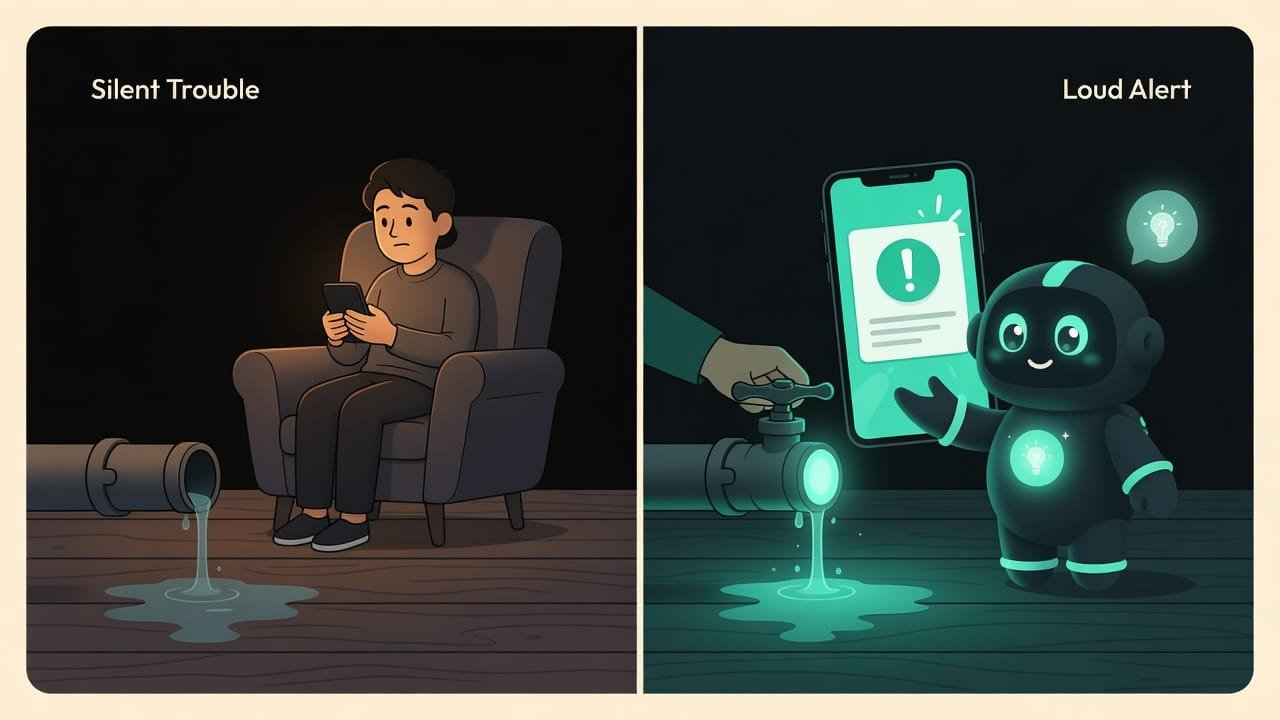
Picture a pipe bursting in your home. Two scenarios follow.
First: somewhere under the floor, water is quietly dripping. No sound, no signal. You live happily for a month — and then you find rotted floorboards and a flood in the apartment below. The disaster happened. You found out last.
Second: the pipe springs a leak — and instantly the sensor blares, the valve shuts off, a notification hits your phone. Annoying? You bet. But you fix everything in an hour, while the problem is still the size of a puddle.
That’s exactly what error handling is. A program always breaks somewhere — it’s as inevitable as rain. The only question is: do you find out immediately and gently, or later and as a catastrophe?
Why error handling matters for a vibecoder
You’re a vibecoder. The agent writes the code for you. But you’re the one who decides how the app behaves when something goes wrong — and something goes wrong constantly: the internet hiccups, a person types in nonsense, somebody else’s service lies down for a nap.
Don’t give the agent rules about errors, and by default it’ll pick the most dangerous option. It’ll hide them. Everything looks fine on the outside, while inside it’s quietly dripping.
- The user sees a blank screen or an eternal spinner — and leaves without a word. They won’t even write to you.
- You have no idea what broke: the error left no trace anywhere.
- One tiny failure takes down the whole app — when it could have stayed a local nothing.
The difference between “my site glitches sometimes, no clue why” and “I see every problem in the logs and fix it in a minute” — that’s the culture of error handling. The good news: the rules are simple. Wire them into your prompt once, and forget about it.
Five rules of good error handling
The error-handling skill has five iron principles. Let’s break each one down in plain terms.
1. Fail fast and loud
The most harmful thing you can do is swallow an error To swallow an error means to catch a failure and do nothing with it — not show it, not log it, not pass it along. The program pretends everything is fine when it isn't. . If it breaks, it should surface right where it happened. Not get buried deeper “so nobody panics.”
Sounds obvious. But this is exactly where beginners (and lazy agents) trip up most often: they add a catch block — and leave it empty. It’s like slapping electrical tape over a blinking “check engine” light. The light isn’t blinking, so everything’s fine, right? Sure, sure.
2. One message for the human, another for you
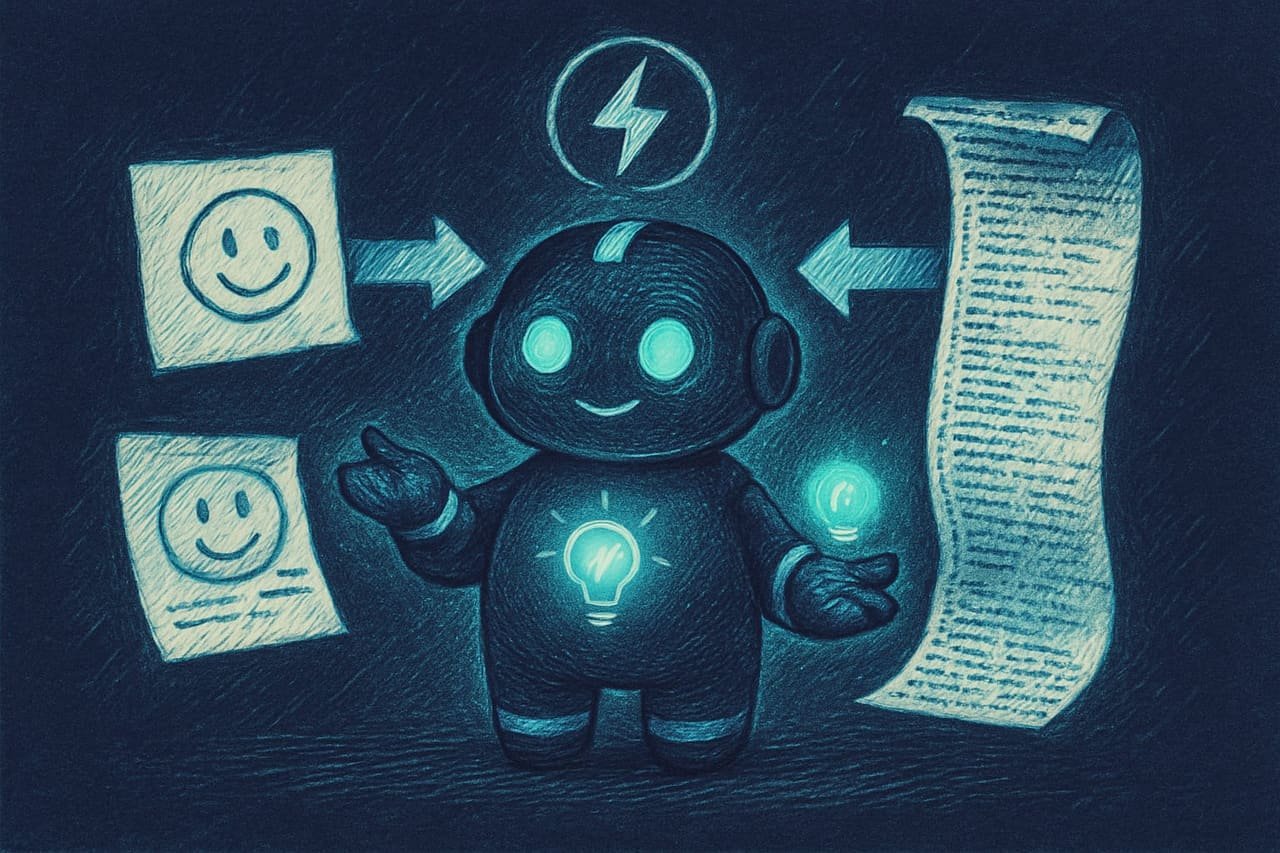
The same error needs two different texts:
- For the human — short and polite: “Something went wrong, try again later.” No technical details, no scary words, no chunks of code on screen.
- For your log — the whole story: what exactly broke, where, and with what data. This is your leak sensor.
3. An error should have a name, not just text
A bad error is a bare string "something broke". It tells you absolutely nothing.
A good error is typed A typed error is an error treated not as a random string of text but as an object with a clear name and code: for example NotFound, Unauthorized, RateLimited (too often). The code instantly tells you what happened and how to react. : it has a code and a clear name. Look:
NotFound— the thing you asked for isn’t there.Unauthorized— you need to sign in.ValidationError— the person typed in something wrong.RateLimited— too many requests in a row, time to ease off.
When errors are named, the app knows exactly what to show the human and what response to return. “Not found” is nothing like “no access” or “our server lay down for a rest.”
4. Retry requests smartly, not by ramming your head into the wall
Sometimes an error is temporary: the internet hiccupped, a service froze for a second. That’s where a retry with a growing pause Retry with backoff: if a request fails, try again — but not instantly. Wait for a pause that grows with each attempt. That way you don't bury the server under a queue of identical requests. makes sense: try once more; if it doesn’t work, wait a bit longer, and so on a few times.
But you can’t retry just anything:
- The network hiccupped, a connection timeout — it might fix itself in a second.
- Someone else's server replied “I'm temporarily overloaded” — wait and retry.
- Retry with a growing pause, not back-to-back — give the system room to breathe.
- The person entered the wrong password — retrying won't help, the password won't fix itself.
- “Not found” — what isn't there isn't there, ask a hundred times if you like.
- Endless retries with no limit — you'll finish off someone else's server and hang yourself.
5. An error is part of the contract with whoever uses your code
If your app can return a “no access” or “too many requests” error, let it do so in one clear format every time. Then the frontend, you yourself, and any future agent always know what to expect. Chaotic, inconsistent-looking errors are the second-biggest source of pain, right after silent ones.
A real-life example: the form that silently lost submissions
You built a contact form on your site with the agent. Poked at it — works. Shipped it. A week later you notice: zero submissions. Even though the counter insists dozens of people opened the form.
What actually happened:
- The email-sending service ran out of quota — it started returning an error.
- By default, the agent wrapped the send in a catch block and left it empty.
- So the human saw a cheerful “Thanks, your message was sent!” — while the email went nowhere. It dripped quietly under the floor for a whole week.
How do you protect yourself from the start? Just give the agent the rules. Here’s a ready-made prompt:
Whenever you write any code that could break (network requests, database work, sending emails, user input), follow these rules:
-
Never leave an empty error-handling block. Every such block must either handle the failure properly, pass it along, or write it to a log.
-
For every error, produce two messages. For the user — short and polite, with no technical details. For the log — full information: what broke, where, and with what data.
-
Don’t show the user success until the action has actually completed. If the email didn’t send, say honestly that it failed and offer to retry.
-
Use clear typed errors with codes: not found, no access, invalid input, too many requests, internal error.
-
Retry a request automatically only if it could have failed by chance (network, timeout). Use a retry with a growing pause and cap the number of attempts at three. Don’t retry input or access errors.
At the end, show me a list of the places where the code could fail, and how you handle the error in each one.
Healthy vs. sick error handling: a comparison
- Every failure surfaces somewhere: in a log, on screen, or higher up in the code.
- The human sees a clear message, not a stack trace filling half the screen.
- The logs hold the whole technical truth — you fix based on facts, not tea-leaf guessing.
- Only temporary failures get retried, with a pause and an attempt limit.
- Empty “caught it and staying quiet” blocks — errors vanish without a trace.
- The human gets dumped a chunk of code or a blank screen.
- One tiny error takes down the entire app.
- Passwords or keys end up in the log — and then the log leaks somewhere.
Checklist: is your app silent about its errors
Before you roll anything out to people, run it through this checklist:
- What will the human see if this breaks? If the answer is “blank screen” or “no idea” — that’s bad.
- Where will I see that this broke? If nowhere — add a log.
- Are there any empty error-handling blocks? Ask the agent to show you every catch and what happens inside it.
- Am I showing success too early? “Sent” should appear only after it’s actually sent.
- Did any secrets leak into the logs? Passwords, tokens, and keys have no place in a log.

Common beginner mistakes in error handling
- Leaving the catch block empty. The most dangerous habit there is. The error disappears, the problem grows in the dark.
- Showing the human technical text. A stack trace on screen scares ordinary people and helps attackers. Give them a polite message; keep the log for yourself.
- Lying about success. “Done!” before the action actually happened is a direct route to lost submissions and orders.
- Retrying things a retry can’t fix. A wrong password or a “not found” a hundred times in a row is wasted effort and a load on the server.
- Endless retries with no limit. You’ll finish off someone else’s service and hang your own app along with it.
- Logging secrets. It’s tempting to log “the whole request,” but passwords and keys often fly in with it. Scrub out anything sensitive.
TL;DR - если коротко
- A silent error is the worst kind. A failure should scream right where it happened, not get swept under the rug.
- Two texts per error: a polite “oops, try again later” for the human, the full story for you in the log.
- An empty catch block is a time bomb. Every one of them has to handle, rethrow, or log.
- A name instead of a faceless string. Typed errors with a code: NotFound, Unauthorized, RateLimited.
- Retry with your head, not your forehead. Only what fixes itself, with a growing pause and a limit — not a line marching into a wall.
- Run the checklist before you ship. What the human sees, where you see it, no empty blocks, no lying about success.