Production Audit: Is Your Project Ready for Real Users?
It works on your machine. But will it survive when strangers show up?
A production audit for vibecoders: how “works on my machine” differs from “works for everyone,” which zones blow up first, and how to make the AI hand you a clear go/no-go verdict.
What a production audit is, in plain words
You baked one cake at home. For yourself. It’s tasty - you’re happy. Now picture this: tomorrow 300 guests pile through your door. Each one wants a slice, five are allergic to nuts, three are scheming to walk off with the whole cake, and one calmly asks for a receipt.
Feel the difference? “Baked a cake at home” and “fed 300 people” are two different professions. The first one is your project on your laptop. The second is prod (production): the moment strangers - unknown, completely unpredictable people - start using it.
Why “works on my machine” isn’t “ready to launch”
You’re a vibecoder. You built a thing, it works, and your fingers are itching to show it to the world - ship it, drop the link to your friends, turn on the ads. The sweetest moment. And the most dangerous. Because this is exactly where you most often get smacked in the face:
- someone logged in under another person’s account and is calmly scrolling through their data;
- a customer paid, but the product never arrived - or arrived twice, and got charged twice;
- you rolled out an update, everything fell over, and there’s nothing to roll back to;
- a form works perfectly for you, but on a phone you simply can’t reach the button.
A readiness audit isn’t paranoia. It’s like checking your car before a long trip: a flat tire is nicer to find in the parking lot than on the highway in a downpour.
Prod Prod (production) is the “live” version of a project, the one real people use. The opposite is your local computer or a test environment, where you can break anything you want with no consequences. forgives far less than your laptop does. The good news: the AI can run your project through a readiness checklist. You just have to know what to ask for.
How the AI runs a launch-readiness audit
A proper audit isn’t “take a look, is everything OK?” It’s a strict order of checks, from cheap to expensive. The production-audit skill follows exactly that order.
Step 1. What are we even shipping to prod?
First the AI looks at what changed and what’s headed to the live server: your latest edits, the current branch, how this version differs from the last one. The logic is simple - you can’t check something you don’t understand.
Step 2. The danger zones where things break most often
Next the agent walks through the “hot spots”: login and access, working with data, payments, background jobs, deploy. These aren’t random places. They’re the exact seams where projects collapse like a house of cards.
Step 3. A short go/no-go verdict
No “well, looks fine.” Straight to the point: you can launch or you can’t. And if you can’t - what to fix first.
Four zones where prod fails most often
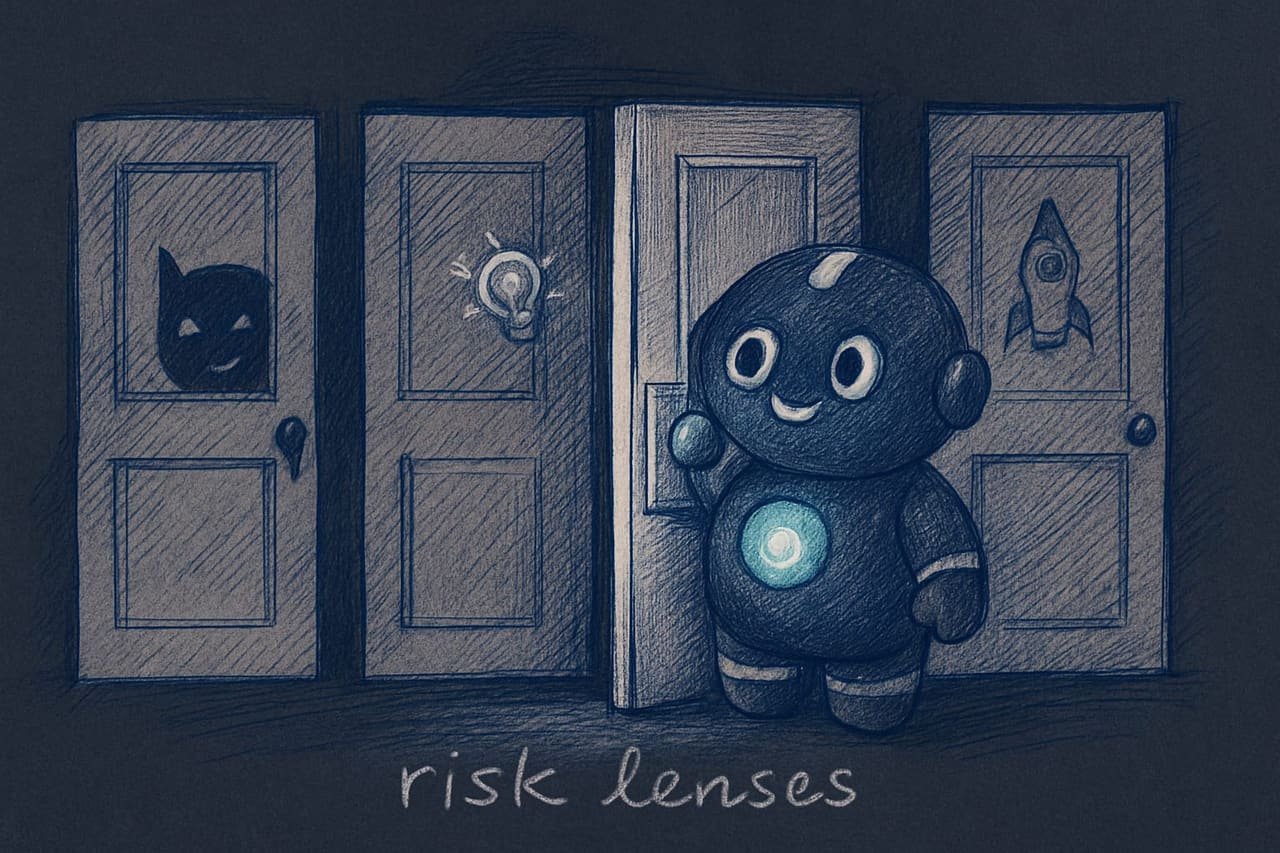
The production-audit skill looks at your project through several “lenses.” Here are the four main ones. Learn them - this is your personal readiness checklist.
Login and access: keeping users safe
The worst nightmare is a stranger seeing what they shouldn’t. The AI checks: are public pages and the admin panel kept separate; is access verified on the server, rather than on the “we hid the button, good enough” principle; have any secrets Secrets are passwords, API access keys, payment tokens. The stuff that belongs in a protected place, not baked straight into the code of a site that any user can see. leaked into the code that the browser hands out to every passerby.
Money and payments without double charges
If there are payments, there’s a high-risk zone. The key word here is idempotency Idempotency is a fancy word with a simple meaning: if the same action accidentally happens twice, the result should be the same as if it happened once. An order paid for once ships once - even if the system sent the notification three times. . Payment systems love to send the same notification several times. If you’re not ready for that, a person pays once and receives (or loses) twice.
Data and the way back
The main question: is there a way back? An update wrecked the database - can you put it back the way it was? The AI checks that database changes apply cleanly and that the rollback plan isn’t just talk but actually at the ready.
Starting from scratch on a clean server
Sounds trivial, yet it takes down projects with impressive regularity. Will the project come up on a clean computer strictly by the instructions? Yours has been configured over years and holds together on memory. But a new server is empty. And it has no memory.
The rollback path: the golden rule of a safe launch
If you take just one single thing away from this whole lesson, let it be this one. Never launch something you can’t roll back.
A rollback path A rollback path is a way prepared in advance to quickly return a project to a working state if the new version broke everything. Like an “undo” button, but for an entire site. is your insurance. Anyone who has launched more than once knows it cold: sooner or later you’ll roll out an update and it’ll break something. The question isn’t “if,” it’s “when.” And at that moment exactly one thing matters - can you quickly put it back the way it was.
Ready for people, or not yet: the readiness checklist
- Access is checked on the server: a stranger can’t get in under someone else’s account.
- Secrets are hidden - they’re not in the page’s code or in the logs.
- There’s a rollback path, and it’s actually been tested, not “well, it should work.”
- The project starts from scratch by the written instructions, no magic living in the author’s head.
- The main scenarios are tested on a phone too, not just on a big screen.
- Access rests on a hidden button - it’s bypassed in a minute.
- Keys and passwords are baked straight into the code, visible to anyone who looks.
- There’s no rollback: you broke it, now live with it.
- The launch stands on an honest “but it works for me” - it won’t start on a clean server.
- When something fails, the user sees a blank white screen with not a single hint.
A real-life example: three fires in one evening
You built a site selling sticker packs. Everything runs: products get added, payments go through, your friends tested it - bliss. You turn on the ads, and over the evening 200 people show up. And here we go:
- The payment system sent a payment notification twice (this happens more often than you’d think) - and one buyer got two charges. There was no idempotency.
- Someone changed the order number in the address bar to someone else’s - and saw a stranger’s delivery address. Access was checked only on the page, not on the server.
- In a panic you shipped a “fix,” it broke the rest, and you no longer had a working version. There was no rollback.
One evening - three fires. And all three the AI would have found ahead of time, had you asked it before launch. Here’s how to ask.
Run a readiness audit on my project for launching to real users. Don’t trust the fact that the tests are green - that doesn’t mean prod won’t break.
Check the following in order, and for each item say plainly whether it’s fine or not.
- Security. Is access checked on the server side, not just by a hidden button? Have any passwords or keys leaked into the code the browser sees?
- Money. If there are payments - what happens if the payment notification arrives twice? Could a charge or the product be issued a second time?
- Data. Can database changes be rolled back if the new version corrupts them?
- Startup. Will the project come up on a clean server by the instructions, without knowledge that exists only in my head?
- Phone. Do the main scenarios and forms work on a mobile screen?
At the end, give a short verdict: can I launch or not? If not - a list of what to fix first, by priority. And list exactly what you checked: which files and places.
The audit verdict: yes, no, or with caveats
A good audit ends with a decision, not a thoughtful sigh. The production-audit skill uses a simple scale for this - let’s translate it into plain language:
- Blocked - don’t launch until you fix the big stuff (no access check for other people’s data, payments can charge twice, no rollback).
- Risky - launch carefully, on a small group, not the whole audience at once.
- OK with caveats - launch if you knowingly accept the remaining minor risks.
- Confident - no obvious blockers in sight.
Common mistakes when launching to prod
- Treating green tests as readiness. Tests are about “the code does what it’s meant to.” The audit is about “prod won’t fall over under real people.” Different questions.
- Launching without a rollback. Sooner or later something will break. Without a “put it back the way it was” button, that’s a catastrophe, not just an annoyance.
- Checking access only on the page. Hiding a button isn’t protection, it’s a fig leaf. Access must be verified on the server.
- Baking secrets into the code. Passwords and keys in the page’s code are visible to anyone. They belong in a protected vault, not on display.
- Forgetting idempotency in payments. A duplicate payment notification equals a double charge if the project isn’t ready for it.
- Testing only on your own big screen. Half your people will come from a phone. A form they can’t tap there is a form nobody fills out.
- Accepting a verdict with no list of what was checked. If the AI didn’t say exactly what it looked at, that’s not an audit, it’s a guess with a confident face.
TL;DR - если коротко
- “Works on my machine” and “survives a crowd” are two different planets. The audit is about the second one.
- Green tests are not readiness. They mean “the code does what it’s meant to,” not “prod won’t fall over.”
- It almost always blows up in the same spots: login and access, money, data, starting from scratch.
- Don’t launch without a rollback path. A “put it back the way it was” button isn’t a luxury - it’s a parachute.
- Half your visitors will be on a phone. A button they can’t reach there is a button nobody taps.
- Demand a go/no-go verdict and a list of blockers from the AI - not a cozy “looks fine to me.”