Smart Search for Your AI Agent: Exa Neural Search and Fact-Checking
So your agent stops making things up and actually goes online to check first
Smart search for your AI agent: wire up Exa neural search and iterative retrieval so the agent checks facts, finds fresh code, and cites sources instead of fantasizing.
What smart search means, in plain words
Picture a well-read friend. He’s devoured a mountain of books and remembers everything, but he’s been sitting in a windowless room for two years. No internet, no phone. Ask him about tomorrow’s weather or the latest version of some library, and he’ll either honestly say “I don’t know,” or, far worse, invent an answer with a straight face. Admitting he’s out of the loop just stings too much.
That’s exactly what a bare model is. It remembers the world up to the day it was trained. Everything after that is a mystery. To stop it from fantasizing, it needs eyes on the internet — that is, search.
But “giving it search” is only half the job. The other half is giving it smart search and teaching the agent how to search properly. Not one random query, but like a real detective.

Why a vibecoder should understand how the agent searches
You’re a vibecoder. You’ll never have to build a search engine by hand. But once you understand how the agent searches, you’ve got a superpower in your hands:
- the AI stops inventing fresh facts and starts checking them;
- answers become current — about today’s news, prices, library versions;
- the agent pulls a working code example instead of an ancient one from its memory;
- you save your nerves: less “wait, is this actually true?” and fewer manual double-checks after the agent.
The difference between “the AI wrote a beautiful pile of nonsense” and “the AI cited a source and turned out to be right” often comes down to one thing: did it go and search before opening its mouth.
How Claude searches: a smart search engine plus a smart habit
There are two separate superpowers here. On their own, each only works at half power. The first is what to search with — a good search engine. The second is how to search — the right habit. Let’s take them one at a time.
Exa neural search: search by meaning, not by keywords
Ordinary search matches words. Type “cheap laptop” and you get pages where the words “cheap” and “laptop” show up — even if it’s an article titled “10 reasons not to buy a cheap laptop.” A miss, but technically a match. Neural search Neural search is search that understands the meaning of your query instead of just matching letters. You can describe in your own words “what I want to find,” and it gets it. works differently — with its brain. It catches the meaning of the query and finds pages that fit that meaning, even when the words on them are completely different.
Exa Exa is a search service with neural search that the agent connects via MCP. It understands a query by meaning, not by keywords. is exactly that kind of search engine. The agent connects it as a tool, through MCP (there was a whole chapter on MCP). And it comes with two tools for two different jobs:
web_search_exa— general web search: news, facts, companies, people. You can set how many results to return and narrow the focus — for example, search only for companies.get_code_context_exa— search for code and documentation: examples from GitHub, answers from Stack Overflow, doc pages. It returns actual working chunks of code, not articles like “10 reasons to learn Python.”

Iterative search: search in circles, like a detective, not at random
Now here’s the real trick. A beginner thinks search is one query, one answer. A pro knows that good search is a loop. Like a detective. First you cast a wide net, see what turned up, figure out what this thing is even called — and only then do you strike with precision.
Iterative search Iterative search is search in several rounds: search broadly → assess the finds → refine the query → search again. Each round makes the query sharper. is a four-step loop. You run it at most 3 times and then stop:
- Cast the net — a broad query, to see what’s out there on the topic at all.
- Assess — look at what you found: what’s on target, what’s off, what’s still missing.
- Refine — add the words you spotted in the finds, and throw out the obvious junk.
- Repeat — go search again, this time with aim. And so on, up to 3 rounds.
Why can’t you skip this? Because often you don’t know the right word yourself. You search for “request limiting,” but in the project it’s called “throttle.” And the first round is exactly what hands the agent the right term — after which the second query lands dead center.

Pros and cons of search for an agent
- The agent searches and verifies first, and answers only afterward.
- Code search is used for code, web search for facts.
- The query gets refined in rounds: broad first, sharper after.
- The answer leans on several sources, not the model’s memory.
- One random query, and the agent trusts the first link, however broken it is.
- Chasing quantity: 20 murky pages instead of 3 precise ones.
- Search spins forever in circles with no stop — burning tokens and time.
- The agent ignores freshness and serves last year’s info as today’s.
Example: how the agent invents prices and stale code
You ask the agent: “whip me up a hosting pricing page and wire in a payment library.” Without search it’ll cheerfully write prices off the top of its head (99% likely outdated) and wire in the library in the version it remembers. And in the meantime that library’s commands have changed. So the code will greet you with a red error on the very first run.
Here’s what actually happened:
- The agent made up the prices — it never laid eyes on today’s internet.
- It grabbed the code example from old memory — the library has since been updated.
- It never once cross-checked against the real world.
And how would a clued-in vibecoder do it? They’d ask the agent to go gather facts first, and only then sit down to write:
Build a hosting pricing page and wire in payments. But before you write any code, first find the facts online:
- Use web search to find current hosting prices for this year. Take 3 sources and compare them — don’t trust a single page.
- Use code search to find a fresh, working example of wiring in payments — actual code and documentation, not overview articles.
- If the first query turns up too little or off-target, refine the query with words you spotted in the finds and search again. No more than three rounds.
- In your answer, state which sources you leaned on. Whatever you couldn’t find, say so honestly instead of making it up.
Checklist: how to tell the agent is fantasizing again
Before you take an answer at face value, run through the checklist:
- Is this a fresh fact? Prices, news, versions — without search the agent will almost certainly miss. Tell it to search.
- Did it actually search? If there’s not a single source in the answer, it was probably talking off the top of its head.
- The right tool? Was code searched with code search, not general web search?
- One source or several? One = the risk of believing nonsense. Ask it to compare 2–3.
- Did it get lost in searching? If the agent is firing off dozens of queries, remind it of the three-round rule.
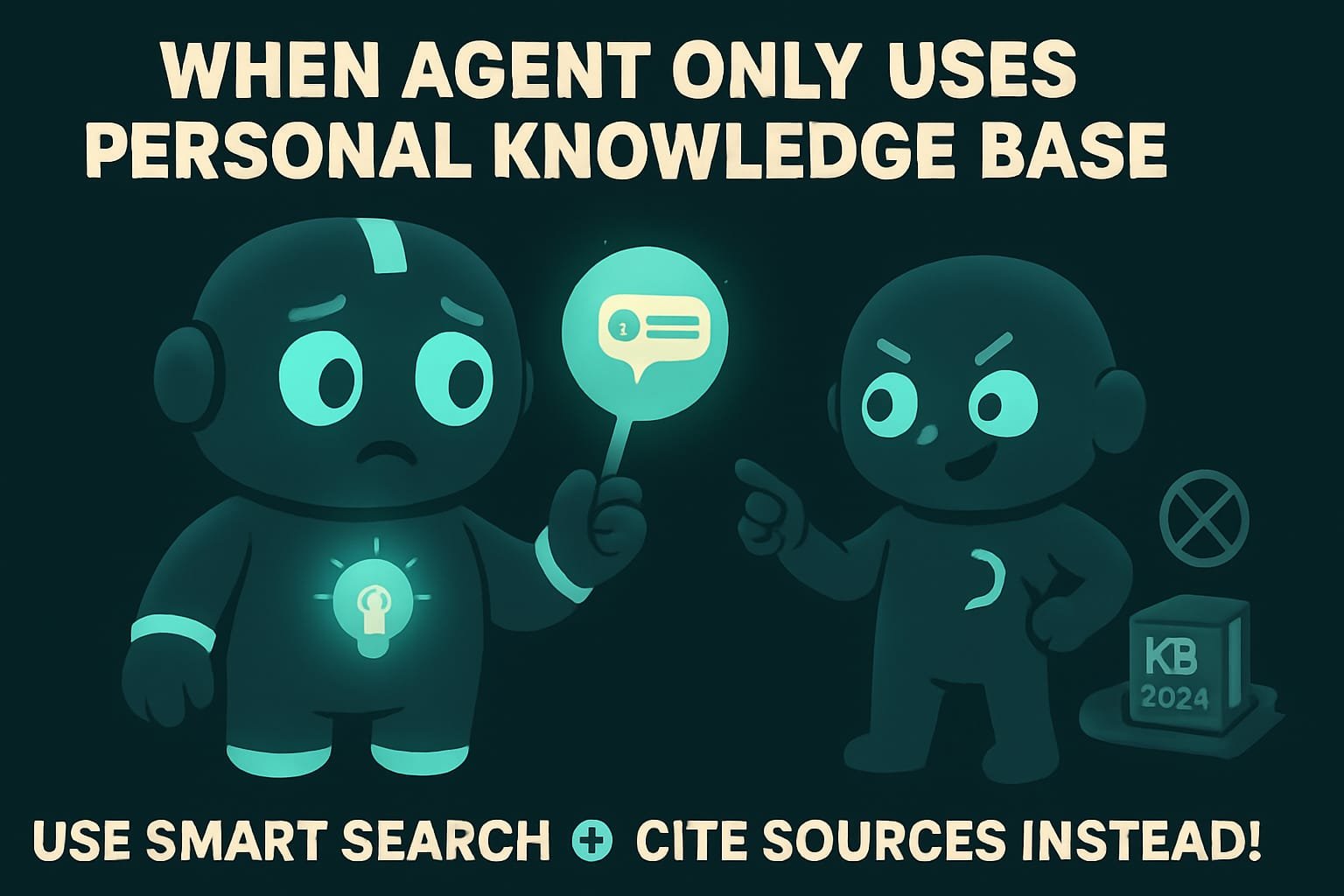
Common beginner mistakes with search
- Trusting the agent on fresh facts without search. Prices, news, versions — it’ll invent them without blinking. Always tell it to search.
- Searching for code with general web search. You’ll get “top 10 tips” articles, not a working example. For code, use code search.
- One query and done. The first query is almost always a rough draft. Let the agent refine and go again.
- Chasing the number of sources. 3 precise ones beat 20 murky ones. Quality, not a pile.
- Allowing endless search. With no stop, the agent will dig until morning. Set a limit — 3 rounds.
- Not asking for sources. No links, no verification. Always ask it to show where the info came from.
TL;DR - если коротко
- A bare model only remembers the world up to its training cutoff and loves to confidently invent anything newer. Search is its eyes on the live internet.
- Exa searches by meaning, not by letters: one tool for the web, a separate one for code and docs.
- Iterative search is a loop, not a single query: search, assess, refine, search again. And stop after 3 rounds.
- One precise source beats ten murky ones. The goal isn’t to “grab as much as possible,” it’s to find what you actually need.
- Need a reliable answer? Tell the agent to search and verify first, and only talk afterward.
- No links, no verification. Always ask it to show where the info came from.