Blueprints in vibecoding: from idea to plan in one prompt
Turning “I want an app” into a blueprint the agent can actually build from
A blueprint in vibecoding is a full project plan grown from a single-sentence idea. You learn to slice a task into steps, spot dependencies, and ask the agent in a way that won't leave you with a mess.
What a blueprint is, in plain words
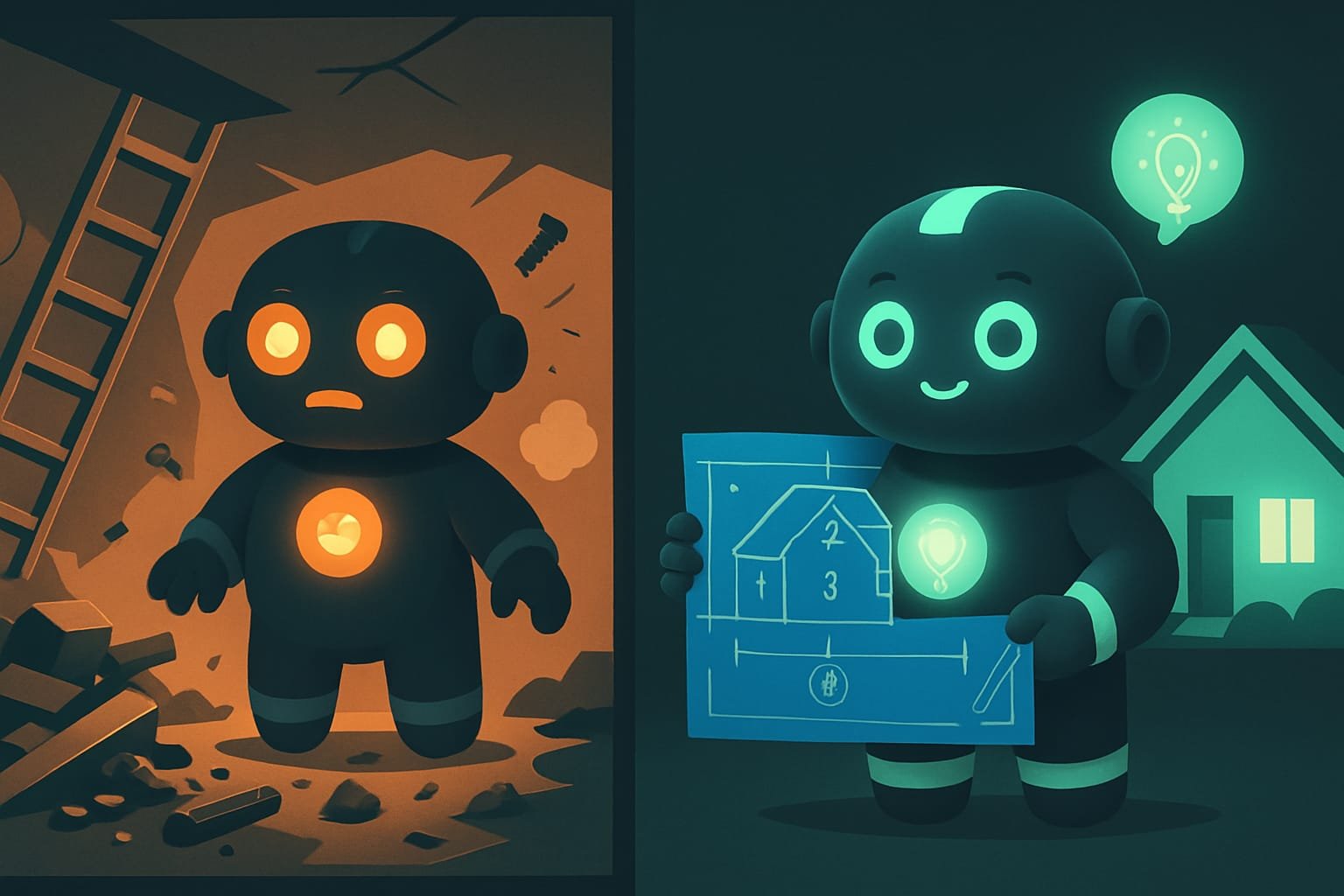
Picture this: you walk up to a construction crew and say “build me a house.” They grab their hammers and charge in. A week later — three walls, a staircase to nowhere, and a heated argument about where the kitchen is even supposed to go. Sound familiar? That’s what vibecoding looks like without a plan.
Now the sane approach. First, a drawing. On paper you decide: where the foundation goes, where the walls go, what gets built first, what depends on what. And only then — hammers. In the world of code, that drawing is called a blueprint Blueprint — a step-by-step project plan: one sentence-sized idea gets broken into small, clear steps, each with its own instructions. Plan first, code second. .
Why a vibecoder needs a blueprint
You’re a vibecoder. You don’t write the code by hand — you set the task. And here’s the trap: you can’t ask for a big project in one sentence and expect a miracle. The agent chokes, starts thrashing, rewrites things that already worked, and grinds to a halt halfway through, hopelessly tangled in its own code.
A blueprint cures this by:
- slicing a huge task into small chunks you can actually verify;
- setting the order — what gets built first, what comes later;
- letting you work across several sessions: close it today, open it tomorrow, the plan is still there;
- spotting the traps you’d walk into early, while they’re still text and not broken code.
The difference between “the AI built me some incomprehensible mess” and “the AI built me a working app” is often the difference between “I asked for everything at once” and “we had a drawing.” Planning is the art of asking the right way.
How Claude builds a plan: a draftsman’s 5 steps
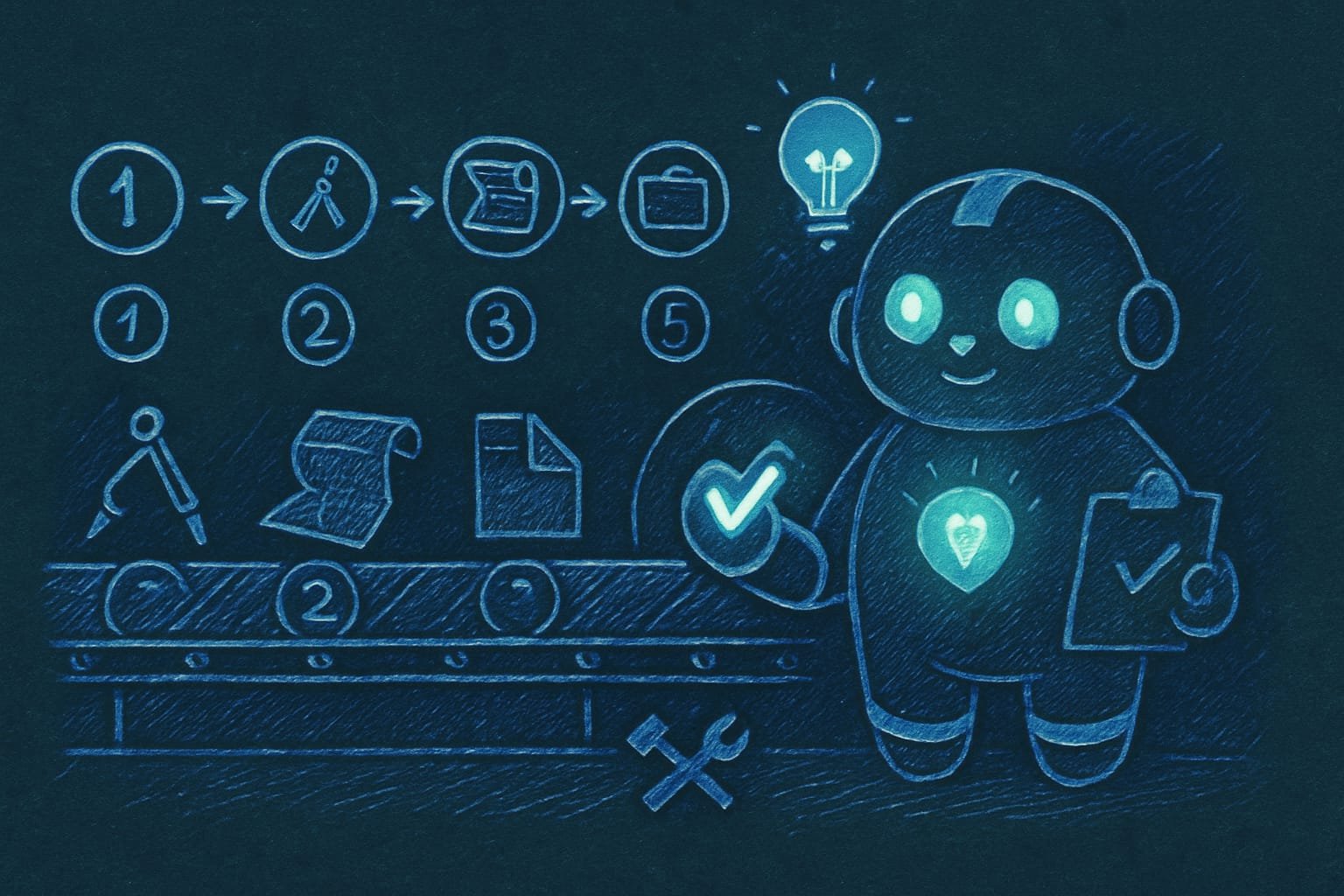
You kick off a blueprint — and Claude doesn’t lunge at the code. It walks through five stages, like a real architect before a build. One at a time.
1. Survey the site
First the agent looks over the “site”: what’s already in the project, which files exist, what notes and rules are in place. Drawing up a house without knowing the ground? Bad idea.
2. Design: slicing the idea into chunks
The idea gets broken into steps the size of one chunk of work (usually 3–12 of them). For each step it decides: what depends on what, what can be done in parallel, what has to go strictly in sequence, and how to roll back if something goes sideways.
3. A draft plan and a context brief for every step
This is the clever bit. Each step is written so that it can be carried out by a fresh agent that hasn’t read any of the previous steps at all. Inside the step sits a context brief Context brief — a short, self-contained instruction inside a plan step: what to do, why, and how to check the result. Thanks to it, the agent can do the step from a cold start, knowing nothing about the past. : what to do, how to check it, and when to consider the step done.
4. Review by a second agent
The finished plan is handed to a different, pickier agent. It goes through the plan with a fine-tooth comb: did we cover everything, is the order right, are there any familiar pitfalls lying in wait? Critical gaps get fixed before the build starts, not after.
5. Registering the plan in the project
The plan is saved to a file, logged in the project’s “table of contents,” and the result is shown to you: how many steps there are and which of them can be done in parallel.
Dependencies and parallelism: why step order is everything
The plan’s main superpower is that it sees dependencies Dependency — when A can't be done before B. For example, you can't paint walls that don't exist yet. The plan arranges the steps in the right order. . You can’t hang a door before there’s a wall. You can’t wire up payments before there’s a cart. The order isn’t a whim — it’s the physics of building.
The plan also notices that some steps don’t get in each other’s way, and runs them in parallel. The “About” page and the “Contacts” page never overlap — so you can do them at the same time. Less waiting, more getting done.
- The task is big: a whole app, a site, a major feature.
- The work will span several sessions or days.
- There's order and dependencies: one thing can't happen without another.
- You want to come back tomorrow and continue from exactly the same spot.
- The task is tiny: fix some text, change a button color.
- It takes a couple of actions — writing the plan takes longer than doing it.
- You're literally saying “just get it done already” — don't overcomplicate it.
- A one-off little thing you won't mind redoing if it goes wrong.
A real-life example: a sticker shop with no plan
You tell the agent: “make me a shop for selling stickers.” It starts off briskly and dumps files all at once: catalog, cart, payments, admin panel. An hour later — surprise. The cart doesn’t get along with the catalog, payments got bolted on before login, and half of it already needs rewriting. The build has stalled.
What went wrong? You asked for the whole house in one sentence, with no drawing.
And here’s how a vibecoder who’s already been burned goes about it — they ask for the plan first:
Don’t write any code yet. First, put together a step-by-step plan for the project — an online sticker shop.
Requirements for the plan:
- Break everything into small steps, each the size of one clear chunk of work.
- For each step write: what to do, what depends on what, and how to check that the step is done.
- State which steps can be done in parallel and which must go strictly in sequence.
- Save the plan to a file, PLAN.md, so I can come back to it tomorrow.
- Show the plan and stop — wait for my “ok,” and only then start the first step.
What to do when the plan changes mid-build
The plan isn’t carved in stone. As the build goes on, it turns out a step needs to be split in two, a new one inserted, one skipped, or two swapped around. And that’s fine. A good plan changes carefully — with a note on “what was changed and why,” so you don’t lose the thread.
Common mistakes when working with a blueprint
- Asking for the whole project in one sentence. The agent chokes. Ask for the plan first.
- Diving into code with no drawing. Redoing what’s built takes hours; editing the plan takes minutes.
- Making a blueprint for something trivial. A button color doesn’t need planning — that’s slower than just changing it.
- Giant steps. “Build the whole store” can’t be verified. Slice it into steps the size of one clear task.
- Keeping the plan only in chat. The plan should live in a file (PLAN.md), or after a restart it’s simply gone.
- Ignoring dependencies. Bolted payments on before the cart? Set aside time for redoing it. Order is everything.

TL;DR - если коротко
- A blueprint is a project drawing: one sentence-sized idea becomes a step-by-step build plan instead of a pile of code.
- Each step is one clear chunk of work with its own brief. A fresh agent can do it knowing nothing about what came before.
- The plan sees the dependencies: what comes after what, and what can run in parallel.
- A finished plan gets proofread by a second agent — it catches gaps before the build, not after.
- Plan first, code second. Fixing the drawing is cheaper than tearing down a house you already built.
- On a big project a blueprint is a lifesaver. For “change the button color” it just gets in the way.