Generating Images, Video, and Sound with AI via fal.ai
A whole film studio lives inside one message to your agent
How to generate images, video, and sound with AI through fal.ai right inside your chat with the agent. Which models to pick, how to write the prompt, and how not to burn your budget.
What it means to generate images and video with AI
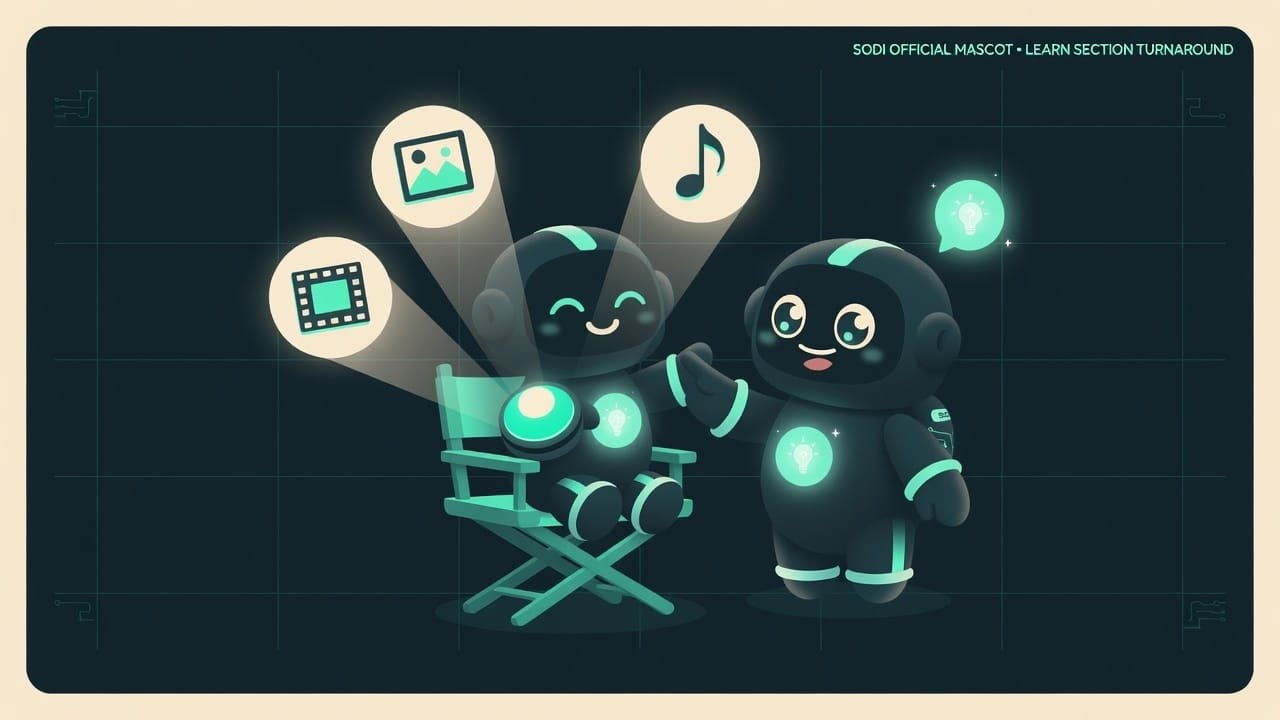
Picture a “make it pretty” button right there in your home. Press it - and an image for your site appears out of thin air. Press again - a five-second clip of a drone over a lake. Once more - and a narrator’s voice reads your text aloud. No Photoshop. No artist spending a week drawing. And no video editor with a price tag the size of a small airplane.
The button isn’t made up - it really exists. Its name is fal.ai fal.ai is a service that hosts a pile of AI models for generating images, video, and sound. You don't install anything yourself - you just send a request and get back a finished file. , and your agent knows how to press it. You describe what you want in words. The agent walks over to the right model, hands off the order, and brings back the finished file. A courier - just faster and without the tip.
Why a vibecoder needs visual generation
You’re building a site, a bot, or a presentation - and you need visuals constantly. A cover, icons, a background, a clip for social, a voiceover for video. Where do you get them? The old choices weren’t great: either pay a designer, or spend hours digging through free stock images that “sort of fit, I guess.” Now it’s different:
- you get an image tailored to your exact task in seconds and for pennies;
- a clip for a reel or a banner - without a film crew;
- a voiceover for your text - without a narrator or a microphone;
- and all of it right inside your chat with the agent, without opening ten tabs.
Between “downloaded the wrong stock” and “got exactly what I had in mind” sits one skill - asking the right way and grabbing the right tool. Let’s cover both.
Three workshops in one studio: how the agent draws, shoots, and voices
Think of fal.ai as a studio with three workshops. Each has its own craftspeople - models built for their own jobs.
Workshop one: image generation
The most common and the cheapest. Here you’ve got two main models - the “fast” one and the “quality” one:
- Nano Banana 2 - fast and cheap. Perfect for sifting through ideas: knock out ten covers, pick a direction.
- Nano Banana Pro - slower and pricier, but it delivers a clean final: realism, neat text, fine detail.
When you place an image order, you set not only the text description (it’s called a prompt A prompt is your worded order to the AI. The more detail you give - scene, light, style, mood - the more accurate the result. ), but also the frame shape: square, landscape for a cover (landscape_16_9), portrait for stories (portrait_16_9). And you can ask for several variations right away - anywhere from 1 to 4.
Workshop two: video generation from text and from an image
This is pricier and more interesting. Several models for different jobs:
- Seedance 1.0 Pro - solid video from text or from an image, with good motion in the frame.
- Kling Video v3 Pro - can output video with sound built in.
- Veo 3 (from Google) - high image quality and generated sound thrown in.
A clip is usually made at 5 or 10 seconds, in the frame shape you need (16:9 for YouTube, 9:16 for a reel). And there’s a trick that helps a ton: hand the model a finished image and ask it to “bring it to life.” That’s called image-to-video.
Workshop three: sound generation and text voiceover
- CSM-1B - turns text into lifelike speech (text-to-speech). Drop in text, get a voiceover.
- ThinkSound - listens to your video and finds matching sound for it: forest noise, city hum, ambient.
That’s how a silent clip gains sound, and an article gets an audio version.
What generation costs and how not to go broke
The main economic rule of this superpower is simple: images are cheap, video and sound are noticeably pricier. One botched image - pennies. Ten botched videos - now that’s a real hole in your budget.
And there’s a quiet helper many people forget about - seed A seed is a number that locks in the “randomness” of a generation. The same prompt with the same seed gives a similar result - handy for fine-tuning details without losing a frame you liked. . Caught an almost-perfect frame and want to tweak the prompt a little? Use the same seed - and the image won’t drift off in a completely different direction.
- Covers, banners, icons, backgrounds for your project - fast and cheap.
- Short clips for social without a shoot or an editor.
- Voiceovers for text and sound for video - without a narrator or a mic.
- Sifting through ideas: ten variations in a minute, pick the best.
- Exact text on an image - models scramble the letters; eyeball it.
- Long videos - pricey and finicky; cut them into short chunks.
- Real people's faces and brands - that's law and ethics, don't mess around.
- “Straight to the expensive model” - the best way to blow your budget on drafts.
Example: how to generate a cover for a website
You’re building a landing page for a coffee shop (the same one from earlier lessons). You need a warm cover with a cup and steam rising off it. A beginner tells the agent “make a coffee picture” - and gets a dull, murky stock image. Then ten more just like it. Gets fed up, quits, and goes searching the internet.
A vibecoder who gets it does it differently. First, a cheap sweep on the fast model, with a detailed scene description:
Generate an image for the cover of a coffee shop website. Use a fast, cheap model for the drafts and make 4 variations at once. Scene: a close-up of a white ceramic cup of hot cappuccino on a warm wooden table, light steam rising upward, soft morning light from a window on the side, a blurred, cozy coffee shop background. The mood is warm and calm, colors beige and brown. Landscape frame shape for a cover. Estimate the cost before generating.
Out of the four variations you pick the best one and ask for the final on the quality model. That’s the whole trick.
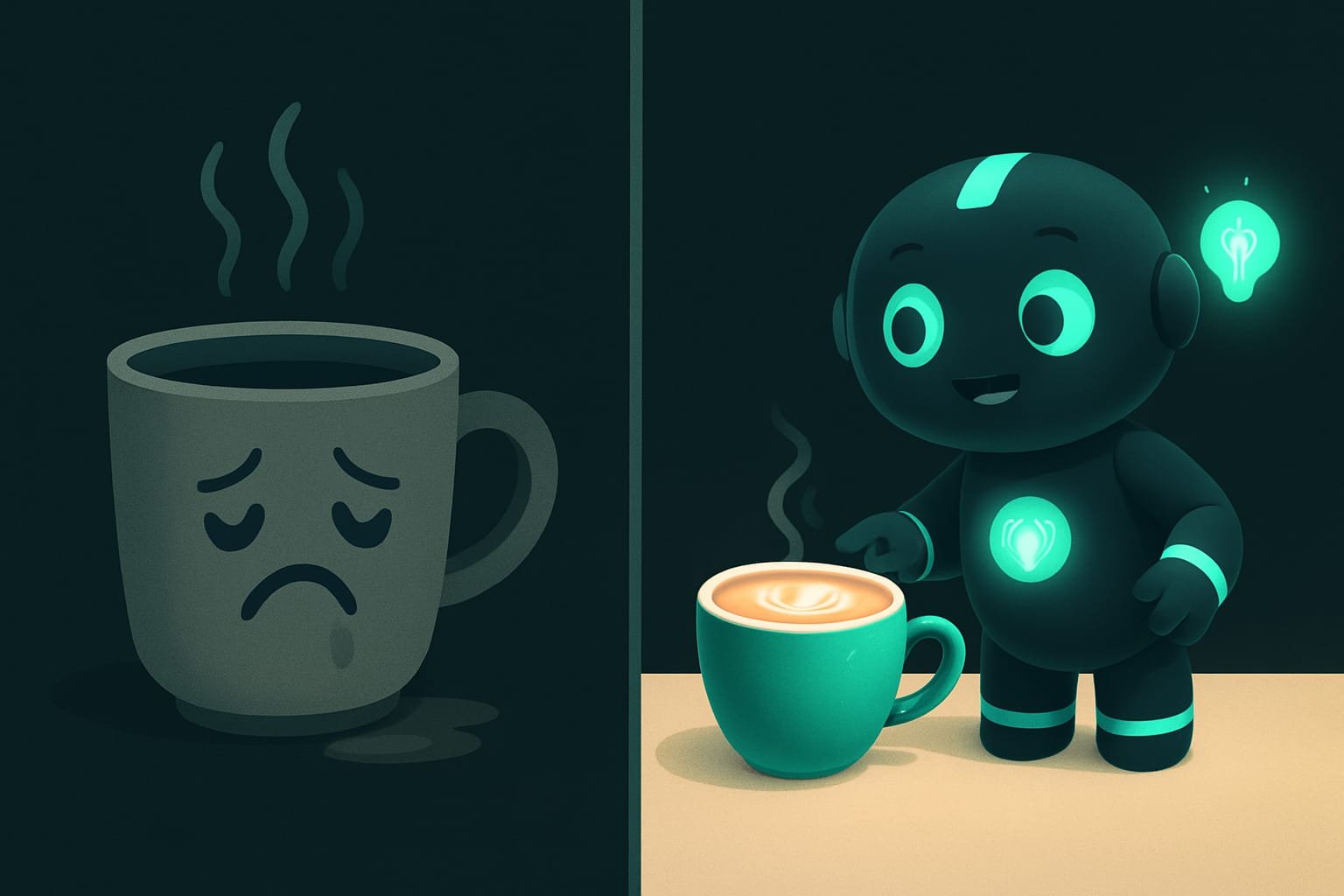
Image-to-video: how to make video from a finished image
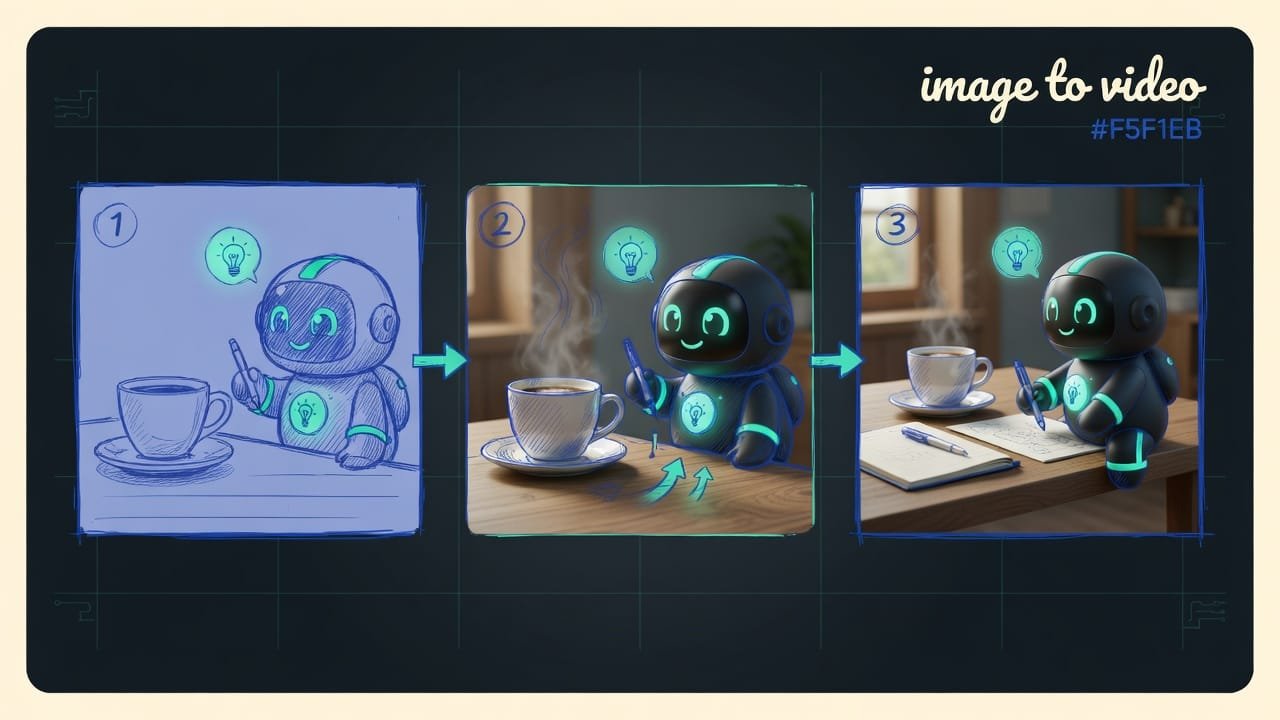
Cover’s done and you like it? Turn it into a short clip: steam rising, light flickering, the camera pulling back a touch. The logic couldn’t be simpler: you hand the model a finished image and describe the motion.
Take my finished image of a cup of coffee and make a short 5-second clip out of it. Motion: steam rises smoothly upward, the camera pulls back very slowly, a gentle warm flicker of light. Portrait frame shape for stories. Estimate the cost first, then run it.
Common mistakes when generating images and video
- Asking vaguely. “Make a pretty picture” isn’t an order, it’s guesswork. Describe the scene, light, style, mood, colors.
- Jumping straight to the expensive model. Drafts go on the cheap, fast one; the final on the quality one. Not the other way around.
- Running video without checking the price. Video prices sting. Estimate the cost first, then hit the button.
- Making video from pure text when you need precision. Perfect the image first, then bring it to life.
- Expecting flawless text on an image. AI scrambles letters - add important wording separately.
- Taking a long clip in one piece. Pricey and finicky. Cut it into short 5-second scenes.
TL;DR - если коротко
- One agent draws images, shoots video, and writes sound - all through fal.ai, which plugs in like a power outlet.
- Run drafts on a cheap, fast model (Nano Banana 2), then polish the final on the expensive one (Nano Banana Pro). Not the other way around.
- Video and sound are many times pricier than images - ask the agent to estimate the cost before you hit go.
- The sharper your prompt - scene, light, style - the fewer tries and the less money you waste.
- Video built from a finished image is more predictable than from pure text.
- AI garbles exact text - add important wording separately.