Tests and TDD in Plain English
So a new feature doesn't quietly break three old ones
Tests and TDD in plain English: why you write the check before the code, how the red-green cycle works, and why tests catch bugs before your users ever see them.
What a test actually is, in plain English
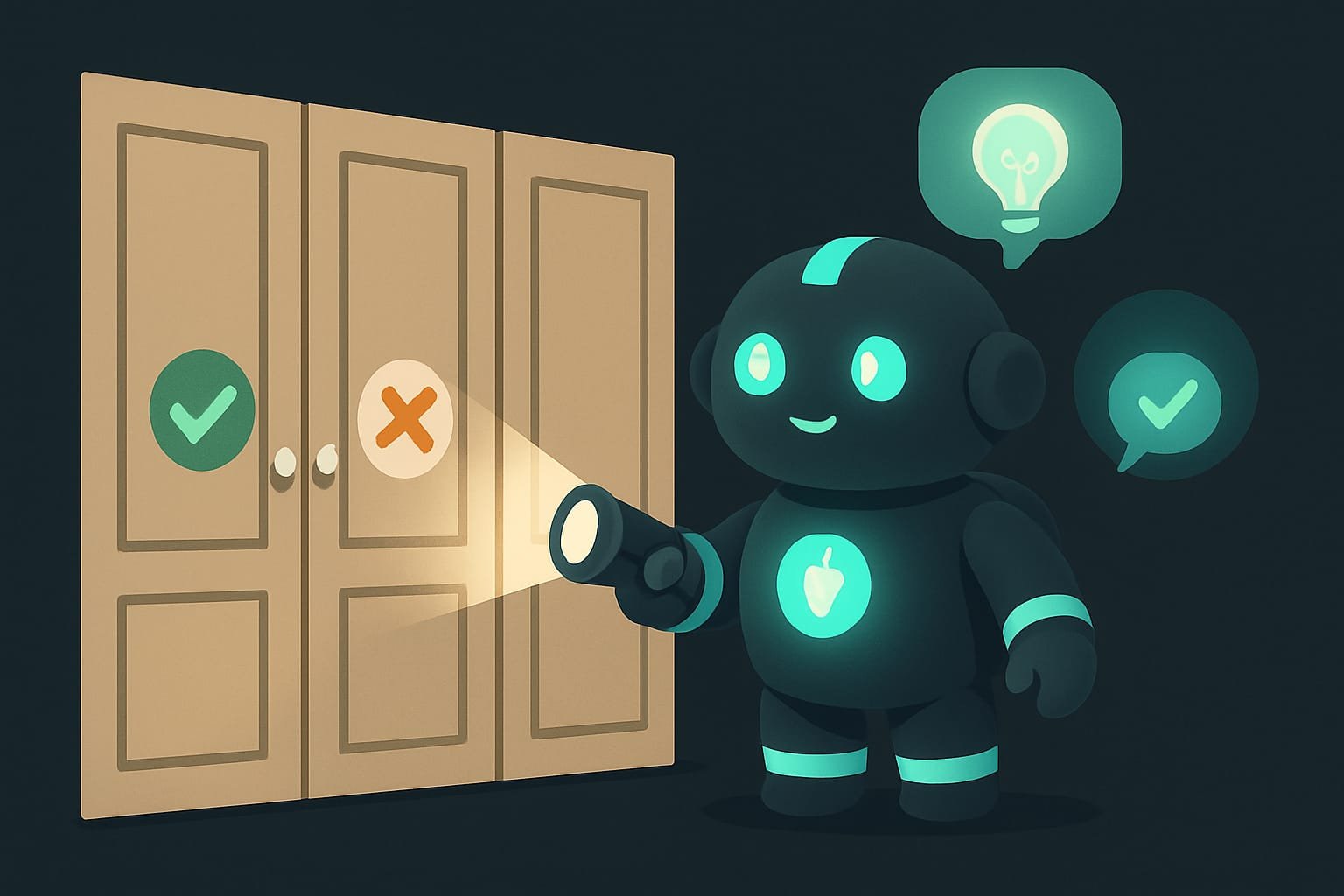
You build an IKEA wardrobe. The door opens, the shelves sit straight, it’s gorgeous, post-it-to-your-stories gorgeous. A week later you screw in a new shelf and accidentally knock the door out of alignment. And you don’t notice. You’ll notice a month later, when the door ceremoniously falls off and lands on your foot.
To stop that from happening, people invented tests. A test A test is a tiny inspector program. It runs your code itself, feeds it data, and checks that the result is correct. If something's off, it shouts “broken.” is a robot that, after every change you make, walks the whole wardrobe and tugs on every door: does it open? close? hang straight? It tugs, then reports back instantly. “All good” or “this one fell off, fix it.”
And TDD is just a habit. Call the robot inspector first, and only then start building.
Why a vibecoder needs tests
You’re a vibecoder. You don’t write tests by hand, the agent writes them. But once you understand why they exist at all, you get four nice perks at once:
- you stop being scared to touch the code, the robot tells you if something slid;
- you catch bugs before the user notices them (let alone the client);
- you can calmly ask the agent to “rewrite this prettier,” the tests have your back;
- and finally you get why the agent “writes a failing check first.” That’s not a glitch. That’s the method.
The difference between “my site keeps breaking somewhere and I have no idea where” and “I change whatever I want and sleep just fine” usually comes down to one word: tests.
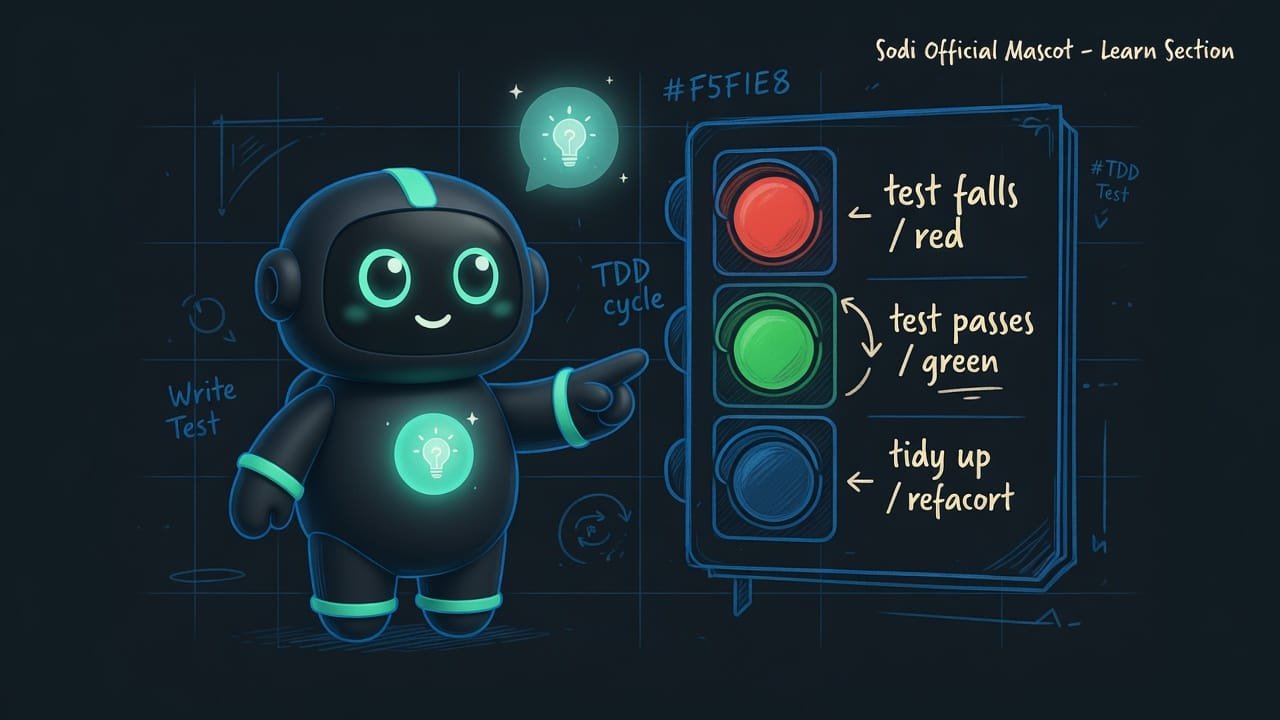
The TDD cycle: red, green, tidy up
Ask the agent to work in TDD mode and it won’t start banging out code at random. It follows a clear cycle. Here it is, no jargon.
Step 1. Describe what you want
First the agent frames the task through the user’s eyes: “As a shopper, I want to search products by meaning, so I can find what I need even without the exact words.” This is called a user journey A user journey is a short story of “who wants what and why.” It helps you figure out what to check before any code is written. . From it, it’s immediately clear what to check.
Step 2. Write the test, and it fails ON PURPOSE
Now the weird part. The agent writes the check before the code. Obviously it fails right away, there’s no code yet! That’s the red RED is the state where the test is written, run, and failing. This is normal and required: it's how we make sure the test actually works and really checks the right thing. stage.
Step 3. Write the bare minimum to turn it green
Now the agent writes exactly enough code to make the test pass. Not one line more. The test goes from red to green GREEN is when the test is run after the code is written and it passes. It means the desired behavior actually works. . The robot is happy. So are you.
Step 4. Make it pretty (refactoring)
The code works, but it looks, let’s say gently, like a mess. Now you can tidy it, kill the duplicates, rename things more clearly. And after every step, run the tests: as long as they’re green, you broke nothing.
Types of tests: unit, integration, E2E
Tests come in three “sizes,” from small to large. A good agent covers all three, not just its favorite.
- Unit checks one tiny piece: “does the function add 2 and 2 and return 4?” Fast and pinpoint.
- Integration checks that the pieces play nice: “does the button actually pull data from the server?”
- E2E (end to end) is a robot opening the site like a real person: clicking, typing, checking the result.
- “Does it look good?” A test won't judge design, that's a call you make with your eyes.
- Anything you didn't describe. The robot checks exactly what you asked for, not one byte more.
- “Is it pleasant to use?” You feel UX, a machine doesn't.
A good test vs. a bad one: how to tell
The most common trap: there’s a test, all right, but it checks the wrong thing. Here’s how to tell a reliable robot from a decorative one. This comes straight out of the tdd-workflow skill’s rules.
- Checks what the user sees: “the screen says Cart: 3.”
- Latches onto meaning: “the button with the text Buy,” not some random class.
- Is independent: it sets up its own data and depends on no one.
- Checks the bad paths too: empty input, server error, weird numbers.
- Digs into the guts: “is the count variable exactly 5?” The user couldn't care less.
- Latches onto something fragile: “click on css-class-xyz,” change the style and the test breaks.
- Depends on its neighbor: one test creates a user, another hopes that user is still alive.
- Only checks when everything's fine, while in reality the data is messy all the time.
A real-life example: how a promo code breaks the cart
You built an online store. The cart adds up the total, it works. A week later you ask the agent: “add a discount promo code.” It does. The promo code works! You’re thrilled and go to sleep like a baby.
Then, surprise, in the morning: after adding the promo code, the regular total without a discount started calculating with a penny-sized error. You didn’t notice, because you only checked the promo code. The customer noticed, though, and left a warm one-star review.
With tests, this wouldn’t have happened. After you tweaked the promo code, the robot inspector would have automatically recalculated the regular cart too, and screamed: “hey, this is 99 now instead of 100, fix it.” In three seconds, before bed, not after.
Here’s how to ask the agent to work in a way that covers your back:
Add discount promo code support to the cart. Work strictly in TDD mode:
- First, describe in plain English what should happen: what the user enters and what they should see.
- Write the tests BEFORE the code. Be sure to also check the regular cart with no promo code - I want to be sure it didn’t get broken.
- Run the tests and show me that the new test fails. That’s normal, that’s how it should be.
- Now write the minimum code to make all the tests green.
- Run the tests again and show that everything is green.
- Check the edge cases: empty promo code, nonexistent promo code, discount larger than the total.
How to catch tests written “just for show”
Sometimes the agent rushes and pretends it tested things. Run down this checklist, it’s basically the heart of the tdd-workflow skill.
- Did the test actually fail? Did the agent jump straight to green without showing you red? The test might be checking absolutely nothing.
- Did it run the old stuff? A new feature shouldn’t break what worked. Ask point-blank: “did you check the old behavior?”
- Are there bad paths? Empty input, an error, weird numbers, not just “when everything’s fine.”
- Does the test latch onto meaning, not style? “The Buy button,” not a nameless css class.
- Are the tests independent? Each one sets up its own data and doesn’t rely on a neighbor.
Common beginner mistakes in TDD
- Asking for code without tests. “Just make it,” then acting surprised when it breaks. Add “work in TDD mode.”
- Trusting green without seeing red. The test never failed? Then maybe it isn’t checking anything.
- Testing only the new feature. The main value of tests is catching where the new thing broke the old.
- Checking only “when everything’s fine.” Real data is sometimes empty, broken, and mean.
- Latching onto fragile things. A test tied to a css class breaks on any design change. Latch onto meaning.
- Deleting tests when they get in the way. A failing test isn’t the enemy. It’s a robot that just saved your foot.
TL;DR - если коротко
- A test is a robot inspector: it presses the button itself and reports back “works” or “yep, it's broken.”
- TDD is the habit of writing the check before the code. First red, the test fails. Then green, the code fixes it.
- Tests don't catch the first bug, they catch the returning ones, when a fresh feature quietly breaks an old one.
- A good test looks at what the user sees, not at how it works under the hood.
- Tell the agent “work in TDD mode” and it'll write the tests, watch them fail, fix the code, and double-check itself.
- A green test you never saw turn red isn't insurance. It's wishful thinking.