Pre-launch checks: the agent verification loop
Before you yell ‘done’ — let the agent check its own work
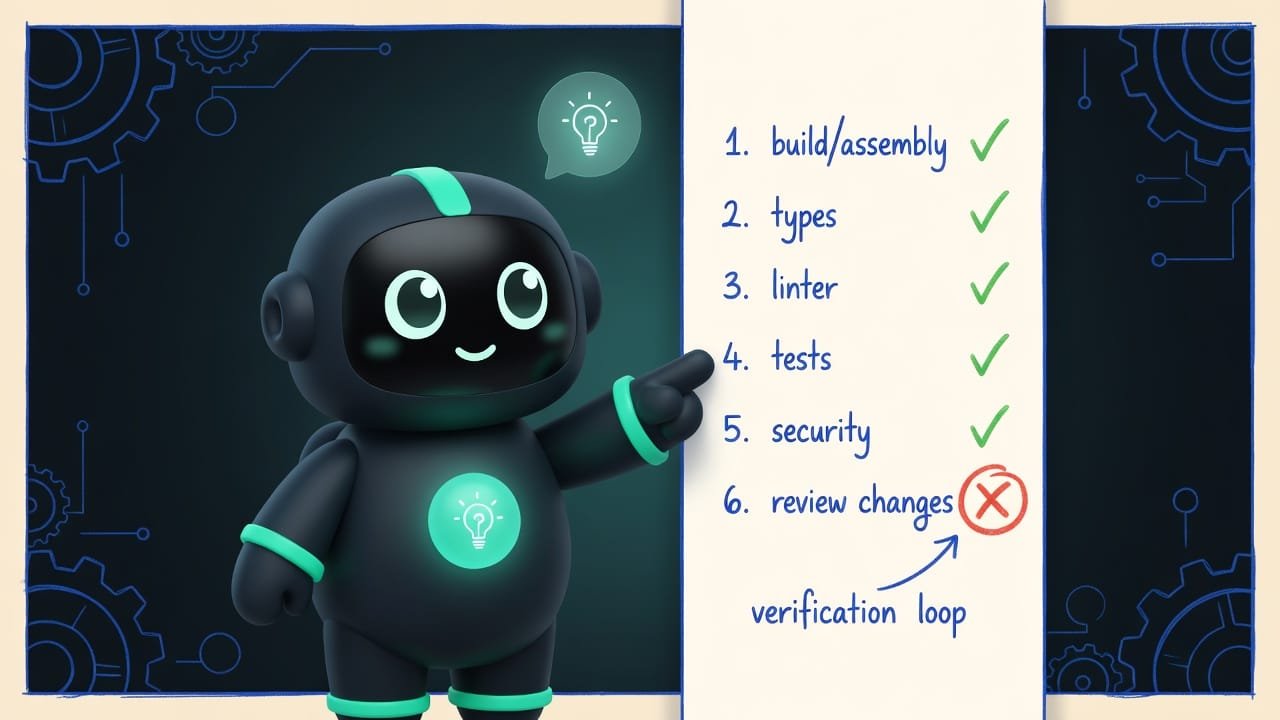
Pre-launch site checks: a 6-step verification loop — build, types, linter, tests, security, review the changes. So your site doesn't crash on the first click.
What “pre-launch checking” means in plain English
Picture this: a friend texts you a photo of a cake. Smooth, glossy, candles lit. “Done — dig in!” You show up, and inside it’s raw batter. On the outside, gorgeous. Nobody just stuck a toothpick in it.
That “done” from an AI agent is exactly the moment before anyone pulled out the toothpick. The agent honestly did what you asked. And it sincerely believes everything’s great. It just didn’t check. Not until you told it to.

Why a vibecoder should check the agent’s work
You’re a vibecoder. You don’t read the code line by line — and that’s fine. But that’s exactly why you need a way to verify the result without reading code. The verification loop is that way. Master it and you get a whole pile of perks:
- you’ll stop shipping sites that break on the very first click;
- you’ll catch a bug while it’s still small — not when your friends text you “everything’s blank over here”;
- you’ll learn to tell “the agent thinks it did the job” from “it actually works”;
- you’ll sleep soundly. Because you’ve got a green report in hand, not just hope for the best.
Between “I shipped a site” and “I shipped a working site” there’s exactly one verification run. Ten minutes that save you a whole evening of embarrassment.
How Claude’s verification loop works
A solid agent has a built-in habit — verification Verification is checking that what was built actually works: it builds, it runs, it passes tests. Not ‘I think it's fine,’ but ‘I checked, here's the proof.’ . No magic involved. And no single magic test. It’s a phase-by-phase checklist that the agent works through top to bottom. Let’s walk through it in human terms.
Step 1. Build the project — does it even build?
The first and most important question: does the project build into a finished site, or does it crash with an error? It’s like checking that your ingredients turned into a cake, not a puddle on the baking sheet.
Step 2. Type checking — does everything fit together?
Next up is the type check A type check is an automatic check that data fits together: a number where a number is expected, text where text is expected. It catches a ton of silly mistakes before launch. . In plain terms: making sure “screw A actually fits into hole A, and wasn’t hammered in sideways.” The machine runs through the project itself and shows you where something doesn’t line up. Critical errors get fixed right away. No putting it off.
Step 3. The linter — your fussy perfectionist neighbor
A linter A linter is an automatic check of code style and tidiness. It won't break the site, but it catches clutter, typos, and suspicious spots. is a nitpicky neighbor. It walks around the apartment muttering: it’s dusty over here, you hung that crooked, you forgot to screw in that lightbulb. Its grumbling won’t crash your site. But it tidies things up — and along the way it often catches real bugs.
Step 4. Tests — someone presses every button for you
Tests Tests are tiny automatic checks: ‘click here — this should happen.’ They run in seconds and show you that the stuff that used to work didn't break. are a robot that presses every button instead of you and checks: are they doing what they’re supposed to, or not? The agent runs them and reports honestly — how many tests there are, how many passed, how many failed.
Step 5. Security — did you leave the keys in the lock?
Here the agent looks for the things that should never end up in public code: passwords, secret keys, access tokens. It’s like checking whether you left your apartment keys under the doormat labeled “KEYS HERE.” And while it’s at it, it cleans up any forgotten debug “shouts into the console.”
Step 6. Review the changes — what actually changed?
The finale: the agent looks at the list of what it actually touched. Which files changed, how many lines. This is where the surprises pop up. “Oops, I rewrote the wrong file.” Or “wait, why did 40 files change — I only asked to fix one button?”
What a good verification report looks like
At the end the agent should hand you a short traffic-light report. Not a wall of text. Here’s how to tell a useful report from an empty one at a glance.
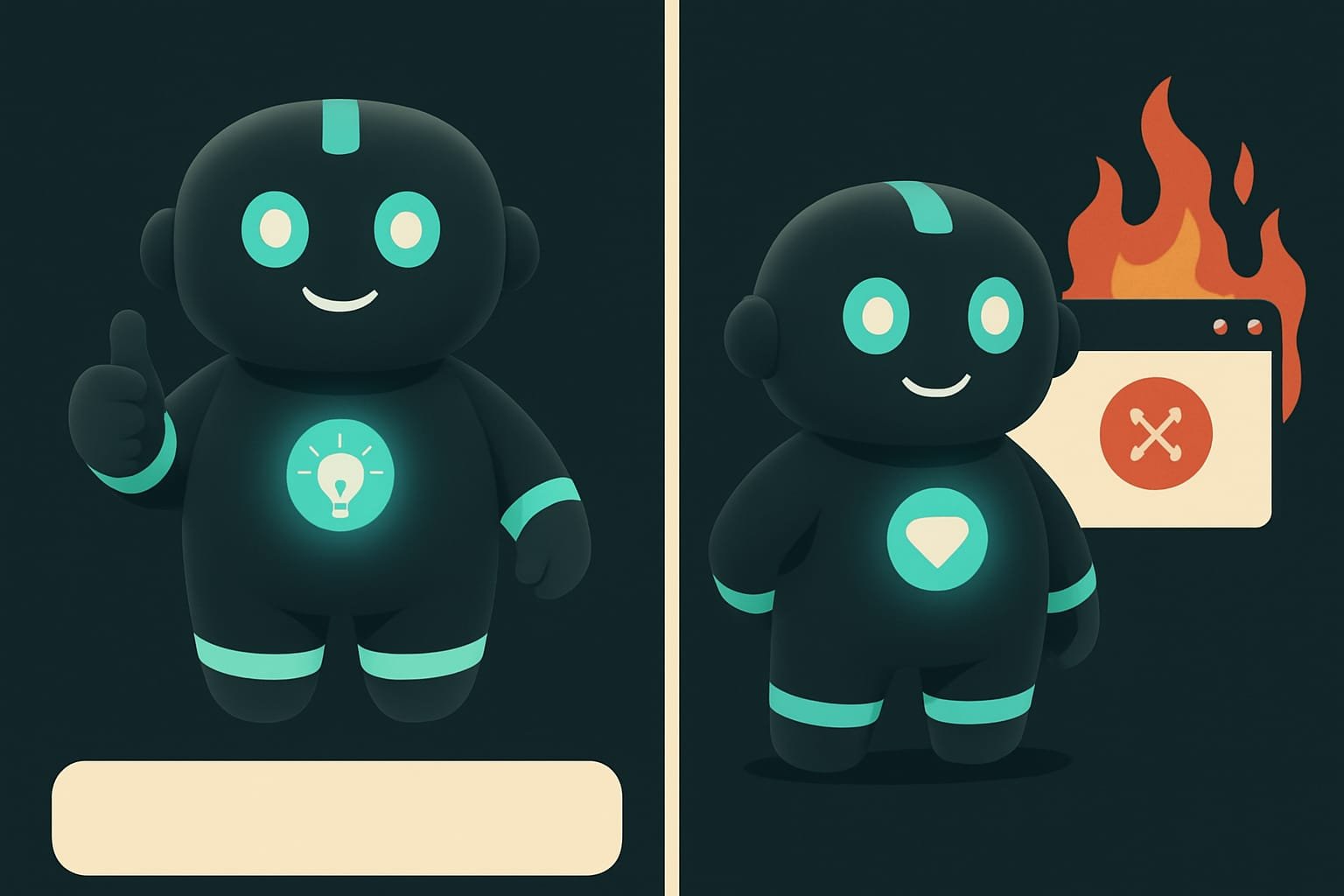
- You can see every phase: build, types, linter, tests, security.
- Next to each one — PASS or FAIL and numbers: how many errors, how many tests passed.
- An honest verdict at the bottom: ‘ready to publish’ or ‘not ready.’
- If something's red — there's a ‘what to fix’ list, point by point.
- Just ‘all done’ with not a single number or shred of proof.
- Says ‘tests passed’ but doesn't show how many there were.
- A FAIL hidden somewhere in the middle, with a cheery ‘success’ up top.
- A wall of logs with no conclusion — figure out for yourself whether it passed.
Example: why an agent’s “done” breaks the site
You’re vibecoding a landing page for your channel. The agent grinds away for an hour without giving its processor a rest — generating forms, animations, a gallery. And it happily writes: “Done! The site fully works 🎉”. You publish it, send the link to your friends — and there’s a blank screen with one sad error in the corner.
Here’s what actually happened:
- The agent wrote the last feature and didn’t rebuild the project — the build quietly failed.
- Somewhere “a screw didn’t fit” (a type error), and there was no one to catch it.
- “Done” meant “I finished typing.” Not “I checked that it works.”
A vibecoder who gets it would have played smarter. They’d have forbidden the agent from saying “done” without a report in advance:
When you finish the task, don’t tell me “done” until you’ve run the full verification and shown me the report.
Go step by step:
- Build the project. If the build fails — stop and fix it first, don’t touch anything new yet.
- Check the types and the linter, and list any errors you find.
- Run the tests and write down: how many total, how many passed, how many failed.
- Check that no passwords, keys, or tokens ended up in the code.
- Show the list of changed files.
At the end, give me a short traffic-light report for each item: PASS or FAIL. And an honest verdict: ready to publish or not. If something’s red — fix it first, then report.
When to run pre-launch checks
You don’t need to pull out the toothpick after every single letter — that’s slow and burns through tokens. Run the checks at the edges:
- You finished a feature — run the checks, make sure you didn’t break anything old.
- Before publishing — non-negotiable. The last line of defense before facing your friends.
- After a big rebuild — the agent shook a lot loose, and snagging something is all too easy.
- When it’s “acting weird” — a button won’t click, an image won’t load. The checks will show you exactly where.
- In a long session — every 10–15 minutes of active work, so a bug doesn’t snowball.
Common beginner mistakes when checking a site
- Taking the word “done” at face value. It’s a hypothesis. The fact is only a green report after the checks.
- Building new stuff on top of a failed build. If the build is red, everything else is pointless. Fix it first.
- Checking just once, at the very end. A mountain of bugs piles up, and good luck figuring out which came from where. Run it at the edges.
- Accepting “tests passed” without numbers. How many were there, exactly? Maybe there were precisely zero — so “they all passed.”
- Ignoring security. One forgotten key in public code, and the person who uses it definitely won’t be the right one.
- Publishing without opening the site yourself. Even a green report doesn’t excuse you from poking at the live site with your own eyes.

TL;DR - если коротко
- ‘Done’ from an agent is a hypothesis. It becomes a fact only when the project builds and runs.
- The verification loop is 6 steps: build, types, linter, tests, secrets, review the changes.
- Rule number one: build fails — stop. Don't add a second floor on top of a collapsed first one.
- The agent runs the checks itself — you just forbid it from saying ‘done’ without a green report.
- A good report is a traffic light with numbers, not a wall of logs and a cheerful ‘it all works’.
- Run it at the edges: when you finish a feature, before you publish, after a rebuild — not just once at the very end.