A Knowledge Base for Your AI Agent: How to Give It Memory
So your agent doesn't show up every morning with amnesia
How to build a working knowledge base for an AI agent: where to store facts, decisions, and notes so it remembers them after a restart and doesn't turn its memory into a junk pile.
What an agent’s knowledge base is, in plain words
Picture a brilliant intern. Smart, fast, picks things up instantly. One catch: every morning he shows up with total amnesia. Doesn’t remember your name. Doesn’t remember what you did yesterday, which font you picked, or why you decided NOT to touch that scary folder.
What does a decent manager do? Definitely not re-explain everything from scratch each morning - that’s a fast track to burnout. He gives the intern a notebook with the key facts: “the client’s name is so-and-so,” “the font is Fraunces,” “we don’t touch the legacy folder, it’s all held together with duct tape.” The intern shows up, opens the notebook, and he’s back in the loop.
That notebook is the knowledge base. And knowledge-ops knowledge-ops (knowledge operations) - managing the knowledge base: how to file facts, decisions, and notes so they're easy to find, update, and never lose. Basically, keeping your agent's memory tidy. is the art of keeping it in a way that helps you, instead of turning into a closet full of old boxes.

Why a vibecoder needs agent memory
You’re a vibecoder. You don’t write the code by hand - but you explain the task to the agent constantly. And if the agent has no knowledge base, you’re explaining the same thing over and over. From scratch every time. That’s expensive (you pay in tokens for every retelling), slow, and just plain annoying.
With a proper knowledge base, it’s a whole different story. You:
- stop repeating the same briefing a hundred times;
- get consistent results - the agent leans on the same facts instead of inventing new ones on the fly;
- come back to the project a month later and don’t have to rack your brain over “wait, what did we decide back then”;
- find what you need in a second instead of rereading the entire chat history.
The difference between “the agent is clueless again, like it’s day one” and “the agent is instantly up to speed” almost always comes down to whether it has a notebook. And what shape that notebook is in.
What a knowledge base is made of: shelves and their roles
A knowledge base isn’t one giant dump file. It’s several shelves, and each one has its own role. You don’t need all six at once - start with two or three. But it’s worth understanding what goes where.
1. The quick-notes shelf: the project’s short memory
The most needed, most used stuff: preferences, project context, the key facts. These are markdown files the agent picks up at the start of every session. Think of them as sticky notes in plain sight.
In here go things like: “the client’s name is so-and-so,” “we write in British English,” “the deadline is such-and-such.”
2. The decisions shelf: why we did it this way
It’s worth storing the decisions you’ve made along with the reasons, separately. Not just “the font is Fraunces,” but “the font is Fraunces, because the client wanted expensive and vintage.” A month later, that “why” is exactly what saves you from redoing the same work in circles.
3. The long-documents shelf
Big texts: research, lengthy instructions, recaps of conversations. You don’t keep these among the quick notes - they’d swamp the whole desk. You file them separately and pull them out in full when you need them.
4. The search-by-meaning shelf
A more serious layer: a knowledge graph A knowledge graph is a way to store facts as interlinked pieces: 'Anna is the manager of project X', 'project X uses database Y'. You can search by meaning and connections, not just exact words. via a dedicated memory tool. It searches by meaning, not by exact word matches, and it sees the connections between facts. Honestly, at the start you can live just fine without it.
The knowledge-ops working cycle: how to file knowledge the right way
In the knowledge-ops skill, this is four steps. Memorize the chain: “classify → check for duplicates → write it down → update the index.”
1. Classify the fact
Ask yourself: what kind of fact is this, and where does it belong by meaning? A personal preference goes on the notes shelf. A decision you’ve made goes on the decisions shelf. A huge document goes separately, while in the notes you leave a short summary and a link.
2. Check for duplicates - this is the most important part
Search first, then write. Before you add a fact, take a look to see whether it’s already there. It is? Update the old entry instead of spawning a second one. Otherwise a week from now you’ll have three notes about the same font, all slightly different. Guess which one’s right.
3. Write it down, short
Put the fact on the right shelf. Or on a couple of shelves, if it really does belong in both places. Short and to the point: one note, one fact.
4. Update the table of contents
Got an index file or a summary? Add the new entry there so it’s easy to find later.

An agent’s knowledge base: the wins and the classic failures
- Facts and decisions live in files, not in one old chat thread.
- Notes are short and to the point: one note = one fact.
- Before writing, you search for a duplicate and update the old one instead of spawning a new one.
- Every fact has one home - no five copies scattered around.
- File names are clear and consistent (lowercase, hyphen-separated).
- The base turns into a junk pile - the agent wastes time reading trash.
- Contradictory notes: one says 'do it this way', another says 'never do it this way'.
- Secrets ended up in a file (passwords, keys) - and then the file leaked.
- The agent trusts an old entry even though the project changed long ago.
- One giant wall-of-text file where nothing can ever be found.
Memory needs weeding, not just feeding
Here’s the trap almost everyone falls into: they set up a knowledge base and only ever add to it. Never clean it out. A couple of months later it’s a garden overgrown with weeds: somewhere there’s a carrot (the fact you need), and all around it are weeds (stale stuff, duplicates, junk).
The knowledge-ops skill says it straight: keep notes short, archive old stuff, don’t let files swell without limit. Before you call a task done, run yourself through a short checklist.
- No duplicates: each fact lives in one place.
- Secrets are scrubbed from anything that could end up shared.
- The table of contents and summaries are updated after changes.
- Stale stuff is deleted or archived, not sitting next to the current stuff.
- Ten notes about the same thing, and which one's right is anyone's guess.
- An API key is sitting in the notes 'so it won't get lost' - that's a hole.
- Files grow without limit; nobody has cleaned them in half a year.
- An old fact contradicts a new one, and the agent runs into the old one.
A real-world example: a coffee shop site with no memory
You’re building a coffee shop site with the agent. Day one: you pick a font, a palette, a tone of voice, and agree not to touch the old CMS. Beautiful.
A week later you open a new session: “let’s finish the coffee shop site.” And the agent is a blank slate. No font, no palette, nothing about the CMS - nothing. You re-explain it all, trip over yourself along the way, and now you’ve got two different fonts on two pages.
What went wrong? All the decisions lived only in the chat from day one. New session, fresh amnesia.
Here’s how a vibecoder who finished this lesson does it: once, you set the agent up with a knowledge base and ask it to maintain it.
Set up and maintain a knowledge base for this project. Do the following:
- Create a file with the project’s facts (project-facts) and a file with
decisions (decisions). Names should be lowercase, hyphen-separated.
- In the facts, record: the name, the language of the text, the deadline, contacts.
- In the decisions, record not just WHAT was decided, but WHY
(for example: the font is Fraunces, because we need an expensive vintage look).
- Before adding a new fact - first search to see if it already exists.
If it does, update the old entry instead of creating a second one.
- Don’t put passwords, keys, or tokens in these files.
- At the start of every new session, read these two files first,
then take on the task.
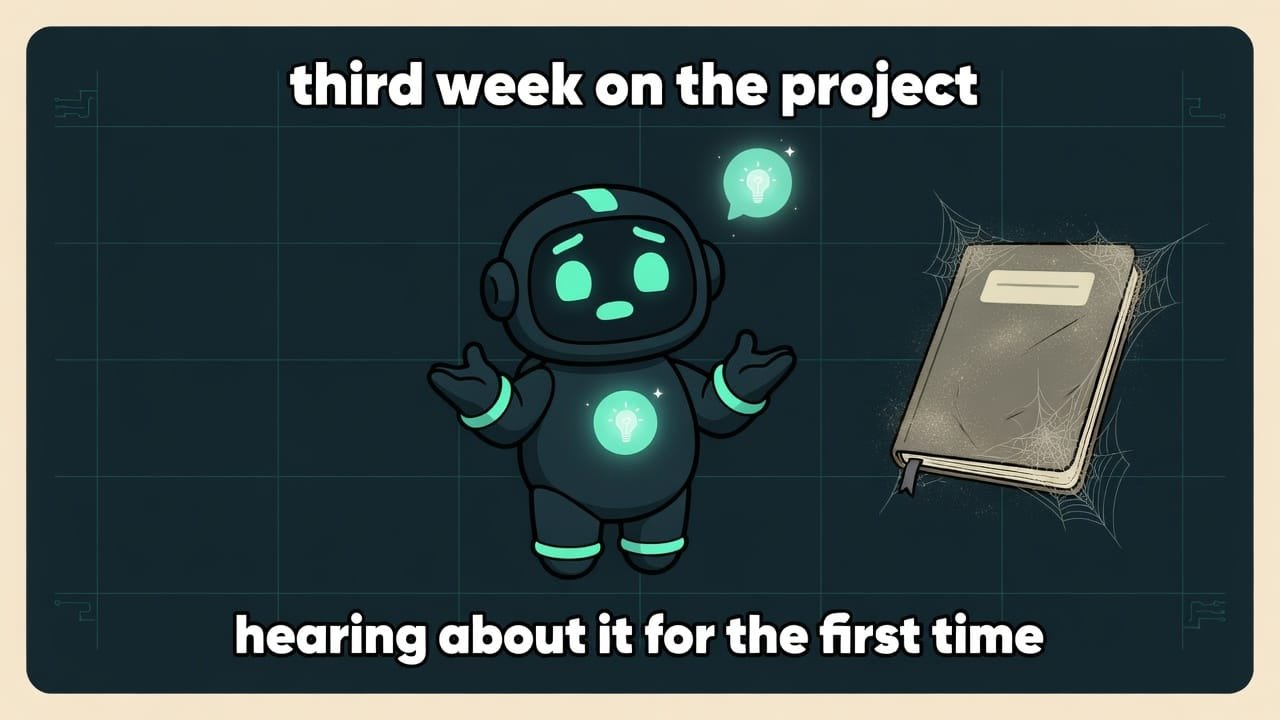
Common beginner mistakes with a knowledge base
- Storing decisions only in the chat. New session, and they’re gone. Move them into files.
- Only adding, never cleaning. The base gets overgrown with junk and duplicates.
- Not searching before you write. You end up with five notes about one fact, and which one’s right is a mystery.
- Dumping everything into one huge file. Finding anything in a thousand-line wall of text is hopeless - split it up by meaning.
- Putting secrets in “so they won’t get lost”. A key in a shared file = a security hole.
- Recording “what we decided” without the “why”. A month later you’ll redo it in circles, because you forgot the reason.
TL;DR - если коротко
- An agent's memory lives in files, not in its head. No file means no fact after a restart.
- A knowledge base is several shelves: quick notes, long documents, search by meaning. Each one has its own job.
- The golden rule: search first, then write. One fact, one home, no duplicates and no lying to yourself.
- Memory needs weeding. Old stuff goes to the archive, not the pile. A junk heap hurts just as much as an empty head.
- Putting a file somewhere shared? Strip the secrets first - passwords, keys. Those are the first things to leak.
- Start with two shelves - facts and decisions. That removes most of the pain; you can add the rest later.