Compacting an agent's memory: when to clear context without losing what matters
Sweep the clutter off your desk at the right moment, and nothing important flies off with it
Compacting an agent's memory in plain words: what gets squashed and lost, what survives, and the exact moment when clearing context is safe - and when it's shooting yourself in the foot.
What compacting memory means in plain words
Picture your desk. Papers all over it: the task, drafts, notes, printouts. As long as everything you need is within reach, your brain hums along. But the desk isn’t infinite. Pile it up until there’s nowhere to set your coffee, and suddenly you’re digging through stacks and grinding to a halt.
An agent has the exact same problem. Its “desk” is the context Context (the context window) is all the text the model can see right now: your messages, the files it has read, command output. Anything that doesn't fit simply doesn't exist for the model. . Full up? The agent does a compact Compacting (compact) is the squashing of the conversation history. The agent folds the old back-and-forth into a short summary to free up room. Details get lost in the process. : it rakes the old papers into a single “misc” folder and labels it with a line or two - “built a landing page, talked about the font.” Room freed. But then you need one specific sheet from that folder? It’s not in there anymore. All that’s left is the label on the cover.
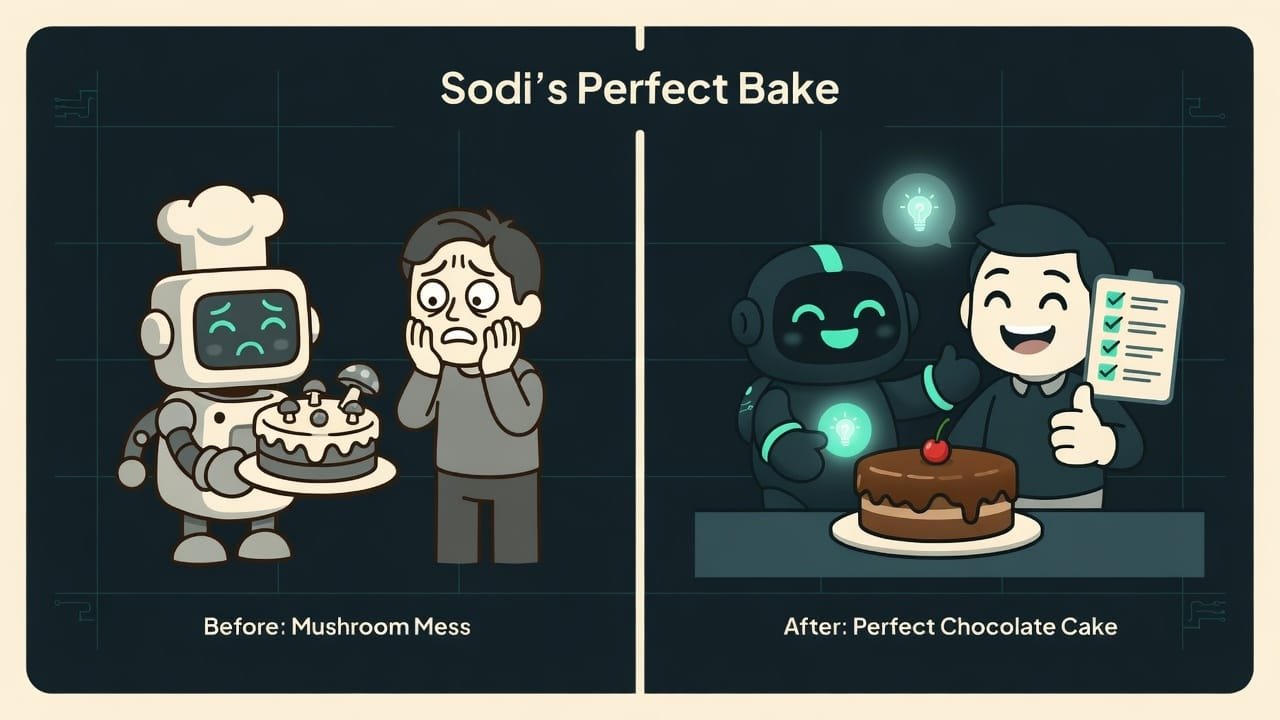
Why a vibecoder should understand clearing context
You’re a vibecoder. You don’t write code by hand - but you steer a long session with the agent. And sooner or later you run into one of two scenarios:
- the agent suddenly forgets what you were talking about an hour ago and asks you to repeat the obvious;
- the agent gets dumber and slower, starts repeating itself and mixing up details.
Both are about memory and compacting. Get the mechanics, and you bag three wins at once:
- you pick the cleanup moment yourself instead of waiting for the agent to do it at the worst possible second;
- you don’t lose your work to a random cleanup;
- you keep the agent fast and focused instead of drowning in walls of logs.
The difference between “the agent suddenly forgot everything” and “the agent stays on task” usually comes down to a single skill: clearing the desk at the right time and saving what matters to a file ahead of time.
What survives a compact, and what gets lost
The most important part of the lesson. Compacting doesn’t erase everything indiscriminately - it draws a clear line. Memorize these two columns, and the fear of cleaning up evaporates.
- Files on disk - code, notes, anything written down.
- Project rules and instructions - for example, the agent's settings file.
- The task list (todo) the agent keeps as it goes.
- Git history - commits and branches. They're not in the agent's memory at all.
- Memory files, if you've set them up - notes the agent appends to on the fly.
- Chunks of files the agent read but never wrote anywhere.
- Reasoning and analysis along the way to a solution.
- The requests you made in passing in the chat: “softer font,” “move the button left.”
- Intermediate state: which variables, which paths you were discussing.
- The conversation history itself - who said what, and when.
How to tell it’s time to compact
The agent gives off signals itself. Watch for three of them.
The session has gotten too long
Been chatting for a while, with a mountain of read files and logs piling up? The desk is probably close to overflowing. Time to think about tidying up.
The task has changed
Finished one chunk and picking up a completely different one? The old context is just in the way now - dead weight that throws the agent off.
The agent has started to “drift”
Replies got slower, the agent repeats itself, mixes up details, asks again about things it knew a moment ago. Classic: the desk is jammed, and the chef has nowhere to set down the knife.
When to clear the agent’s memory, and when not to
Here’s a cheat sheet for the transitions between stages of work. Green - clean away with confidence. Red - hands off.
- After research, before the work: you raked in a pile of files, but all you need is the conclusion and the plan.
- Finished a feature - clean up and start a new one with a clear desk.
- After a dead-end attempt: clear out the dead reasoning before a fresh approach.
- Before switching topics: you're moving to another part of the project - the old context is excess baggage.
- Mid-debugging a tricky bug - you'll wipe exactly the details you fought for.
- In the middle of a big edit - you'll lose track of which files and variables are in play.
- Right before an important decision - the agent will forget why it's even making it.
- Too often “just in case” - every cleanup costs you context.
Example: how auto-compact ate half an hour of work
You’ve been building an online store with the agent for three hours. First you spent ages digging into which products to show, reading examples, arguing about the structure. Then you laid out the storefront. Then you spent half an hour chasing a bug in the cart - the agent read a dozen files, tried, failed, tried again.
And now the bug is nearly caught. The agent cheerfully reports: “looks like the problem is in the total calculation, let me check.” At that very instant the desk overflows and auto-compact fires. The agent comes back - and innocently asks: “so what was our problem again?” All the bug-hunting work has moved into the “misc” folder. Half an hour - down the drain.
Where did it go wrong? The cleanup happened at the worst moment - mid-debugging. And it happened on its own, because you hadn’t tidied up earlier at a safe boundary.
Here’s how a vibecoder who gets it would do it:
We’ve finished the big block of product research and laid out the storefront. Before tackling the cart, do this:
- Write the key decisions to a file, DECISIONS.md: which products we show, the storefront structure, the design agreements. That way it all survives the cleanup.
- In the same file, note that we’re now starting to fix the cart and what the problem is.
- Now do a compact - free up the memory, there’s a separate task ahead for the cart.
- From here, work on the cart WITHOUT interrupting for a cleanup until the bug is caught.

A three-step ritual before cleaning up
To make sure a compact never bites, run through three steps before every manual cleanup. This is literally the heart of the strategic-compact skill.
- Am I at a boundary? Is the job done, or am I in the middle? In the middle - stop, don’t clean up.
- Is the important stuff written down? Are the decisions, agreements, and current task in a file? If not - ask to have them written down first.
- Will I give a short hint? With a manual compact, add a couple of words: “next we’re doing the cart.” The agent starts with a clear desk but already knows where it’s headed.
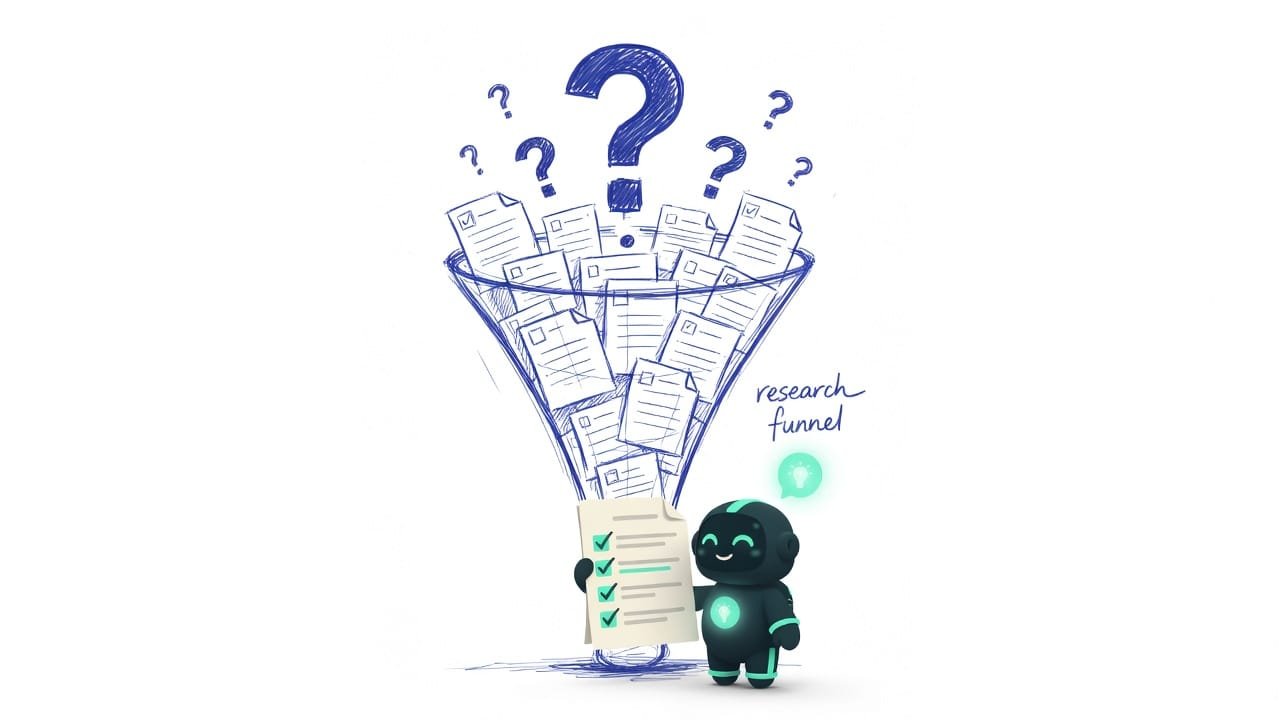
Common mistakes when compacting context
- Cleaning up mid-debugging. The most painful one: you erase exactly the details you fought for. Finish off the bug, then clean up.
- Hoping the chat will remember everything itself. Requests made in passing won’t survive a compact. Important stuff goes in a file, and only then the cleanup.
- Waiting for auto-compact. It’ll fire at a random, usually deeply inconvenient moment. Do it yourself, early, at a convenient boundary.
- Cleaning up too often “just in case.” Every cleanup loses context. Don’t touch the desk without a reason.
- Cleaning up without giving a hint. After a bare compact the agent may not understand what to do next. Add a short line about the next task.
- Confusing a cleanup with a breakdown. The agent “forgot”? It’s not a glitch, it’s a compact that fired. The fix: repeat the key points and write them to a file.
TL;DR - если коротко
- Compacting - the agent folds the old conversation into a short summary and frees up room on the “desk.”
- What gets lost: details - chunks of files, reasoning, the requests you made in passing. What survives: files on disk, the todo list, and the project rules.
- Clean up at task boundaries: a feature is done, research is finished, a dead end is behind you - those are the safe windows.
- Don't clean up mid-debugging or in the middle of a big edit - you'll wipe exactly what you were looking for.
- Save the important stuff to a file before compacting - and the cleanup stops biting.
- Auto-compact strikes at a random moment. A manual one happens when you choose. So do it yourself, and do it early.