Hooks for Your AI Agent: Protection Against Dangerous Commands and Leaks
Set up red flags for your agent so it doesn't nuke your project at 3 a.m.
Hooks and hookify rules in plain language: how to give your agent an automatic bodyguard that catches rm -rf, leaked secrets, and dangerous commands before they run.
What a hook is, in plain language
Imagine you handed your kid the keys to the kitchen. Mostly they’re a star: they cook, do the dishes, stack the plates in a neat little pile. But once in a hundred tries, in the rush of things, they might stick a fork in the outlet or toss out your passport — it was just lying on the table, getting in the way.
An AI agent works exactly the same. In 99% of cases everything’s fine. But in that remaining 1% it’ll happily run a command that deletes your folder, uploads a password to a public repo, or wipes your working database. And it’ll do it cheerfully, with a confident face and a breezy “Done!”
To keep that 1% from happening, you set up a hook A hook is a piece of code that fires automatically at a specific moment: before a command runs, before a write to a file, at the end of the agent's reply. It gets to check the action before it actually happens. — something like a guard at the door. Before every dangerous action it steps up and says: “Hold on. Show me what you’re about to do.”
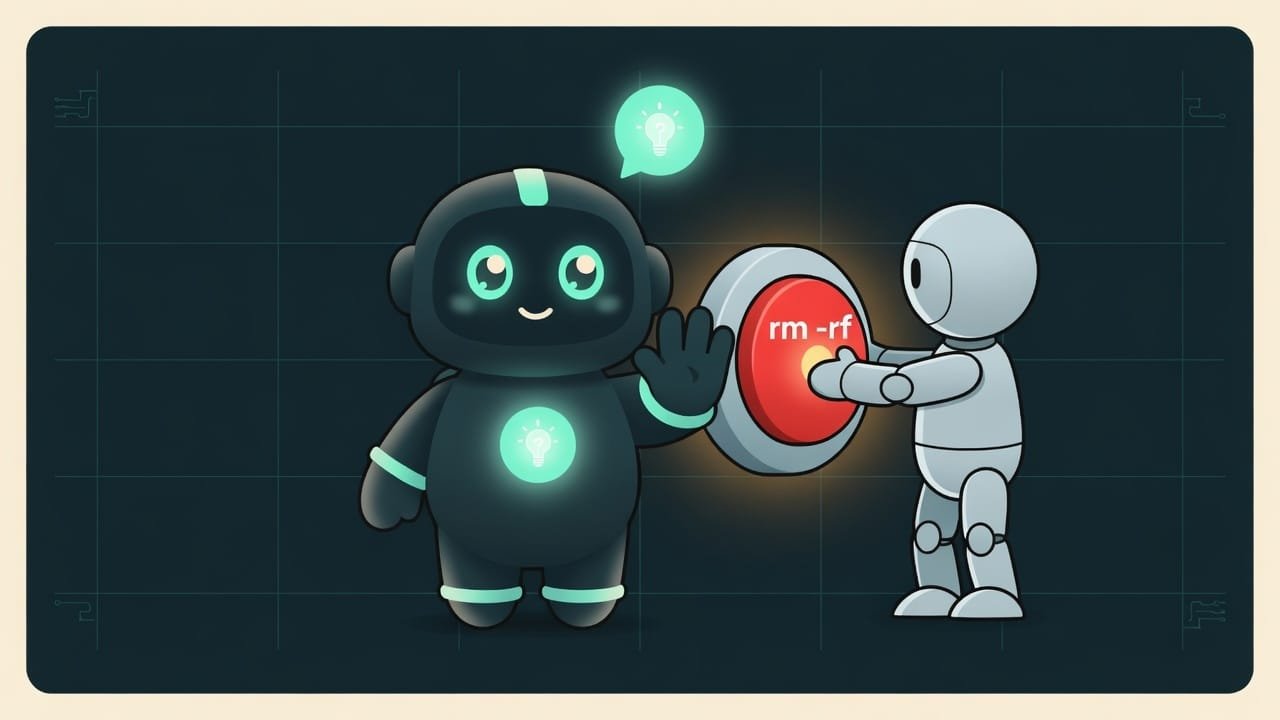
Why a vibecoder needs protection against dangerous agent actions
You’re a vibecoder. You dump a pile of grunt work on the agent — and you’re right to. But trust without a safety net costs you nerves and data sooner or later. You need hooks so you can:
- sleep easy — the agent physically can’t do what you’ve forbidden;
- stop repeating the same ban a hundred times in every new chat;
- catch mistakes ahead of time instead of cleaning up the aftermath with a mug of cold coffee at 3 a.m.;
- avoid accidentally pushing passwords and keys out into the open — a classic everyone has been burned by.
Between “the agent deleted three days of my work” and “the agent tried, but the hook stopped it” lies one tiny text file with a rule. Let’s learn to write it.
How hookify rules work
Writing hooks by hand in code is painful. That’s why there’s a tool called hookify hookify is a simple way to define hooks in plain text, no programming required. You write a rule in a markdown file: what to watch for and what to say or do. No code at all. : you create a plain text rule file, and that’s it. No code.
Every rule answers three questions.
WHEN to watch — the event
The guard doesn’t lurk everywhere at once. You tell it at what moment to wake up:
bash— when the agent is about to run a command in the terminal (this is where you catchrm -rf,sudo, and other heavy artillery);file— when the agent writes or edits a file (this is where you catch passwords in code and debug junk);prompt— when you yourself write something to the agent;stop— the moment the agent finishes its reply (handy for reminders);all— on any event.
WHAT to catch — the pattern
This is the “verbal portrait” of a dangerous action. Technically, it’s a pattern A pattern (a regular expression) is a template for finding text. For example, the pattern “rm one-or-more-spaces -rf” will catch a delete command no matter how the agent writes it — with one space or with three. . Say the pattern rm\s+-rf will catch that scary delete command even if the agent slaps an extra space in there.
WHAT to do — the action
The guard catches a troublemaker — and now it has two ways to react:
- warn — flag it and let it through. “Hey, you sure you want to do this? Fine, go ahead.” The default mode.
- block — shut it down hard. “Stop. Not happening. Period.” The action won’t run at all.
- The action is usually safe, but now and then it's worth a second thought.
- Reminders like “don't forget to add the file to .gitignore.”
- Style nits: “you left a console.log in the code — clean it up later.”
- Commands you can't undo: deletion, formatting a disk.
- Writing secrets (passwords, API keys) somewhere others can see them.
- Anything touching a production server or database — here it's a flat-out stop.
What a hookify rule looks like
The rule itself is a short text file. At the top, between two --- lines, come the settings; below that is the message the agent sees when the rule fires. That’s the whole thing.
Let’s describe a “block dangerous file deletion” rule in words:
- rule name:
block-rm-rf(it’s best to start the name with a verb:warn-,block-,require-); - enabled: yes;
- event:
bash(we watch terminal commands); - action:
block(we block it); - pattern: catches the delete command
rmwith the-rfflags; - message: “Stop. This is an irreversible deletion. Confirm manually before you continue.”
Rule files live in the .claude folder inside your project. And here’s the single most important idea of the lesson.

Example: how a hook catches a secret leak
You’re building your first startup. You wire up a payment provider, the agent creates a .env file and drops your secret Stripe key into it. Five minutes later you say “push everything to GitHub,” the agent cheerfully runs git push — and now your money key is visible to the entire internet. A couple more hours and someone calmly drains your limit with it. Congrats, you just paid for a stranger’s weekend.
Sound like a familiar disaster? Now watch it get shut down by a single rule.
You set up a hook ahead of time: “the moment the agent writes something that looks like an API key into a .env file — remind me to check .gitignore.” Here’s a prompt that’ll ask the agent to build that protection for you.
Create a hookify rule for me to protect against secret leaks.
Rule conditions:
- Event — writing to a file (event file).
- Fires when the file path ends in .env
AND when the new text contains API_KEY, SECRET, or TOKEN.
- Action — warn, do not block.
- Message to the agent: “You’re writing a secret to .env. Make sure this
file is added to .gitignore and won’t end up in a public repository.”
Put the rule in the project’s .claude folder and explain to me in plain
words exactly what it does.
A good rule versus a bad one
Hooks are powerful, but it’s easy to overdo them. Slap block on every little thing and your agent turns into a paralyzed mess that can’t take a single step. Here’s how to strike the balance.
- Catches the genuinely dangerous: deletion, secrets, the production server.
- The pattern is precise: it catches “console.log(”, not every word containing “log.”
- The message tells the agent what to do next, not just “no.”
- Dangerous and irreversible goes to block; small stuff goes to warn.
- Too broad a pattern: the word “log” will catch “login” and “dialog.”
- Everything on block — the agent can't work, and you're fuming.
- A ban with no explanation — the agent has no idea how to proceed legitimately.
- The rule lives only in the chat, not in a file — after a restart it's gone.
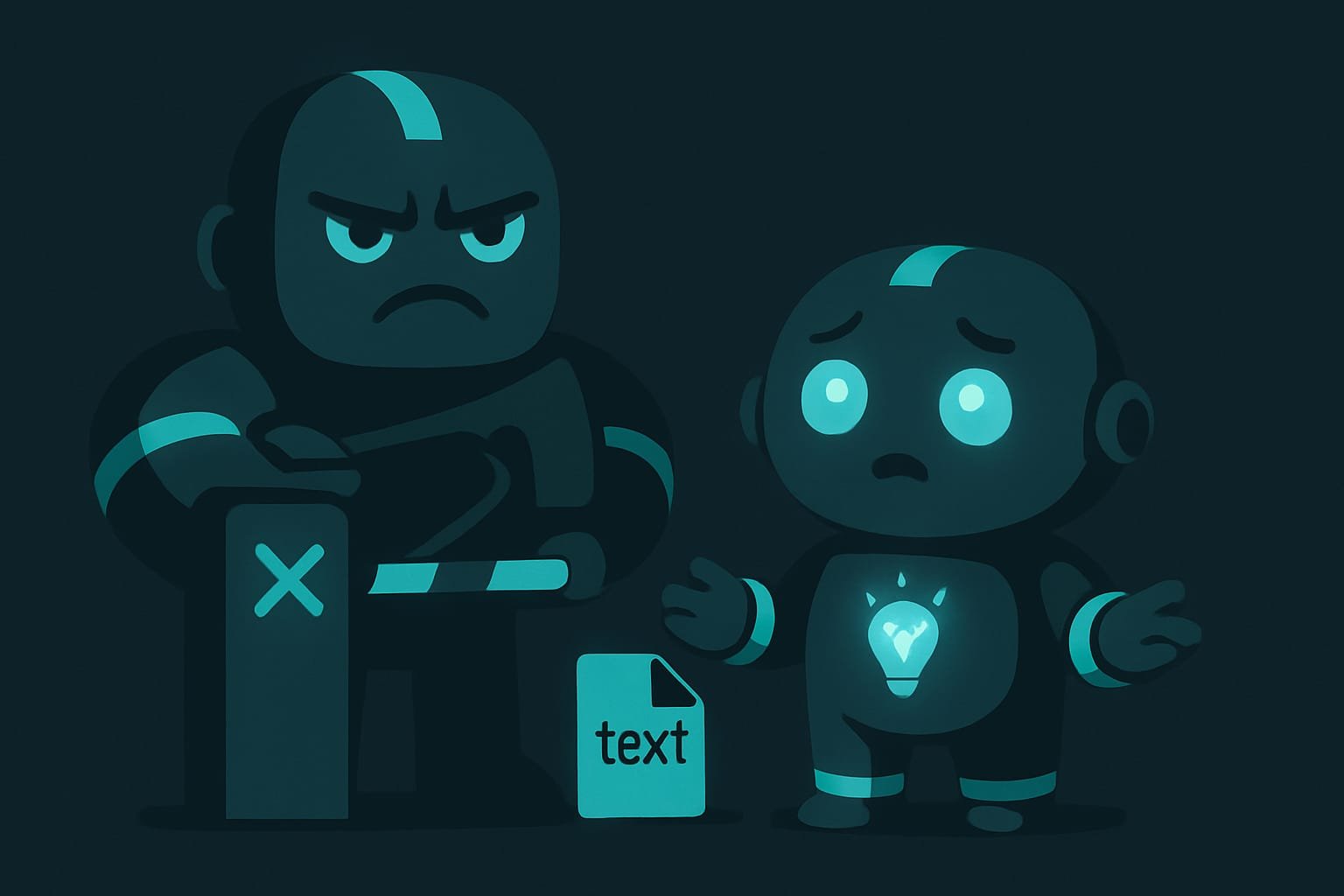
Common beginner mistakes with hooks
- Thinking words in the chat are enough. “But I asked it not to delete” — and the agent forgot after a compact. The ban needs to live in a file.
- Putting block on everything. The agent will suffocate, and in a fit of rage you’ll turn off the hooks yourself. Block only the irreversible.
- Too broad a pattern. Ban the word
rmand the agent can no longer write the word “information.” Make the pattern precise. - A ban with no “so what now” hint. The agent runs into a wall and goes around in circles. Put the right way to do it in the message.
- Ignoring
.gitignorefor secrets. The hook warned you, and you scrolled right past. Read what the guard is telling you. - Not checking that the rule actually fires. Ask the agent to run a safe test command and make sure the hook catches it.
TL;DR - если коротко
- A hook is a guard that checks every action your agent takes before it happens.
- A hookify rule is a text file that says “if you do this, I warn you or I stop you.”
- Two modes: warn (flags it and lets it through) and block (stop, you shall not pass).
- It catches by pattern: dangerous commands, secret keys, debug junk.
- It lives in a file, not in the chat — so it works always, even after a restart.
- Just say what you're afraid of and the agent builds the pattern itself — no need to learn regex.