Regression in vibecoding: a test on the bug so the AI stops breaking things
The same bug for the fifth time isn’t bad luck. It’s a pattern.
The AI fixes a bug, breaks it again an hour later, and round it goes. How a single regression test catches what the AI itself just can’t see. A guide for vibecoders.
Why the AI can’t see its own mistake
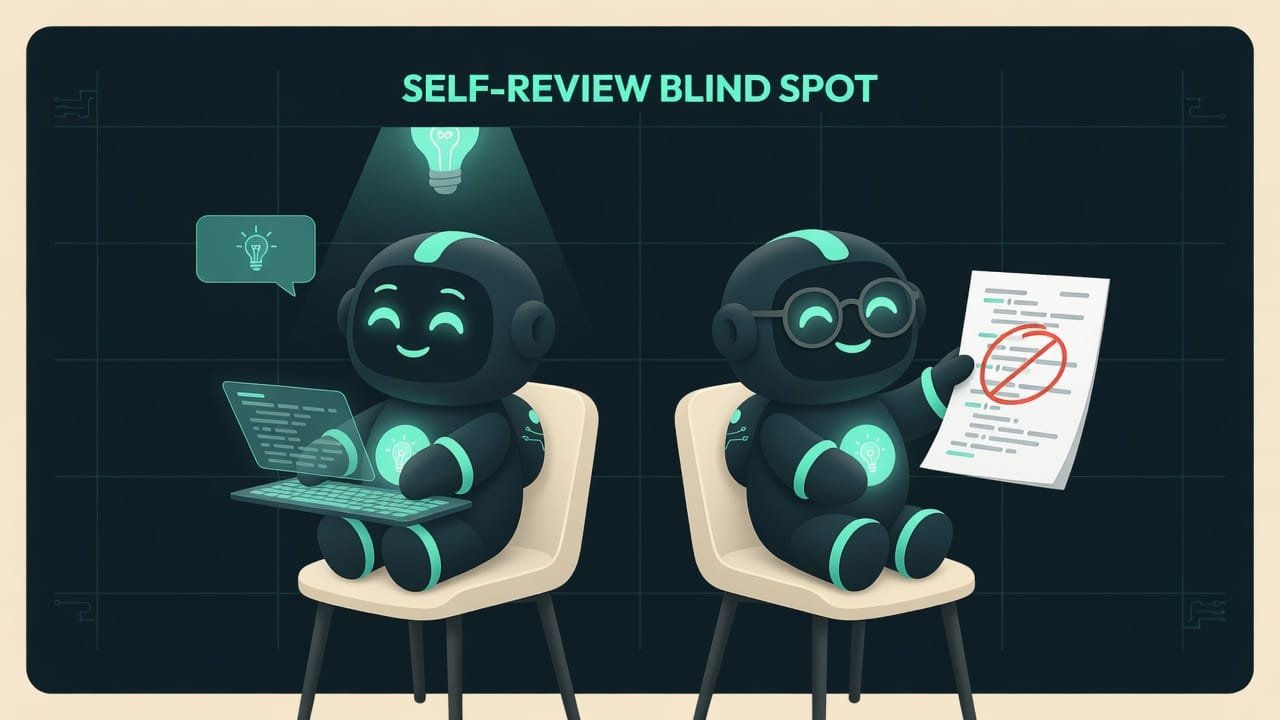
Picture this: you turn in a test and grade it yourself. You spelled “definately” instead of “definitely” — and you won’t catch it the first time or the tenth. In your head, that’s just how the word is spelled. Reread it twenty times. Every time you’ll confidently say: “all correct.”
The AI is that exact student. It writes and it checks, all by itself. And it trips on the same spots every time. It fixes a bug, looks at its own work, says “looks right” — and the bug is still there. Alive and well. An hour later you ask it to tweak something nearby, and it breaks the very thing it just fixed. And again, it just doesn’t see it.
Why a vibecoder needs to know this
You’re a vibecoder. You don’t write tests by hand. But you do need to understand why the AI keeps stepping on the same rake — and know how to ask it to soften the landing. Get the mechanics, and here’s what you get:
- you stop thinking “unlucky again” and start seeing a predictable pattern;
- you stop paying for the same bug five times over (every fix is your tokens and your nerves);
- you get a site that doesn’t fall apart with every new request;
- you can say the magic words to your agent — “write a test on this bug” — and sleep easy.
The difference between “the AI keeps breaking things on me” and “the AI doesn’t break this anymore” is one tiny automated test, written at the right moment.
The main trap: the AI checks itself
Let’s walk through it step by step — how it looks in real life. This isn’t a scare story. This is exactly how one bug got “fixed” four times in a row on a real project:
- The AI added a new field to the server’s response — but forgot to ask for it from the database. Checked it itself, noticed nothing.
- Asked for it from the database — a different error popped up, in the types. Checked step 1 again, missed the new problem.
- Fixed it — but only fixed the live mode and forgot about demo mode. Checked it — missed it again. Round four.
- And only the test caught the error instantly, on the very first run. No arguing, no talking itself down.
How to fix it: a test on the bug you caught
The cure is simple and slightly counterintuitive. You don’t need to cover the whole project in tests — that’s slow, expensive, and almost pointless. You need something else.
Regression Regression is when something that used to work suddenly breaks back after a new change. A “regression test” is a guard that catches exactly this kind of slide backwards. is when something already fixed breaks back again. And the golden rule goes like this:
Don’t write a test on code that works — write it on the bug you already found.
An automated test An automated test is a little checker program: it pokes your code and confirms the answer is what it should be. It runs in a second, never gets tired, and never lies. is a guard. You post it at the door right where someone once broke in. Write it once, and that specific bug physically cannot come back: on the next change, the guard will scream loud enough to wake the whole house.

The most common repeat: fixed one, forgot the other
On that real project, 3 of the 4 bugs were the same kind. The code has two paths: the live one (with real data) and the demo one (with sample data, to show the site off quickly). The AI fixes one path and flat-out forgets the other. A classic. Like forgetting the second sock.
- Both modes return the same set of data — both live and demo.
- Fixed a field in one place — immediately checked the other.
- There’s a test that compares: demo has the same fields as live.
- Added the field only to the live path, demo stayed as it was.
- Asked for a new column in the response, but forgot to request it from the database — so it’s always empty.
- On an error it showed a message, but didn’t clear the old data off the screen — total mess.
A real-life example: notification settings
You’re building a booking site with the AI. You ask: “add notification settings to the profile.” It adds them, briskly reports “done.” You open it — empty. You ask it to fix it — fixed, still empty. And round and round it goes. You’re already boiling over, convinced the AI has finally lost it.
But really, it’s simpler than that. The AI fixes one piece and breaks the neighbouring one — and doesn’t see it. It checks with the same head that wrote it.
A vibecoder who gets this doesn’t ask “fix it again” for the sixth time. They ask it to post a guard:
This bug keeps coming back: the notification settings are sometimes in the profile response, and sometimes they vanish.
Do this strictly in order:
- First, write a small automated test that checks the profile response has the notification settings field and that it’s not empty. Name the test after the bug.
- Run the test. It should fail — that proves the bug is real, not imagined.
- Now fix the bug. Important: check BOTH modes — live and demo. They should return the same set of fields.
- Run the test again. Now it should pass.
- Before saying “done” — run the full test suite to make sure you didn’t break something nearby.
Checklist: verify for real, not just on its word
The AI cheerfully announces “everything works, I checked”? Don’t take its word for it. Ask it to go in order: machine first, eyes second.
- Run the tests first. Failed — that’s bug number one, no discussion. The machine doesn’t argue.
- Then check the build. The code doesn’t even compile — that matters more than any pretty opinion.
- And only now — a human review of the code, keeping the known blind spots in mind (two paths, forgotten fields).
- A new test for every bug found. So next time it gets caught on its own, without you.

Common beginner mistakes
- Trusting “I checked, it all works.” Same head, same blind spots. Ask it to run the test.
- Asking “fix it again” on a loop. Without a guard the bug will come back a sixth time. Ask for a test on the bug.
- Covering the whole project in tests. Slow and pointless. The test is needed where it actually broke.
- Forgetting the second path. Fixed the live mode — immediately ask it to check the demo mode too.
- Reviewing the code before running the tests. Soulless machine first, AI opinion second. Not the other way around.
- Writing the test after the fix and then slacking off. Better to do the test first (it fails), then the fix (the test passes).
TL;DR - если коротко
- The AI writes the code and checks it itself — one head, the same blind spots. It can’t see its own mistake.
- The most common repeat: fixed one path, forgot the other. Live mode works, demo mode is forgotten.
- The cure: an automated test on the bug you already found. Write it once, and the bug physically can’t come back.
- Don’t blanket the whole project in tests. Put a guard exactly where it actually broke.
- Tests first, then a human eyeball review of the code. The machine catches it quietly, no arguing.
- Want to sleep easy? Say the magic words to your agent: “write a test on this bug.”