Working in Parallel with an AI Agent: How to Speed Up Vibecoding
Make your agent work like a crew, not a lonely snail
Running tasks in parallel with an AI agent: which chunks of code you can do all at once, what has to go strictly one at a time, and how to avoid two agents brawling over the same file.
What parallel execution actually means, in plain words
Picture a home renovation. You could hire one worker: he paints the walls, then lays the tile, then assembles the closet. One thing at a time. All week long. Or you could call in a crew: the painter works the living room, the tiler handles the kitchen, the assembler fiddles in the bedroom. All at once. Same amount of work. A third of the time.
It’s exactly the same story with an AI agent. We usually run it like a lone handyman: do this, then that, then that other thing. But you can teach it to spread out independent chunks so they run in parallel. That’s what parallel execution Parallel execution is when several pieces of work happen at the same time because they don't get in each other's way. The opposite is sequential - one after another. is all about.
Why a vibecoder needs to know how to parallelize tasks
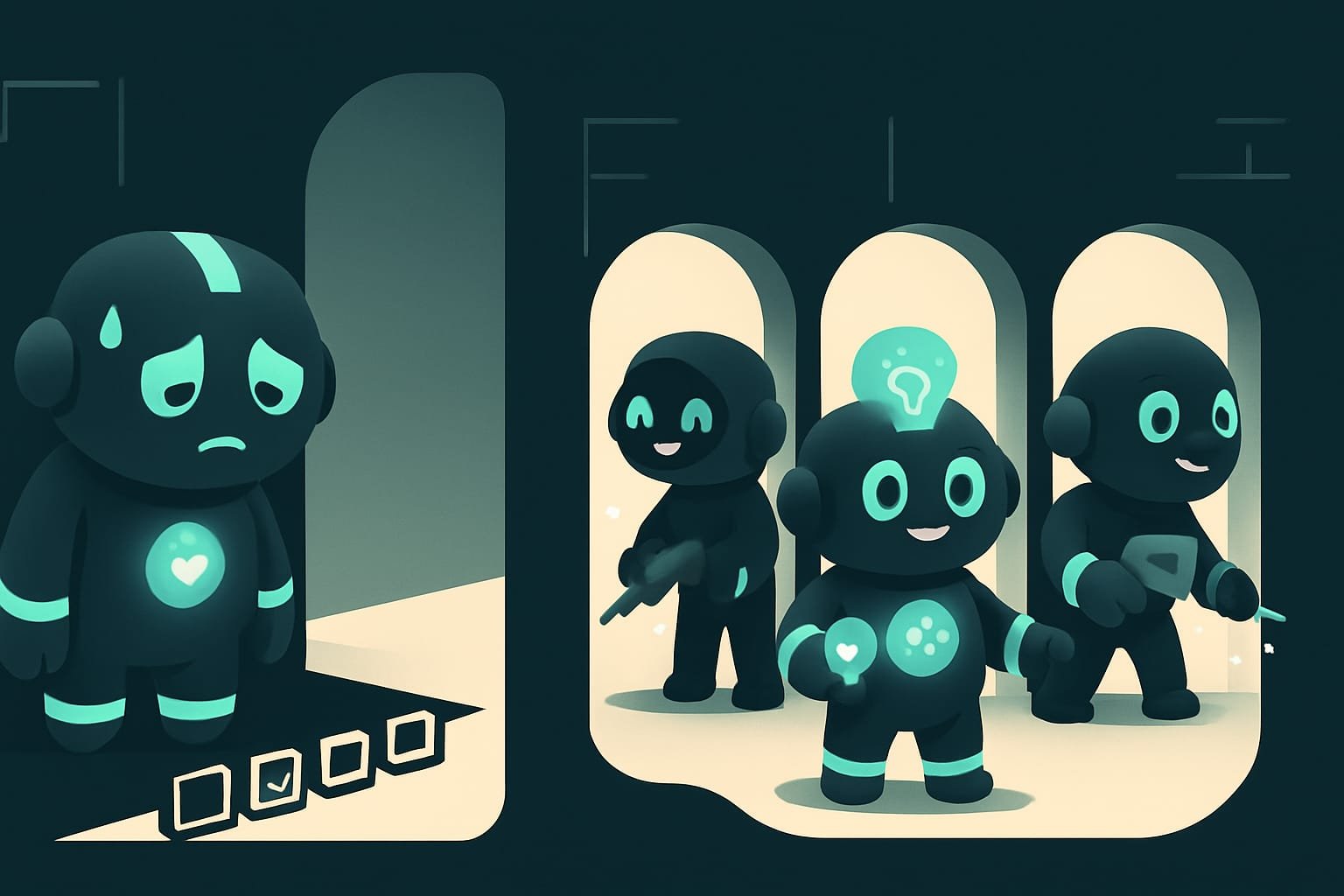
You’re a vibecoder. You don’t write code by hand - you’re the director of the process. And once you understand how to spread work across lanes, you win on every front at once:
- the result lands way faster - five checks in the time of one;
- you don’t sit there twiddling your thumbs while the agent grinds through tests for half an hour - that time gets spent on something else;
- you don’t cause wrecks when two streams crash into the same file;
- you know how to say “do it fast” in a way that actually speeds things up instead of breaking them.
The difference between “spent the whole evening on one task” and “it was all done in an hour” usually comes down to a single skill: seeing what can be done at once and what can’t. Let’s go.
How the agent builds a lane map
The main trick of a seasoned agent: turn the rush into a dependency map before doing anything at all. Don’t charge into battle. First ask yourself one question: which chunks are independent, and which ones hang on each other?
Step 1. Name the goal and the “done signal”
Before splitting the work up, the agent decides: what exactly are we trying to get, and how will we know it’s done? Without that, “fast” easily turns into “fast at the wrong thing.” And redoing it always takes longer.
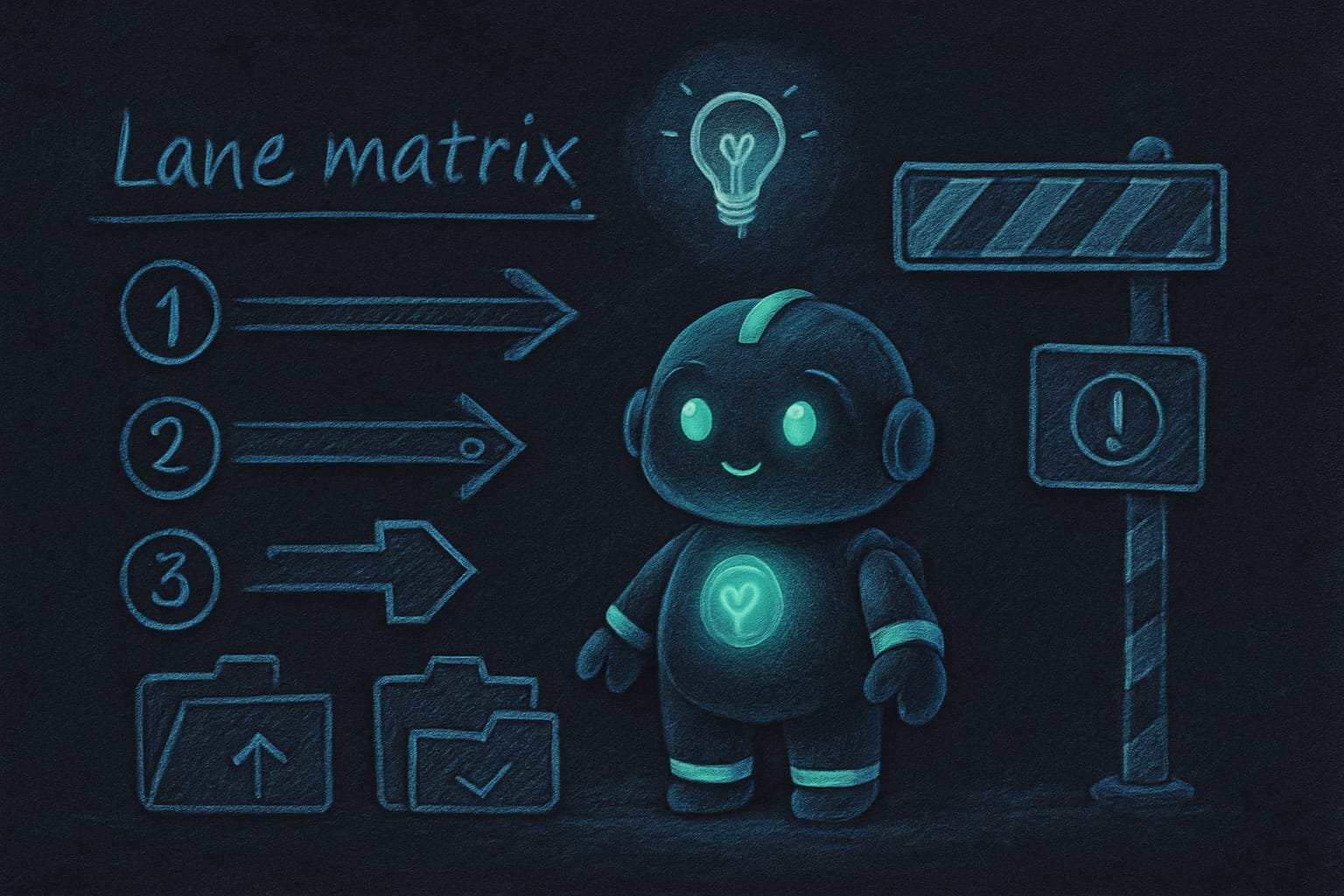
Step 2. Slice the work into lanes
A lane A lane is a separate, self-contained chunk of work you can run independently of the rest: for example, reviewing code, editing the backend, or tweaking the interface. is one self-contained chunk. Look over the project - a lane. Fix a button on the site - a lane. Run the tests - also a lane. The cleaner the cuts, the clearer it is what overlaps with what.
Step 3. Tag every lane
Each lane has one of three fates:
- Parallel - can be done right now, gets in nobody’s way.
- Sequential - only goes after another one. You can’t paint a wall before it’s been plastered.
- Wait for the signal - only kicks off after your confirmation, because it’s dangerous. A deploy to prod, for example.
Step 4. Read in a crowd, write one at a time
Here it is, the golden rule of the whole lesson. Any reads - looking over files, searching the code, checking status, glancing at a couple of sites - you can fire off as a batch all at once: they don’t bother each other. But writes - file edits - keep apart: different files, different branches, different folders. Otherwise two streams overwrite the same thing. And you get a mess.
Step 5. Long stuff goes to the background
Tests, builds, data loads, deploys can drag on. A seasoned agent tosses them into the background and checks back later, instead of sitting and dumbly staring at the progress bar. While the tests churn, you can knock out another lane. No idle time.
What you can do in parallel, and what has to go one at a time
- Reads and searches: reviewing the project, searching the code, checking status - all in one batch.
- Edits in different files that don't overlap with each other.
- Several checks at once: linter, tests, a screenshot of the site.
- Big independent chunks - in isolated working copies (worktrees).
- Two edits in the very same file - a guaranteed conflict.
- Dangerous commands: deletes, database migrations, pushing to prod - only with confirmation.
- Writing to the same table from two streams at once.
- A step that depends on the outcome of another - first one, then the next.
Example: how to check a project in parallel before publishing
You ask the agent: “check my site before I publish it.” The naive route - it does everything one at a time: spends five minutes reading the code, then runs the tests and waits, then opens the site and looks, then checks the links. Twenty minutes. And the whole time you’re staring a hole through the screen.
Now here’s how a vibecoder who gets it would handle it. First - the lane map:
I need to quickly check the project before publishing. First, lay out a plan of lanes - don’t rush into action.
- Split the work into independent lanes and for each one say: can it be done in parallel, what does it touch, and how do we know it passed.
- Run all read-only and check-only lanes at once: reviewing files, searching the code, checking status.
- Kick off long checks, like tests and the build, in the background and come back for the results later.
- Don’t delete, edit, or publish anything without my separate confirmation.
- At the end, give me a table: which lane passed, which failed, and exactly what you checked.
Common mistakes when parallelizing tasks
- Shouting “faster” with no plan. Speed comes from the lane map, not from nagging. Split the work first - then speed up.
- Parallelizing writes to one file. The classic wreck: two streams overwrite each other. Write one at a time, no exceptions.
- Parallelizing the dangerous stuff. Deletes, migrations, a deploy to prod - never fire them off as a batch without confirmation. One wrong step here is expensive.
- Launch in the background and forget. The process churns, the agent reports “done” - and there’s an error in there. Always come back for the result.
- Confusing “fast” with “done.” Blazing through five lanes isn’t success yet. Success is when the check shows everything lines up.
- Hiding skipped checks behind a cheerful report. “All good!” with no table is a red flag. Demand specifics: what passed, what failed.

TL;DR - если коротко
- Speed doesn't come from yelling “go faster.” It comes from knowing how to run independent chunks all at once. Map first, then floor it.
- Golden rule: read in a crowd, write one at a time. Two agents in one file means a fistfight.
- Slice the work into lanes and tag each one: parallel, sequential, or “wait for the signal.”
- Long stuff - tests, builds, deploys - toss it into the background and check back. Don't stand there frozen at the screen.
- “Fast” isn't the same as “done.” Finish with a verification table, not a cheerful “seems to work.”
- Dangerous things - deletes, migrations, prod - we never parallelize. Only with confirmation.