Beautiful Python Code: Clear Names, Types, Errors
Code you read like a borscht recipe, not like a spell from a dusty old book
What beautiful Python code means for a vibecoder: clear names, type hints, honest error handling, and a Pythonic style. And why an agent fixes beautiful code with ease but breaks ugly code.
What “beautiful code” means in plain words
Take two borscht recipes. The first one: “pour in water, chop and toss in the beets, then the cabbage, add salt, simmer for 40 minutes.” The second: “take X, do Y with it, add Z, wait T.” In theory, both work. But with the first one, even a kid could cook the borscht. With the second one — only the person who wrote it. And even they will forget what on earth Z is within a week.
Python code is the same kind of recipe, just for a computer. And there’s a catch newcomers don’t see coming: code is read more often than it’s written. By you, a month from now. By your teammate. And — pay attention — by your AI agent, the moment you toss it a “fix this bug.” Beautiful code, they grasp at a glance. Ugly code, they decipher letter by letter, like a spell from a dusty old book.

Why a vibecoder who doesn’t write code still needs beautiful code
Fair question. You’re a vibecoder. The agent types out the Python letter by letter for you. So why should you care about “beautiful code”? Here’s why: you’re the one who sets the quality bar. You get what you ask for. And here’s what changes when the bar is high:
- the agent extends beautiful code on the first try, while in ugly code it gets confused and breaks things that were working right next door;
- clear names and types = fewer bugs, because both you and the agent can see what flows where;
- come back to the project a month later and you’ll figure out your own code yourself, instead of begging the agent to explain what on earth you cooked up here;
- one phrase in the prompt — “write it Pythonically” — lifts the whole project for almost free.
The difference between “the agent built me a script and it works” and “the agent built me a script I can keep growing” is almost always a difference in how beautiful the code is. Let’s dig into what makes it that way.
What makes Python beautiful: the four pillars
The Python world has an unwritten law — “Readability counts”, readability above all. Let’s go layer by layer, from simple to interesting.
Clear variable and function names instead of clever tricks
Rule number one: code should be obvious. Compare two functions — they do the exact same thing, returning only the active users.
Good: get_active_users(users). Even without knowing Python, you already figured out what it does, right? “Return the users who are is_active.” The name told the whole story.
Bad: g(u). And what’s this one? What’s g? What’s u? What’s inside — x.a? A riddle wrapped in a riddle, with one more riddle on top. It works exactly the same, but reading it — no chance.
Type hints in Python: labels on the boxes
In Python you can note down what “cargo” goes into a function and what comes out. This is called type hints Type hints are notes in the code about what type of data is expected: text, a number, a list, and so on. For example, `name: str` means “name is a string.” They don't change how the program runs, but they make it clearer to people, to the agent, and to checking tools. .
Look: writing def process_items(items: list[str]) -> dict[str, int] reads as “the function takes a list of strings and returns a dictionary where the keys are strings and the values are numbers.” Without these notes, the boxes ship without labels. And then you’re left guessing what’s inside.
What’s in it for the vibecoder? From the types, the agent immediately sees how the data is structured and doesn’t get lost. Bonus: special checker tools catch errors before you even hit “run.”

Error handling: catch specific ones, not “everything at once”
Something can always break, and Python lets you catch it. But there’s a chasm between the ways of catching.
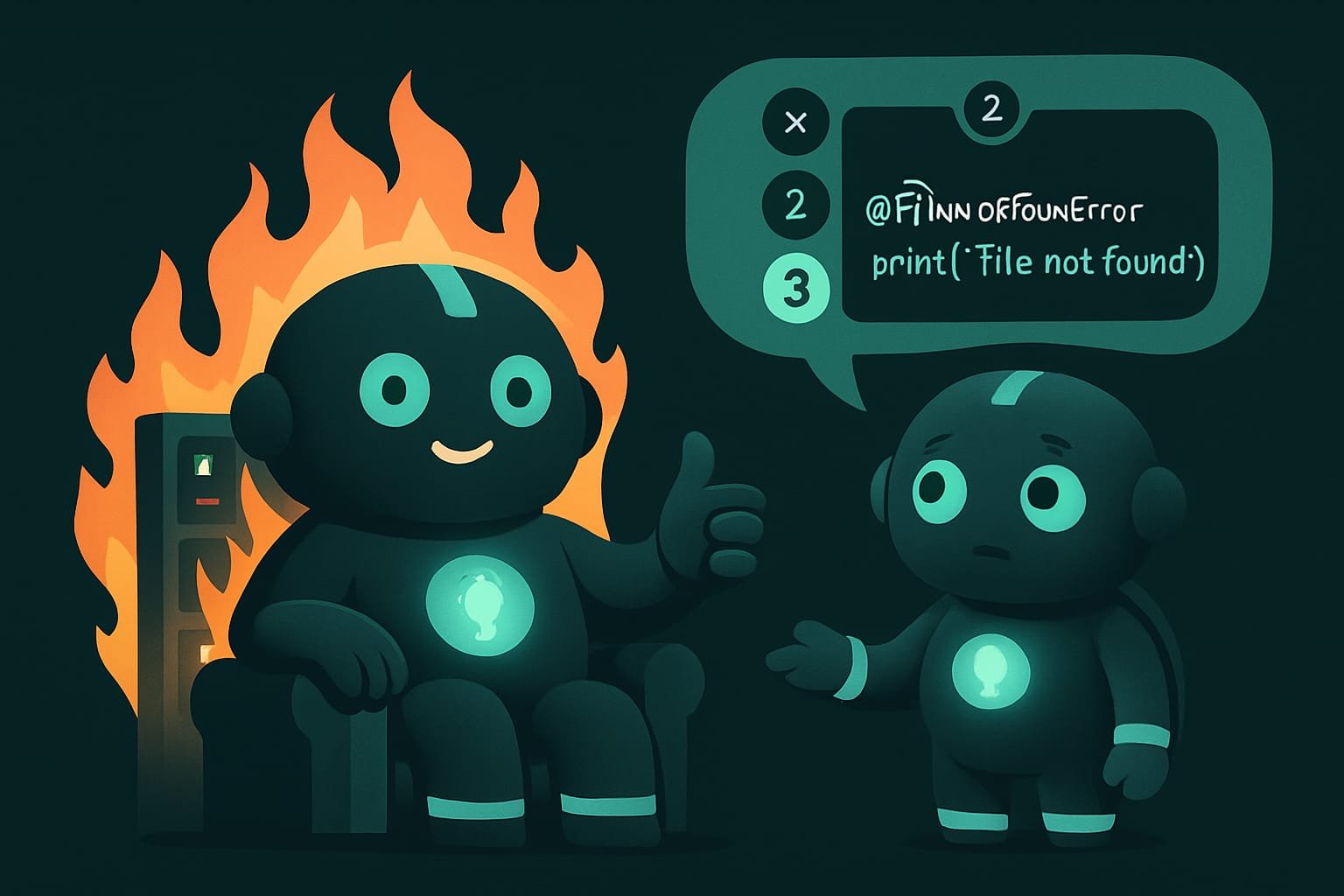
Bad — catch “everything at once” and silently swallow it. The program crashed and you’re not even aware. It’s like taping over the “check engine” light: it stopped blinking, can’t argue with that, but meanwhile the engine is quietly dying. The nastiest bug is the one you hid from yourself.
Good — catch a specific error and honestly say what went wrong: “the settings file wasn’t found at this path.” That’s it. You see the cause, the agent sees the cause, and you fix what actually matters instead of reading tea leaves.
A Pythonic style instead of “the way other languages do it”
Python has a style all its own — short, readable constructs that save lines and make the code clearer. You don’t need to memorize them. It’s enough to know they exist and to ask the agent to use them:
- f-strings for text: values get dropped right inside the string — neat, with no gluing together via pluses.
- list comprehensions for simple transformations: “take the names of all active users” — one line instead of a five-line loop.
withfor working with files: open it, and it’s guaranteed to close, even if something crashes along the way. No need to remember to close it by hand.pathlibfor file paths — instead of manually gluing strings together with slashes.
- Clear names: `get_active_users`, `total_price`, `is_active` — they read like plain text.
- Types in place: it's instantly clear what goes in and what comes out.
- Specific errors are caught and said out loud.
- Short Pythonic moves: f-strings, `with`, list comprehensions.
- Cryptic one-letter names: `g`, `u`, `x`, `tmp2`.
- No types at all — guess for yourself what's in the box.
- A “bare except” that hides any error out of sight.
- Pages of manual loops where a single line would have done.
A real-life example: working but ugly code
You ask the agent: “write a script that reads a list of links from a file and downloads each one.” It cheerfully spits out working code. You run it — half the links downloaded, half didn’t, and as for why — dead silence: the script silently swallowed the errors. The variable names are a, b, tmp. A week goes by, you want to add “and also save the file size” — and the agent, stumbling over this code, wrecks the stuff that was working just fine.
What’s the catch? The code was working, but ugly. No names, no types, with a “bare except” that swept all the problems under the rug.
Now watch how to ask from the very start so you get a beautiful, growable result:
Write a Python script that reads a list of links from a file and downloads each one. Write the code beautifully and Pythonically:
- Give functions and variables clear names — the name should make it obvious what the function does. No one-letter names.
- Add type hints to all functions: what goes in and what comes out.
- Catch errors specifically (for example, file not found or network failure) and print a clear message about exactly what went wrong. No “bare except” that silently swallows everything.
- Use Pythonic moves: f-strings for text, with for working with files, pathlib for paths.
- Follow the PEP 8 style standard.
At the end, briefly explain in plain words what each function does.
Common beginner mistakes in vibecoding
- Being happy that it “works” and not looking at how. Working but ugly code is a time bomb. Growing it later is pure torture.
- Not asking for types and names. By default, the agent will happily hand you
g(u). Ask for beautiful and you’ll get beautiful. It’s all in your hands. - Hiding errors. A “bare except” makes bugs invisible. Always ask it to catch specifically and report the problem.
- Chasing “cleverness.” In Python, what’s valued isn’t a slick one-line trick but readability. Clarity beats showing off.
- Not giving a standard. Add “by PEP 8” to your prompt — it’s the widely accepted Python style standard, and the agent will instantly tidy things up.
- Growing monster functions. Is a function doing ten things at once? It’s hard to read, for both you and the agent. Ask it to slice them into small ones with clear names.
TL;DR - если коротко
- Beautiful Python = readable Python. Read it out loud and it almost sounds like a normal sentence.
- Clear names rule. `get_active_users` pins `g(u)` to the mat.
- Type hints (`list[str]`) are labels on the boxes. You can see what's inside, and so can the agent.
- Catch specific errors, not “everything at once.” Otherwise bugs hide and the agent fixes blind.
- One line in your prompt — “write it Pythonically, with types, by PEP 8” — and quality jumps for almost nothing.
- An agent extends beautiful code on the first try. Ugly code trips it up and breaks the stuff next door.