Tokens and the price of AI: how not to go broke using it
Chat feels free - right up until the first bill
What tokens are, how much AI actually costs, and how to pay pennies for it: pick the depth of the answer, count your tokens, plug the budget leaks, and match the model to the job.
What tokens are, in plain words
Picture a taxi where you pay not for the ride, but for every word - yours and the driver’s. Stay quiet the whole way? Almost free. Toss out a quick “left at the shop” - a few cents. Ask for the driver’s entire life story - better bring a bigger wallet.
AI works exactly the same way. You don’t pay “per question.” You pay for the volume of text: for what you pour into the agent, and for what it spits back. That text gets sliced into tiny pieces - tokens A token is a chunk of text, roughly 3-4 characters or three quarters of a word. The model both reads and writes in tokens. You pay for input tokens (what you gave it) and output tokens (what it generated). . More text, more tokens. More tokens, more money and more waiting. That’s all the math there is.

Why a vibecoder needs to understand what AI costs
You’re a vibecoder. At first chat feels free, or close to it. Then a bill lands - and you sit there scratching your head: where did all that come from? Get a handle on tokens and the picture changes. You:
- stop paying for fluff - long answers where two lines would do;
- see where the money leaks out, and plug the holes;
- get three times as much done for the same money;
- don’t flinch at the end-of-month bill, because you’re the one steering it.
The gap between “AI ate my whole budget in a week” and “this lasts me ages” comes down to just three habits: choosing the depth of the answer, watching what you spend, and not calling in the expensive model for trivia. Let’s take them in order.
How token cost is calculated
How many tokens are in ordinary text
Text gets sliced into tokens for the model. Memorize one estimate - it’ll cover nine cases out of ten:
And here’s the catch. You pay twice. For the input - everything you gave the agent: the question, the files, the chat history. And for the output - its entire answer. And output is usually pricier than input. So a giant wall of text in the reply hits your wallet harder than a long question. Keep that in mind - it’ll come in handy.
What the different AI models cost
Not all AIs cost the same. There’s economy class and there’s business class. Here are the real prices per million tokens (figures from ECC materials, 2025-2026):
| Model | Input (per 1M tokens) | Output (per 1M tokens) | How much pricier |
|---|---|---|---|
| Haiku 4.5 | $0.80 | $4.00 | 1x (cheapest) |
| Sonnet 4.6 | $3.00 | $15.00 | ~4x |
| Opus 4.5 | $15.00 | $75.00 | ~19x |
How to pay less for AI: three moves
Move 1. Choose the depth of the answer
Most of the time you don’t need a three-screen answer. You need the gist. But by default the agent tries to be thorough - and burns output tokens doing it.
The trick is simple: say up front how long you want the answer to be. That’s the whole idea behind the token-budget-advisor skill - pick the depth before the agent starts writing. A second at the start, savings at the finish.
- A quick fact check or a yes/no - two lines will do.
- You already know the territory and just need the command or the fix, no lecture.
- You're making lots of tiny edits in a row - every wall of text multiplies your bill.
- You're learning a new topic from scratch - here examples and context save you time.
- You're asking for a plan or architecture, where the alternatives matter.
- It's a teaching walkthrough you'll reread more than once.
A rough depth scale that experienced vibecoders use:
- Short - a direct answer, no preamble. 2-4 sentences.
- Medium - the answer plus a bit of context and one example.
- Detailed - the full answer with alternatives and nuances.
For the rest of this chat, answer in “short” mode: just the gist, 2-4 sentences, no preamble and no filler. If a task is genuinely hard and a short answer isn’t enough, tell me so first in one line and ask whether I want the detailed version. Only expand into detail when I ask.
Move 2. Watch what you spend on AI
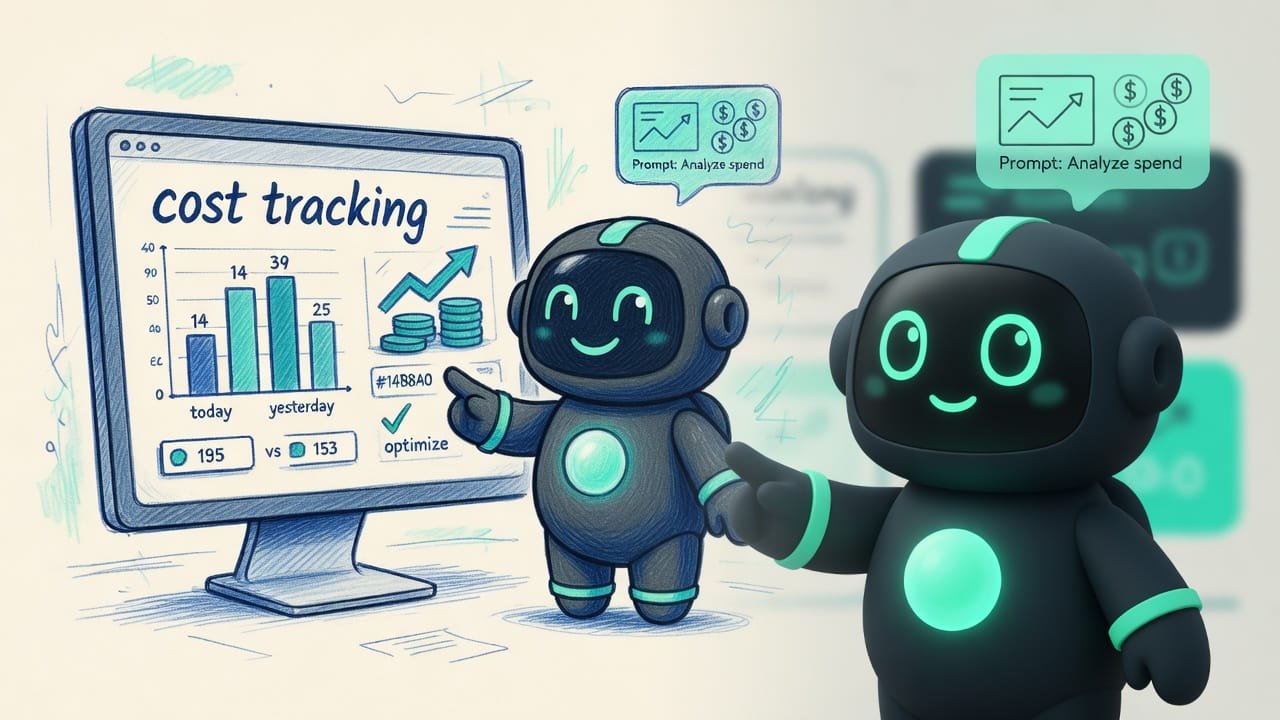
You can’t save on what you can’t see. The cost-tracking skill is about one thing: set up a meter and check it regularly. Without a meter, you’re driving with your eyes shut.
What’s worth seeing:
- how much you spent today and how much yesterday;
- the total across all time;
- which project leaks the most;
- which tool or action is the priciest;
- how much an average session costs.
Move 3. Match the model to the job
This is the heart of the cost-aware-llm-pipeline skill. The whole idea fits in one line: don’t haul bread by helicopter. Hand a simple task to a cheap model, a hard one to an expensive model. That’s it.
A rough rule from ECC materials. Little text, routine task - go with a cheap model (Haiku). Lots of text, or a complex task - many parts, analysis, architecture - then reach for an expensive one (Sonnet or Opus). On simple work, a cheap model often comes out 3-4 times cheaper for the same result. Hard to argue with numbers like that.
- Routine (renaming, tidying text, a small fix) - send it to a cheap model.
- Hard stuff (architecture, a tricky bug, a big analysis) - to an expensive model, and only that.
- Cache a long, unchanging instruction so you don't pay for it from scratch every time.
- Set a budget limit up front - and pump the brakes before the surprise lands.
- Running everything on the priciest model “just to be safe”.
- Dumping the whole project into every message instead of the piece you need.
- Repeating the same long preamble in every request.
- Setting no limit - you only find out the total when it's already too late.
How budgets get torched: a worked example
You’re building a one-page personal site. You open chat and right off the bat paste in the entire project - 30 files, “so the agent’s in the loop.” Now every message drags that whole wall of text along. And it gets worse: you ask for detailed explanations on every little thing, run the most powerful model, and you’re three days deep into one endless chat. At the end of the week you open the bill - and quietly mourn.
What actually happened:
- You paid for 30 files in every message - when the agent needed one or two.
- You ordered walls of text on the output, though a paragraph would have done.
- You kept the expensive model on tasks a cheap one could have handled.
- You never looked at the meter and missed the moment spending took off.
And here’s how a vibecoder who understands what they’re paying for would do it:
Help me build a one-page personal site. Some ground rules so we don’t burn extra:
- Don’t keep the whole project in context. Need a file? Ask me for the specific one, not everything at once.
- Answer short by default: the gist and the code I need. Long explanations only when I ask.
- Make simple edits in economy mode; only suggest the expensive model for genuinely hard tasks, and ask me first.
- At the end of each chunk of work, remind me to check today’s spending.
Common beginner mistakes when working with AI
- Dumping the whole project into every message. You pay for it again and again. Hand over the piece you need.
- Ordering walls of text on the output. Output tokens cost more than input ones. Ask for the depth you need.
- Running everything on the priciest model. Send the routine to a cheap one - it’s a fraction of the cost.
- Living in one endless chat. The history keeps growing, and you pay for it in every request. Clean it up at task boundaries.
- Repeating the same long preamble. Cache it once.
- Not looking at the meter. Without tracking, spending creeps up unnoticed - until it starts to hurt.
TL;DR - если коротко
- A token is a chunk of text, roughly 3-4 characters. You pay both for what you feed the AI and for what it answers.
- Rough rule: 1000 tokens ≈ 750 words ≈ a page and a half. A big file = tens of thousands of tokens = real money.
- Ask up front for the depth you need: short, medium, detailed. Why pay for a wall of text when a paragraph will do?
- Want to see what AI is costing you? Keep a tally: how much went today, on which project, on which tool.
- Do not call in the expensive model for trivia. A cheap model handles the routine for a fraction of the cost, often with the same result.
- The biggest budget leak is dumping the whole project into chat and running an endless conversation without ever cleaning it up.